A3050
Communication
User
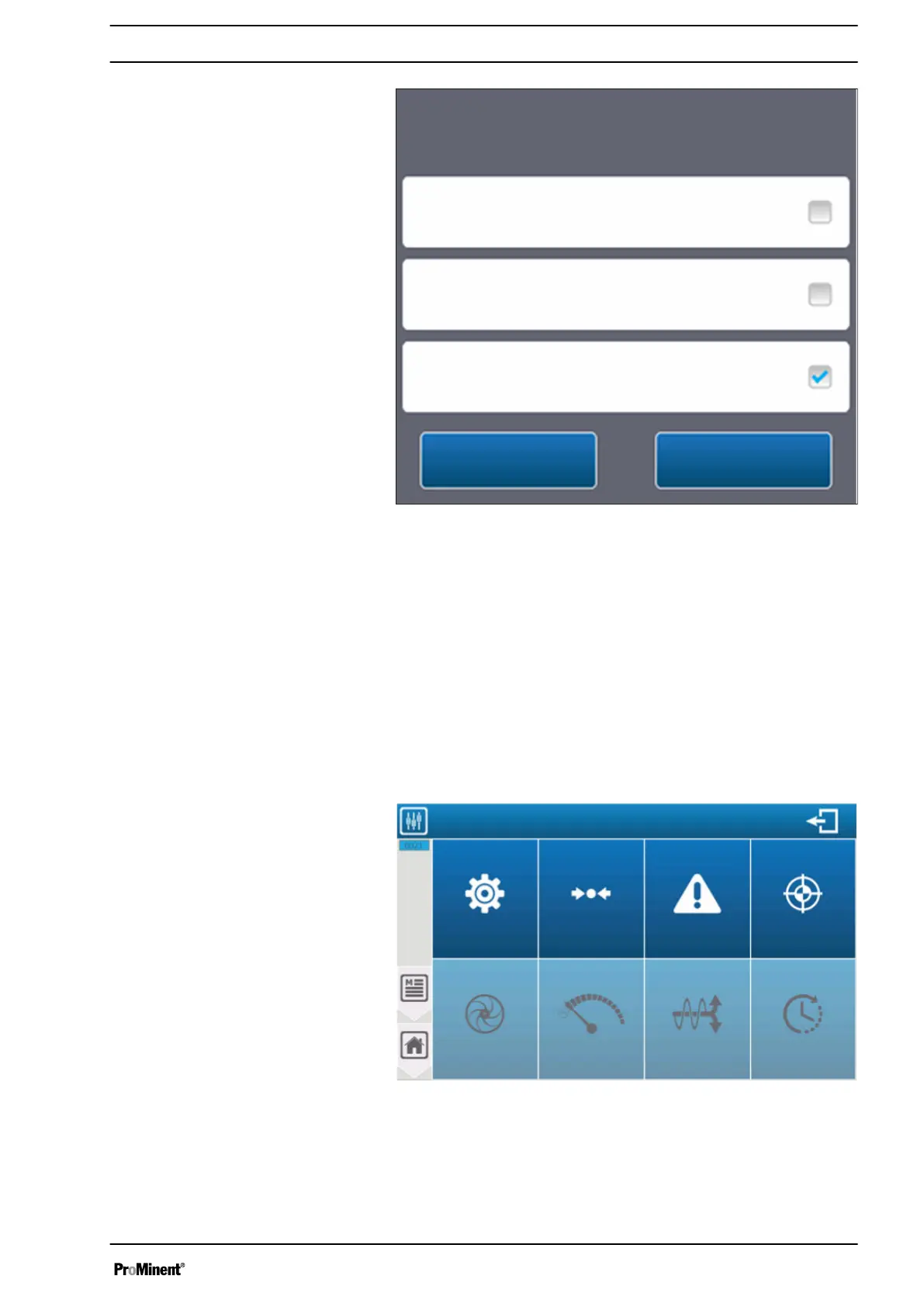
Initialisation of factory settings
Check the configuration to be initialised.
Installation and settings
No
Yes
Fig. 91: Press ‘Save’ to confirm your configuration.
Press SAVE to confirm your configuration. - You can reset or not
reset the “User” or “Communication” configurations in addition to
the “Installation and settings” section.
If technical support is required or demanded, it is also possible to
only reset the communication or the user part by checking the rele‐
vant box.
8.2
‘SETTINGS’
programming screen
The
‘SETTINGS’
menu provides access to the settings of your
configuration. You must have completed the
‘INSTALLATION’
part
before you can undertake
‘SETTINGS’
.
A3143
Settings menu
Flow
CalibrationWarningsMetering
settings
Options
Level
4 ... 20 mA
TimerTransfer
4 ... 20 mA
Fig. 92: ‘SETTINGS’ programming screen
The
‘Options’
menu of the
‘Settings’
menu can be locked by the
installation program.
Setting measuring and control parameters
95














 To Next Page