9.7
‘User’
-
‘OUTPUTS TEST’
menu
A3183
Outputs test
Not usedTransfer
RO2 Not used
FO2 Not used
PO2 Metering
RO1 Not used
FO1 alarm
PO1 Metering
Not usedNot used
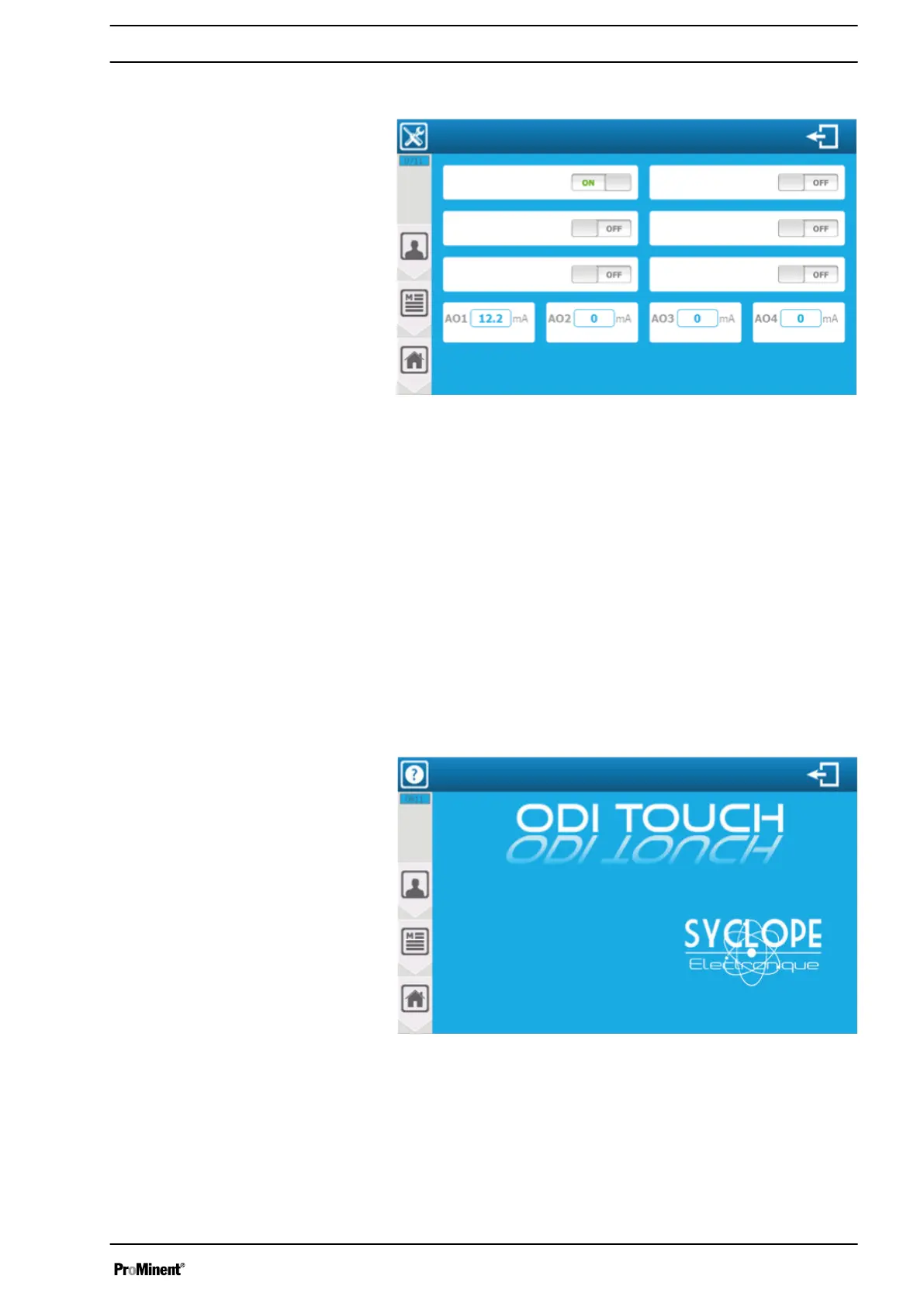
Fig. 124: ‘User’ - ‘OUTPUTS TEST’ menu by way of example
‘ PO1 metering’
: if the name and function of the affected output
are affected, then press the affected display to switch the relay on
and off. Each press reverses the state.
‘OFF’
= Relay output is inactive.
‘ON’
= Relay output is active.
‘ AO1 transfer’
: Enter the name and the affected function of the
output, then press the affected display to open the numeric key‐
board and enter the required value.
Unaffected outputs can also be tested.
9.8
‘User’
-
‘INFO’
menu
In the
‘INFO’
menu you can view the different versions of the
installed modules and the serial number of the device.
A3184
Software versions:
Wi-fi: xxxxx
Interface: 1.08 beta
Serial number: 3.141592653589793238462
Controller: xxxxx
MO1 module: xxxxx
PO3&4 outputs: xxxxx
PO1&2 outputs: xxxxx
AI2 input: xxxxx
AI1 input: xxxxx
PI2 input: xxxxx
PI2 input: xxxxx
Information
Fig. 125: ‘User’ - ‘INFO’ menu
The controller consists of different firmware. It is possible to view
the installed modules and their versions on this screen.
Serial number - The serial number of your controller (unique).
If an element is greyed out, it means that the function is not avail‐
able.
‘USER’
programming screen
113














 To Next Page