A3059
Mysyclope settings
Server display field
www.mysyclope.com
Port
Remote code
Connection
No
APN-GSM connection
1234
mysyclope
18882
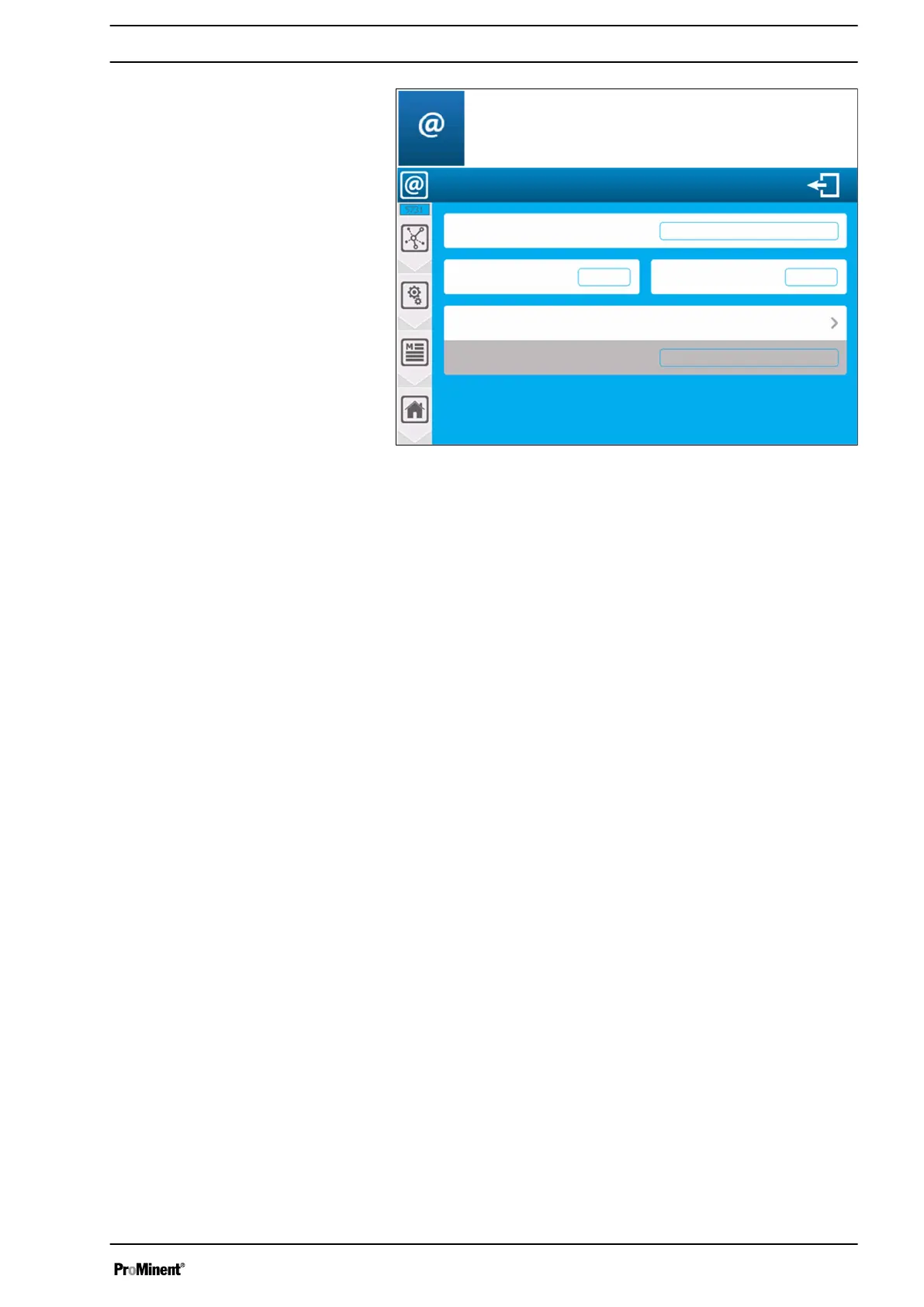
Fig. 63: MYSYCLOPE configuration [5731]
Server address www.mysyclope.com
n Input of the address of the mysyclope web server. Here is the
address (www.mysyclope.com).
n Press the key (www.mysyclope.com) to open the alphanumeric
keyboard and enter the required value.
Port 18882
n Input of the TCP connection port to the mysyclope website.
This is the connection port (18882).
n Press the port key to open the alphanumeric keyboard and
enter the required value.
Remote code 1234
n Input of the remote connection code from mysyclope to your
device. This is the remote connection code (1234).
n Press the remote code key to open the numeric keyboard and
enter the required value.
Connection No
n Selection of the connection mode to mysyclope (type of
modem). Press this key to change the selected mode.
APN-GSM connection
n If you choose a connection with a GSM modem, you need to
enter the APN code of your data card here.
n Press the APN-GSM connection key to open the alphanumeric
keyboard and enter the required value.
Saving
n When a change has been made, the "Save" button (disk
symbol) appears, which you need to press to save your config‐
uration.
7.5.6 Ethernet modem configuration [6731]
Press Ethernet modem to open the following screen.
Communication programming instructions
67














 To Next Page