‘Upload history’
: Not yet available.
Download
‘configuration’
: The button is enabled if a configuration
file is available. Press
‘Download configuration’
.
A3181
Communication
User
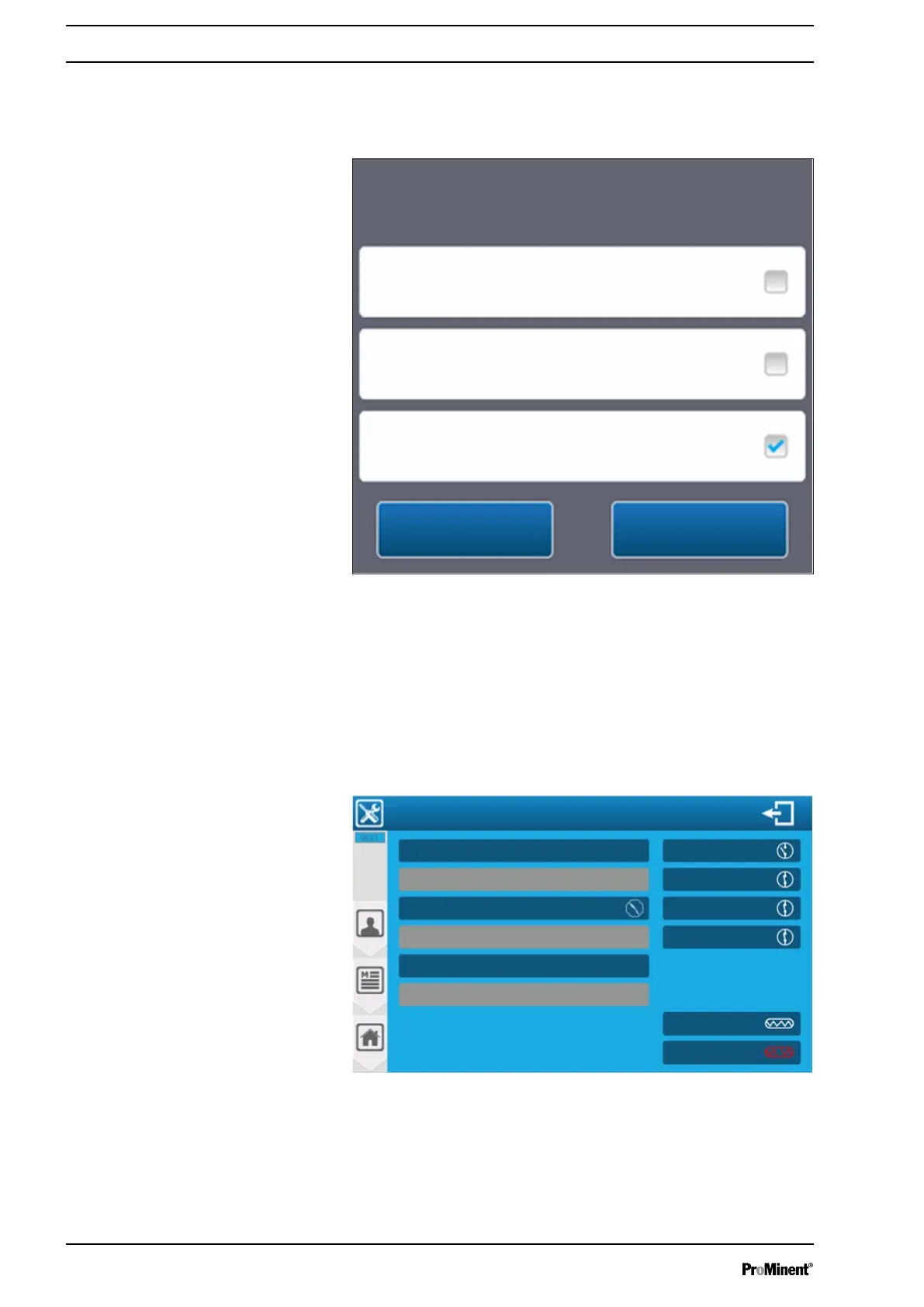
Download configuration(s)
Check the packages to be imported.
Installation and settings
No
Yes
Fig. 122: Selection of the configuration packages
When you are on the main screen and insert a USB stick with an
update, a window automatically opens asking if you want to switch
to the programming screen.
9.6
‘User’
-
‘INPUTS TEST’
menu
The menu lets you set the display of raw and measured data for all
selected inputs.
A3182
Inputs test
PI1 0 mV 7.00 pH value
AI4 ---- mA
AI3 15.00 mA 29.4 °C
AI2 ----- mA
AI1 0.03 mA ---- mg/l
PI2 0 mV
F1
DI4 Close
DI3 Close
DI2 Close
DI1 Open
F2
Water circulation
PO1 Output fuse
Liquid level of tank
Other
R.C.I. command
Not used
Temperature Offset 0.0 mA Slope 100 %
Free chlorine Offset 0.0 m Slope 100 %
Not used
pH value Offset 0 mV Slope 100 %
PO2 Output fuse
Not used
Fig. 123: ‘User’ - ‘INPUTS TEST’ menu by way of example
‘USER’
programming screen
112














 To Next Page