9.4
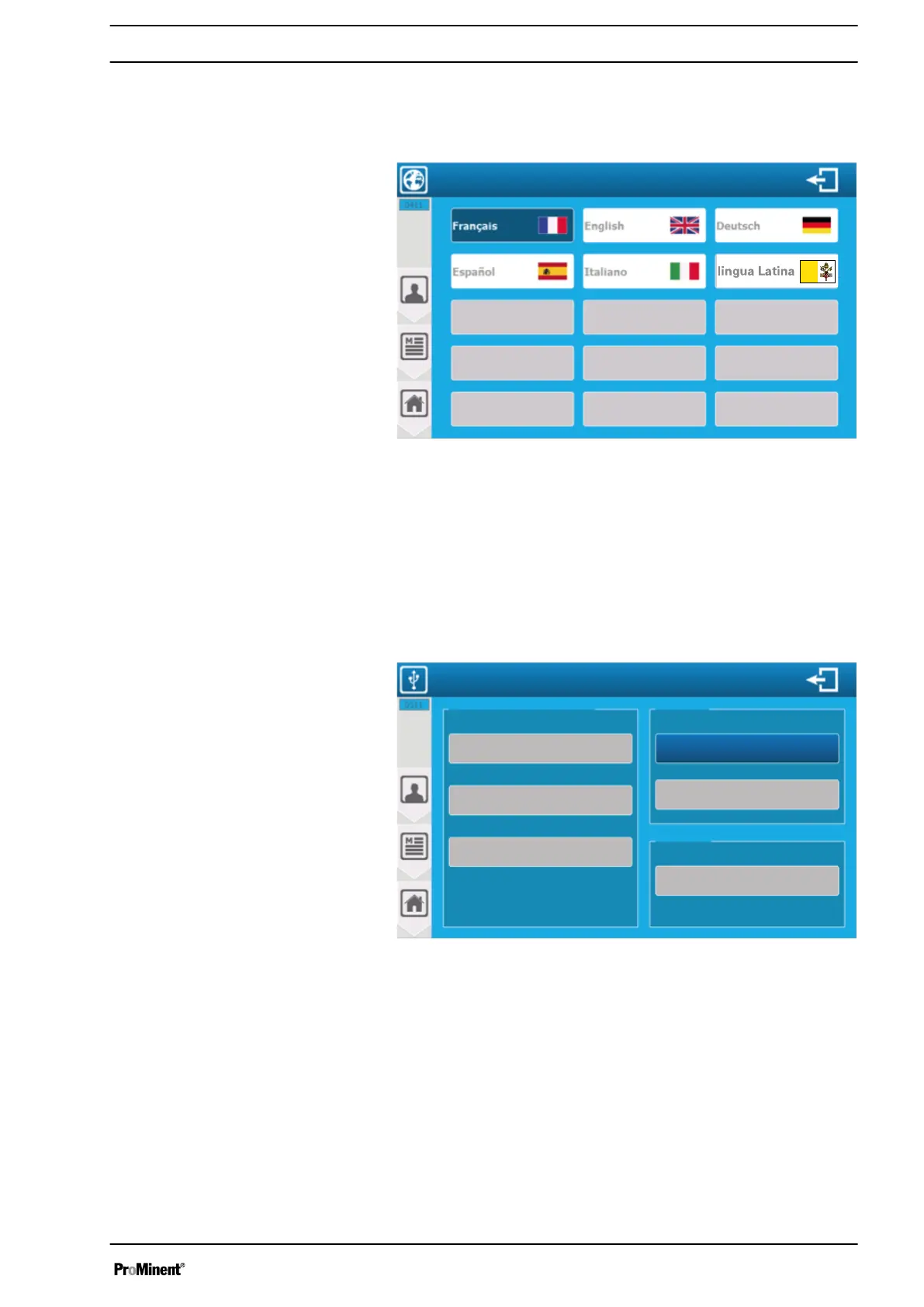
‘User’
-
‘Language’
menu
The
‘User’
-
‘Language’
menu lets you access the language con‐
figuration of the controller.
Fig. 120: ‘User’ - ‘Language’ menu
9.5
‘User’
-
‘USB’
menu
The
‘USB’
menu lets you update the firmware, or export or import
the controller’s configuration.
When you are on the main screen and insert a USB stick with an
update, a window automatically opens asking if you want to switch
to the programming screen.
A3180
USB
Upload configuration
Upload history
Download the
configuration
“Module” firmware
“Lower Card” firmware
Update
Firmware update
Upload
Update
Update
“Front Face” firmware
Fig. 121: You need to insert a USB memory stick to access this
menu (programming screen).
‘Front Face firmware’
: If firmware is available on the USB stick, the
corresponding update key is enabled. Press the key to perform the
update.
‘Lower Card firmware’
: If firmware is available on the USB stick,
the corresponding update key is enabled. Press the key to perform
the update.
‘Module firmware’
: If firmware is available on the USB stick, the
corresponding update key is enabled. Press the key to perform the
update.
‘Upload configuration’
: Export the complete machine configuration
to a binary file on the USB stick. Press the key to export.
‘USER’
programming screen
111














 To Next Page