8.2.1
‘Settings’
-
‘OPTIONS’
menu
The
‘OPTIONS’
menu lets you access the options available in the
installation part.
A3144
Enable the setting function of the hysteresis alarm threshold
Enable the setting function of the maximum dosing time
Enable the basic load settings for metering
Enable the setting function of the manual metering stop in the event of an alarm
Options for settings
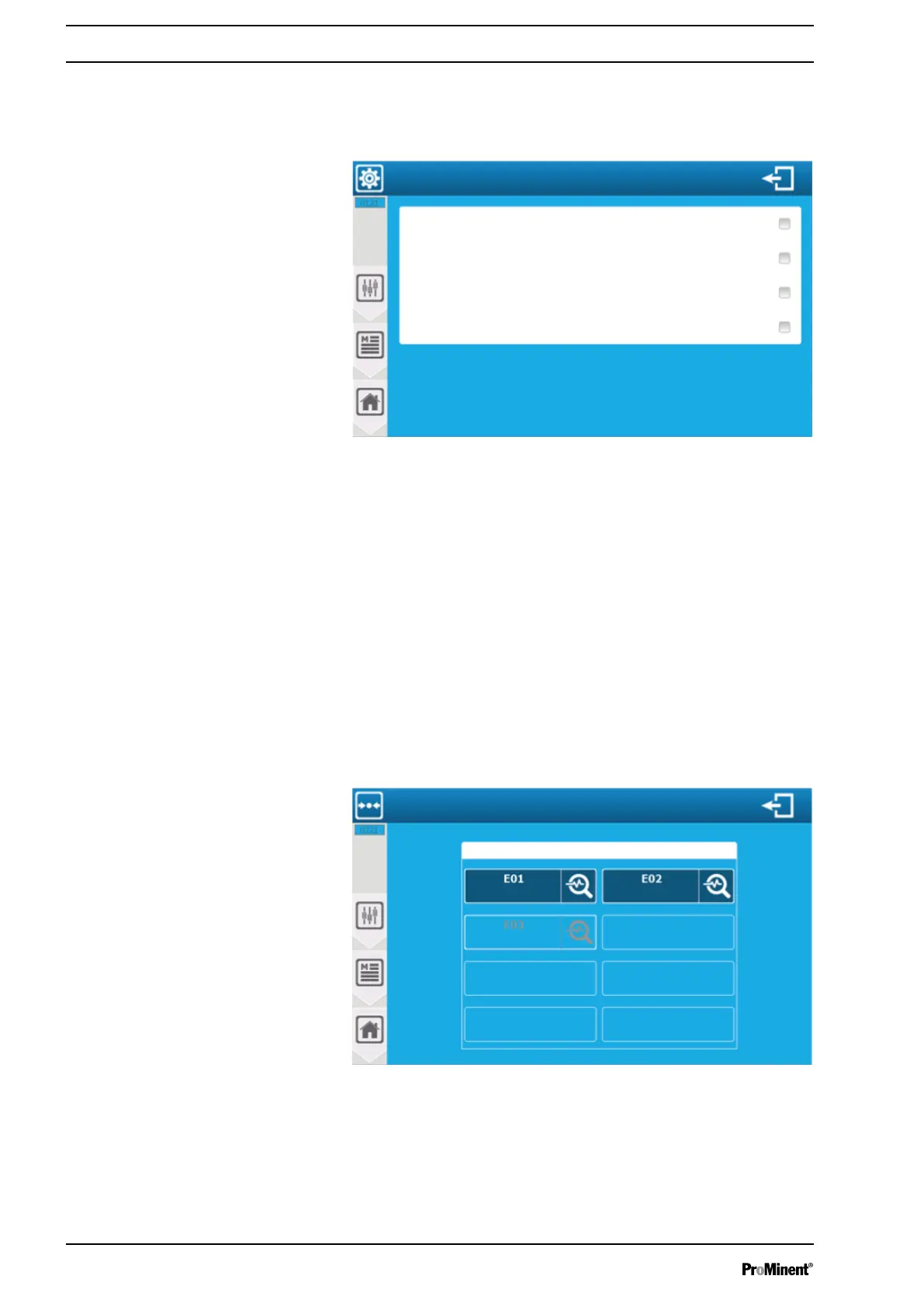
Fig. 93: ‘Settings’ - ‘OPTIONS’ menu
‘Enable the basic load settings for metering’
: Enables the manual
basic load setting for metering.
‘Enable the setting function of the maximum dosing time’
: Enables
manual setting of the maximum dosing time threshold value.
‘Enable the setting function of the hysteresis alarm threshold’
:
Enables manual setting of the hysteresis alarm threshold.
‘Enable the setting function of the manual metering stop in the
event of an alarm’
: Enables complete manual setting of the
metering stop in the event of an alarm.
8.2.2
‘Settings’
-
‘Metering’
menu
The
‘Metering’
menu lets you set the metering operating mode and
the setpoint of the parameters.
A3145
Parameter with assigned capacity
Setpoint and control settings
Temperature
Free chlorinepH value
Fig. 94: ‘Settings’ - ‘Metering’ menu
The screen shows the configured parameters. You can only con‐
figure metering by pressing an active parameter.
Setting measuring and control parameters
96














 To Next Page