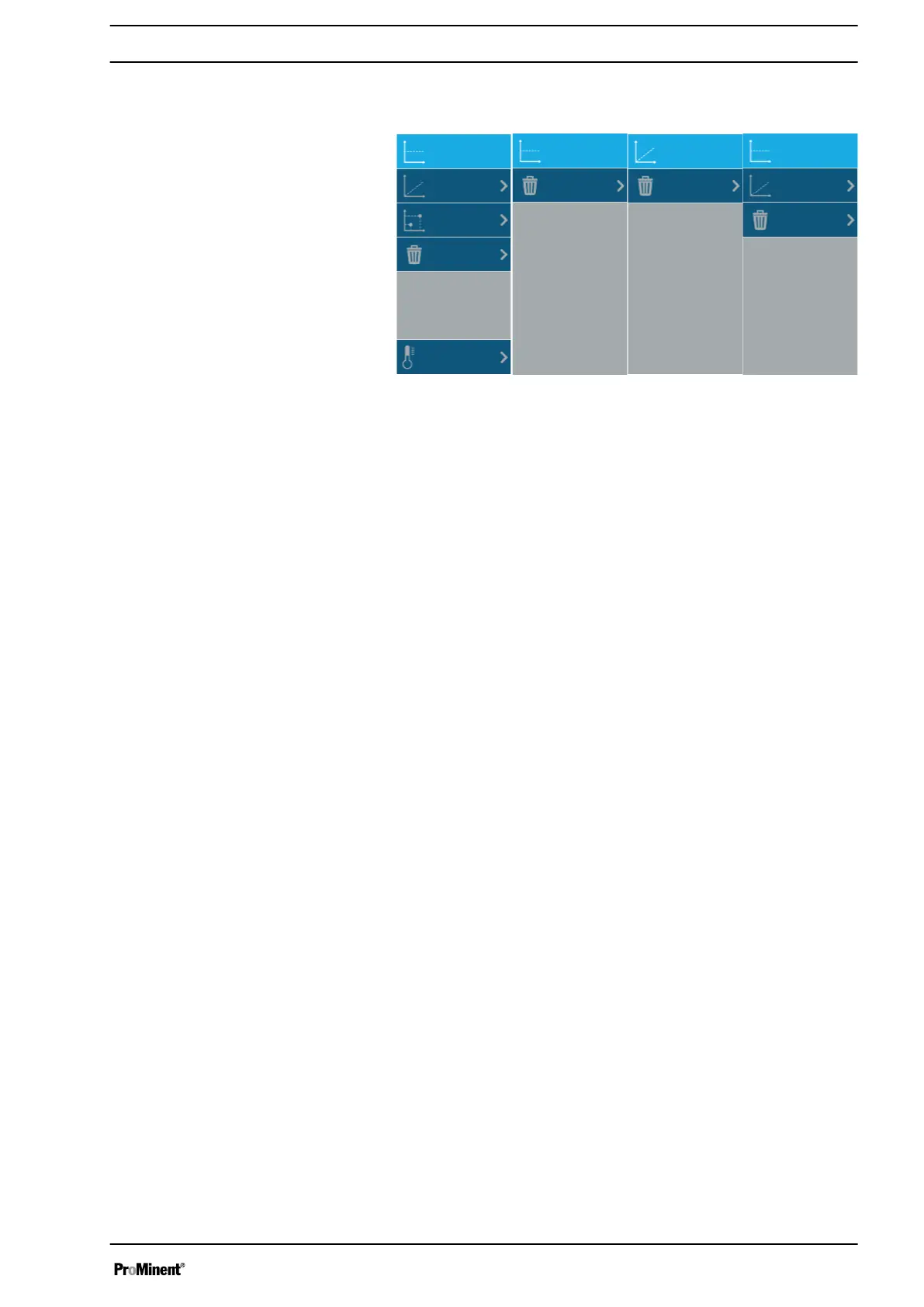
10.1 Calibration menu
A3159
Offset
Slope OffsetOffset
Slope
Slope
Temperature
2-point
Clear
Clear
Clear
Clear
Menu 1 (pH value)
Menu 4 (other)
Menu 3
Menu 2 (ORP)
Fig. 129: Calibration menu
The menu does not have the same options depending on the type
of sensor being calibrated.
n 2-point calibration is only available for the pH sensor.
n Temperature compensation is only available for the pH sensor.
n ORP sensors do not have slope calibration.
n Flow sensors do not have offset calibration.
10.2 Calibration status
The status screen can change as follows depending on the stability
and measured value of the sensor. It is necessary for the meas‐
ured value to be stable and in a correct range to validate calibra‐
tion.
n Very unstable sensor (measured value changes quickly)
Sensor remote or decommissioned (measured and raw signal
shows " - - - ")
n Sensor is stabilised
n Stabilised sensor
n Authorised calibration
Offset (illustrated by the pH value):
n Shows the status of the sensor offset calibration
n The redder the bar diagram becomes, the closer you are to the
calibration limit. This information can indicate the ageing of the
sensor.
n The offset is expressed in the unit of the physical sensor input.
The minimum and maximum values differ according to the
sensor.
Slope (illustrated by the pH value):
n Displays the calibration status of the sensor slope
n The redder the bar diagram becomes, the closer you are to the
calibration limit. This information can indicate the ageing of the
sensor.
n The slope is expressed as a percentage and can vary between
0 % and 200 %. 100 % represents an uncalibrated slope.
Calibrating sensors
115














 To Next Page