3. The transparent cover is now locked in place.
4.3.3 Opening/closing the terminal cover
To guarantee degree of protection IP65, it is essential that the ter‐
minal cover is closed after use, and the quality of the closure seal
must be guaranteed. .
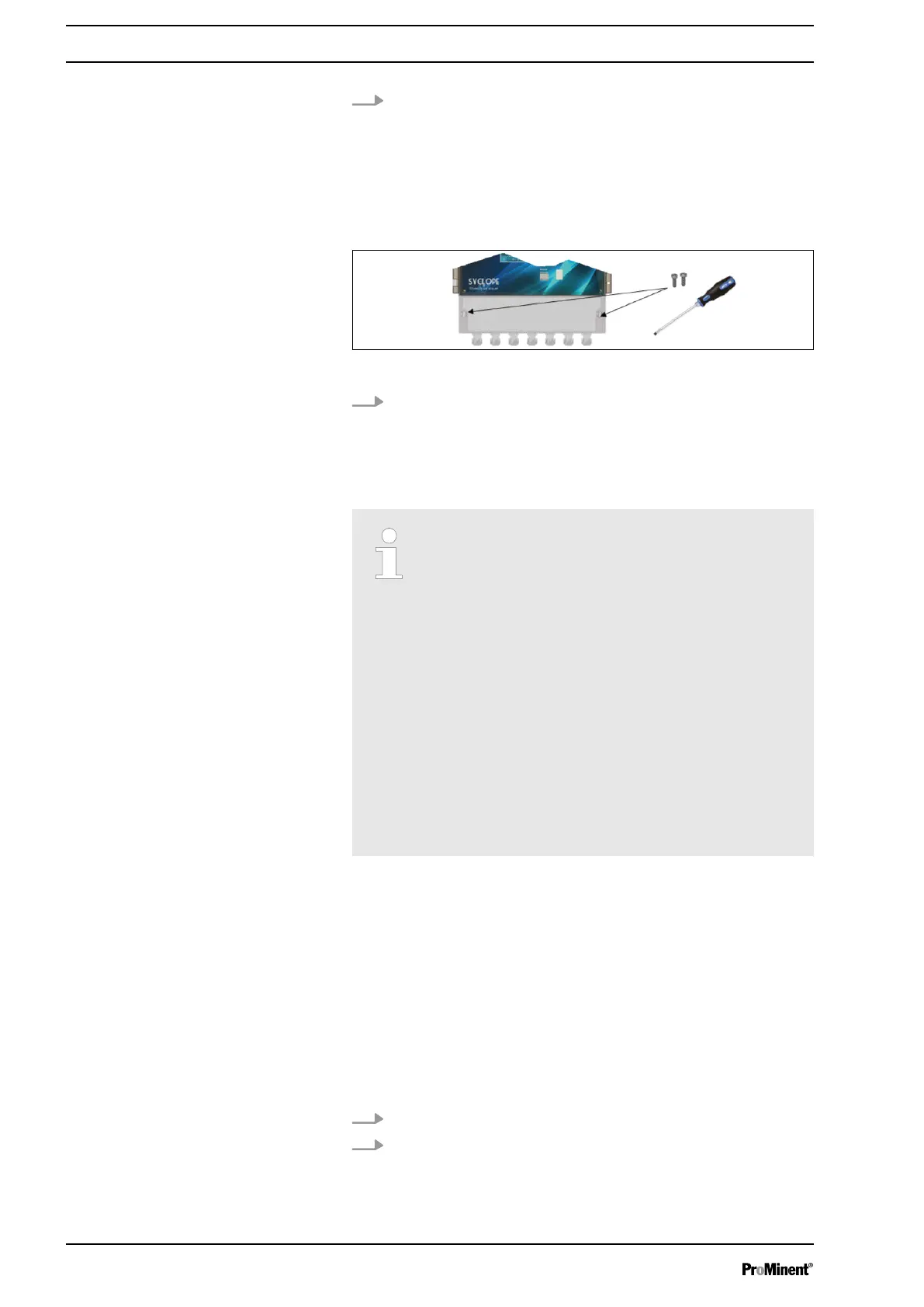
Fig. 5: Opening/closing the terminal cover
Use an appropriate screwdriver to loosen the 2 fixing bolts
and open the terminal cover.
4.3.4 Electrical installation
Electrical isolating device and residual current
devices (RCD)
It is the duty of the operator to provide and set up
an electrical isolating device and residual current
devices (RCD).
Quote from DIN EN 61010-1 (VDE 0411-1): "... A
switch or circuit breaker must be used as the iso‐
lating device for PERMANENTLY CONNECTED
DEVICES and multi-phase devices. If the switch is
not part of a device, the installation instructions
must state that
–
a) a switch or circuit breaker has to be present
in the building installation,
–
b) this has to be positioned appropriately and
must be easily accessible to the USER,
–
c) this must be labelled as the isolating device
for the device..."
We recommend using cables with one lead or, in the event of
cables with several leads, using a crimped end so that no lead can
come into contact with adjacent cables.
4.3.5 Replacing the internal fuse
User qualification, replacing the internal fuse: Electrical technician
Ä Chapter 2.4 ‘User qualification’ on page 14
The device features a spare fuse in position F5, which enables you
to quickly replace a fuse if you need to. If you use the spare fuse,
do not forget to replace the spare fuse.
1. Disconnect the system from the power supply.
2.
Open the transparent cover,
Ä Chapter 4.3.2 ‘Opening/
closing the transparent cover’ on page 17
.
Installation and assembly
18














 To Next Page