If an incorrect value is entered or if it is outside the scale, then
"Min: 0 ... Max: 14.00" appears red when you press " Enter ".
If the value entered is correct, then the "Calibration performed suc‐
cessfully" window appears.
6.4 Input mode
The device has a 5” touchscreen. All commands are executed by
pressing the designated areas of the touchscreen.
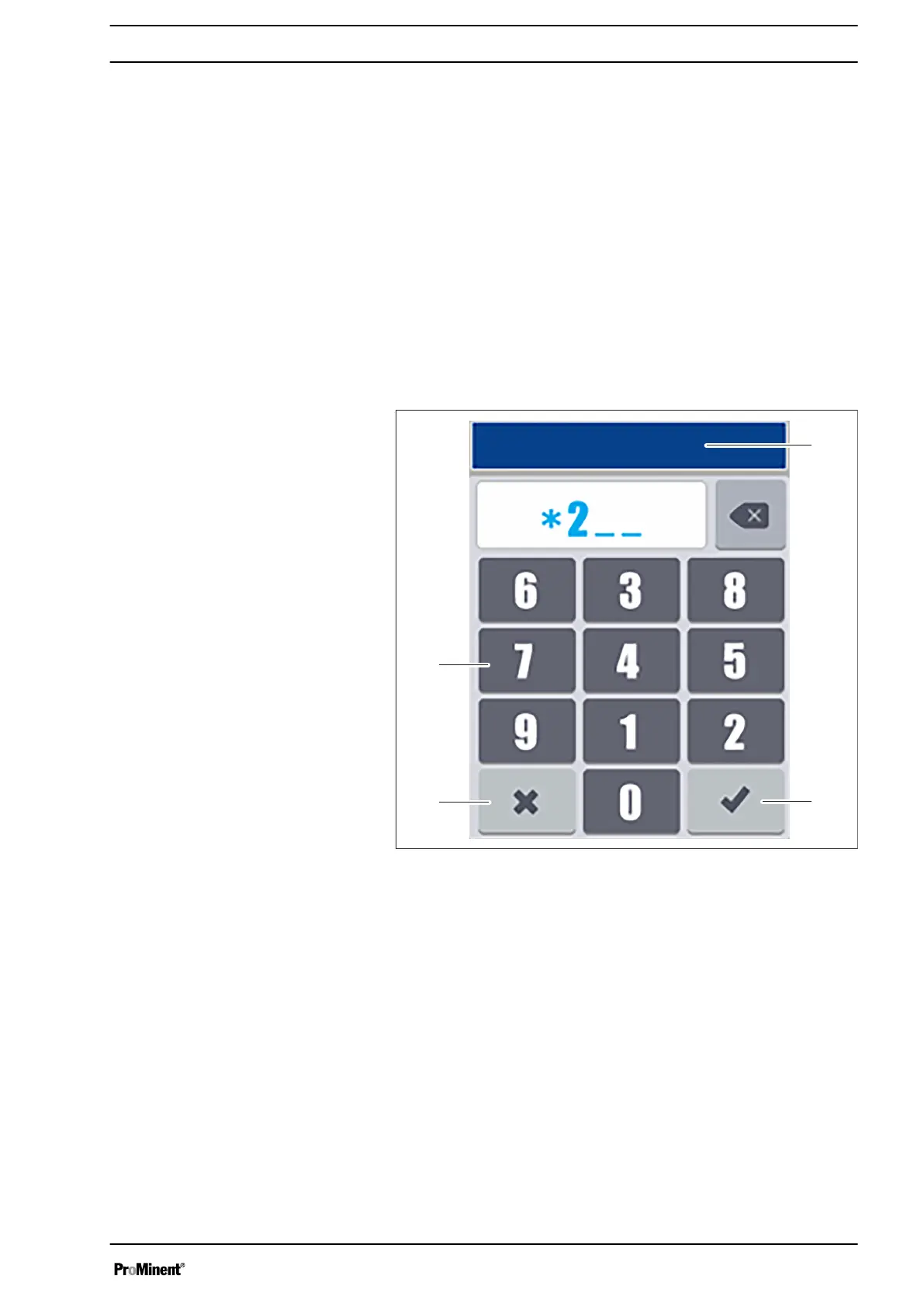
This screen appears when a user or installation code has been
programmed.
To increase security, numbers in random order are displayed each
time this screen appears.
Fig. 47: This screen appears when a user or installation code has
been programmed.
1 User password (example)
2 Key: Save input (Enter)
3 Key: Cancel
4 Number block
Screen for entering the installation
programme or the user code
Operating concept and operation
51














 To Next Page