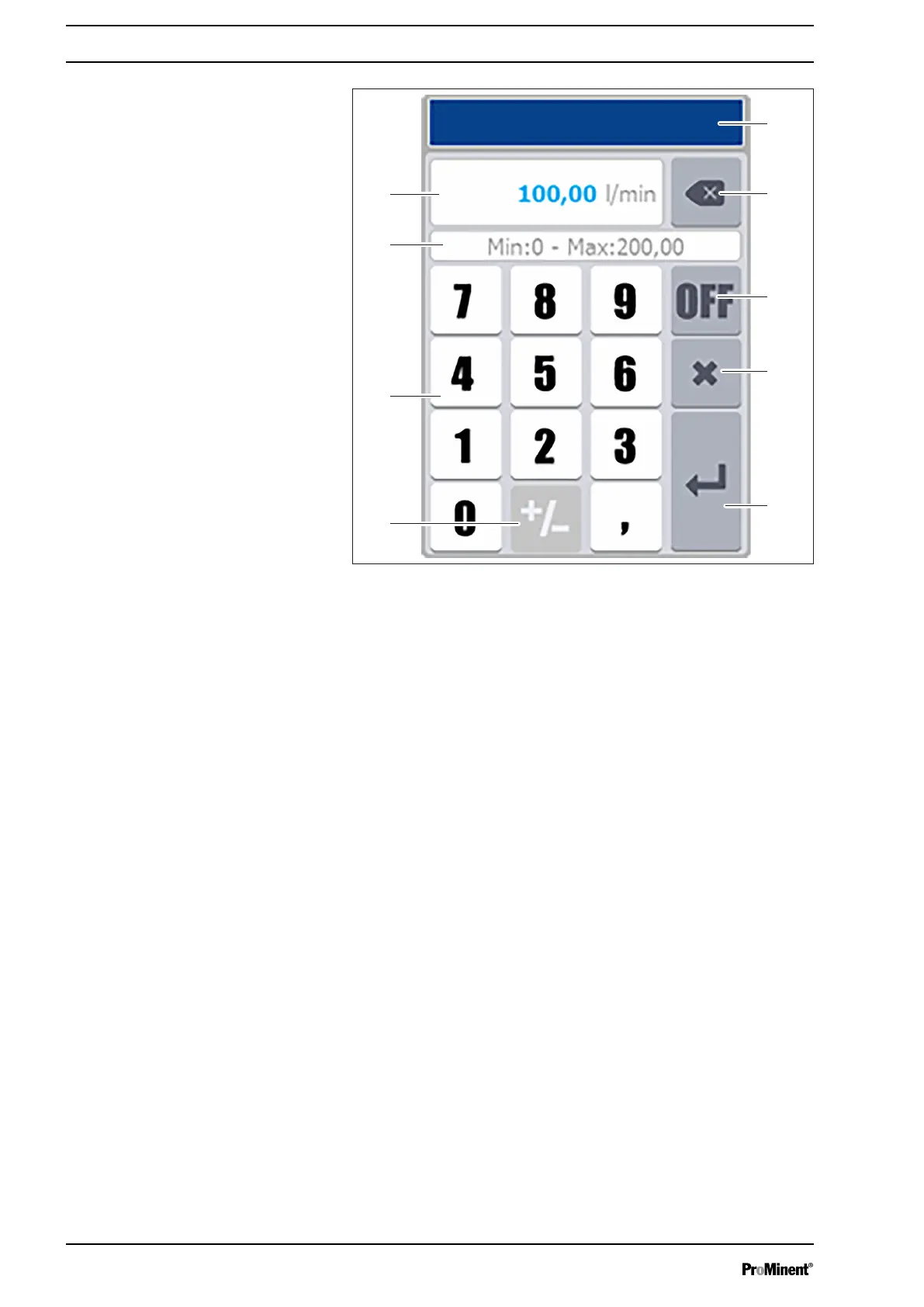
Fig. 48: Screen to enter numerical values
1 Designation of the parameters
2 Key: Clear
3 Disable a functional key
4 Key: Cancel
5 Key: Save input (Enter)
6 Key: Negative values
7 Number block
8 Possible Min and Max values
9 Display of the entered value
Depending on the values to be entered, some functions may be
greyed out because the functions are not used for the expected
value.
The decimal character changes automatically depending on the
language.
If an incorrect value is entered or if it is outside the scale, then the
"Min: 0 ... Max: 14.00" area appears red when you press " Enter ".
Screen to enter numerical values
Operating concept and operation
52














 To Next Page