7 Communication programming instructions
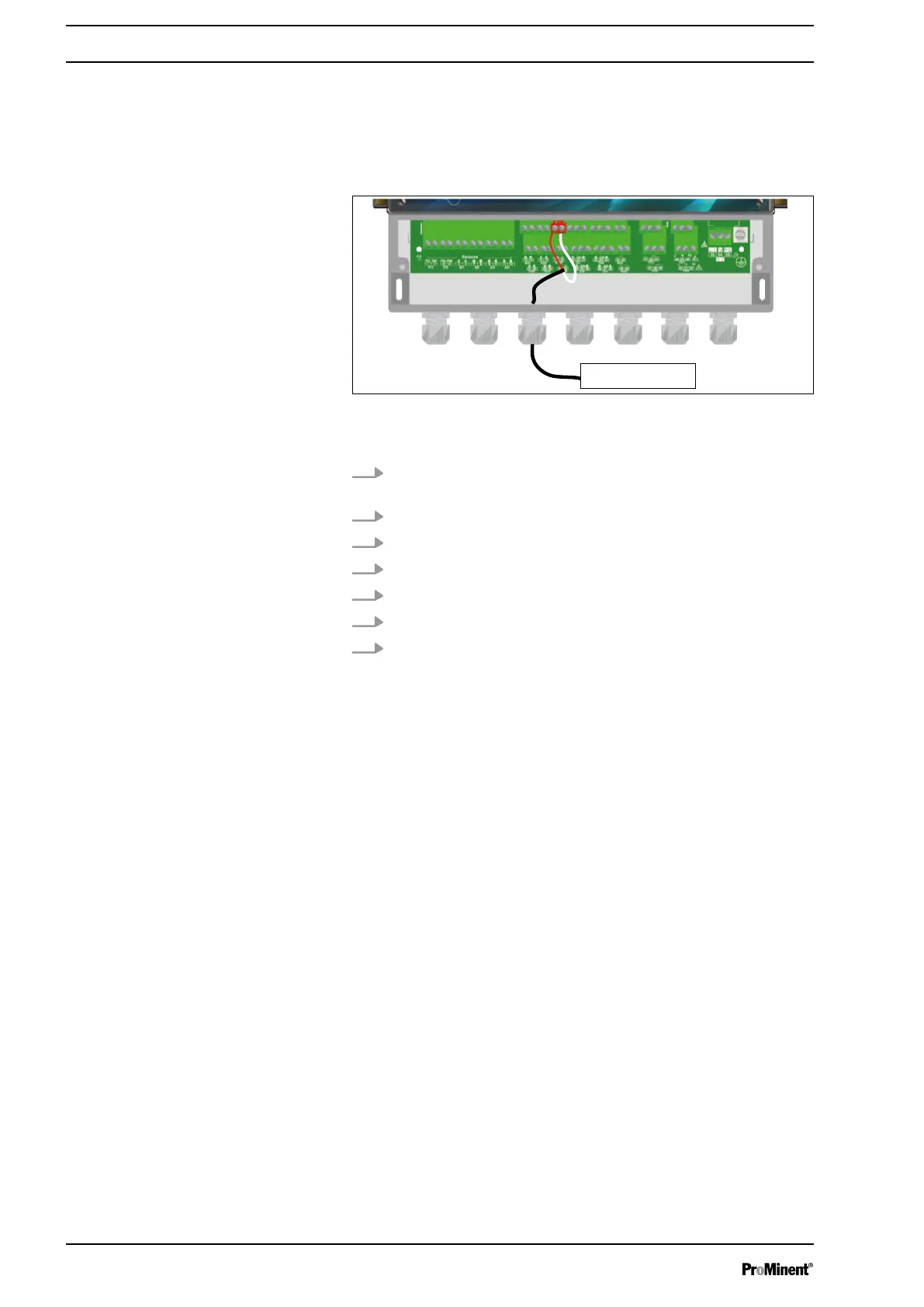
7.1 Power supply output connector (PWR)
If you wish, you can use chlorine or bromine sensors that require
an external power supply.
Fig. 54: Power supply output connector (PWR)
1 DWR equipment
1. Use a 2-lead cable designed appropriately for use for voltage
and power.
2. Remove the protective sleeve of the cable.
3. Strip away 7 mm of the insulation on the leads.
4. Guide the cable through the cable gland.
5. Connect the lead (plus) to the terminal block (+12 V) 17.
6. Connect the lead (minus) to the terminal block (C) 18.
7. Tighten the cable gland to make a seal.
7.2 RS485 communication bus connections
The device has an RS485 communication port for connection to a
computer. The computer must be equipped with a 485-port and
communication software to record the measured values, alarms,
and various statuses of the device.
Communication programming instructions
58














 To Next Page