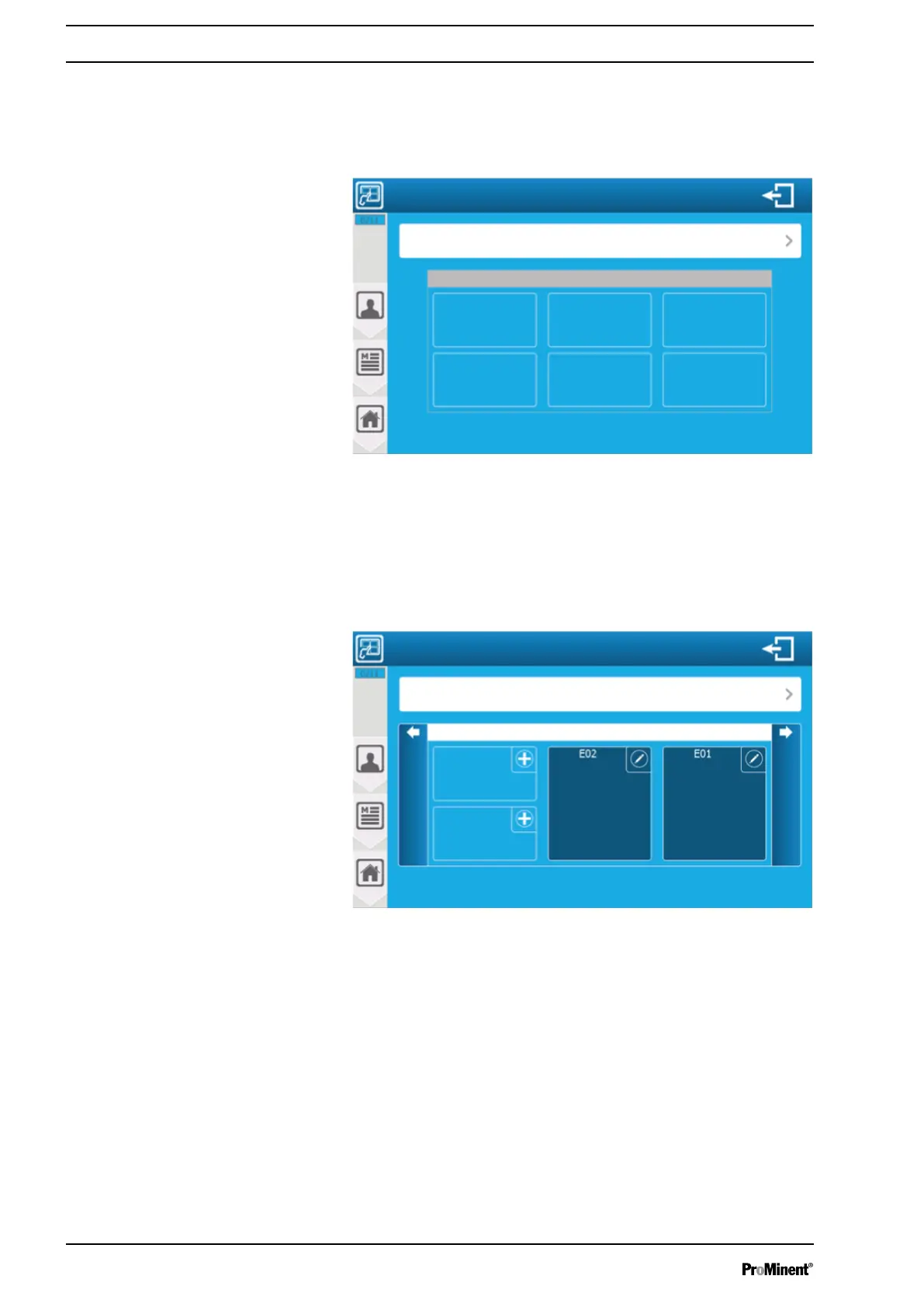
9.2.1 Automatic display
The controller has two Automatic display modes: a
‘small x6’
ver‐
sion that displays 6 parameters per page, and a
‘large x3’
version
that displays 3 parameters per page.
A3177
Change the display mode
Mode: Automatic (small x6)
Fig. 116: Automatic display
Mode: Automatic (small x6): selection of the display mode. This
button contains the information on the selected mode (Automatic
(small x6)).
9.2.2 Manual display
A3176
Change the display mode
Thumbnail
Previous display
Thumbnail
Free chlorine pH value
Display of screen parameters 1/3
Mode: Manual
Next display
Fig. 117: Manual display
Press the Plus key to open the list of the elements available for dis‐
play (parameter list & widgets). The English term
[widget]
is a com‐
posite word, formed from
[window]
and
[gadget]
.
Press Edit (pen) to open the menu below and edit a selected item.
‘USER’
programming screen
108














 To Next Page