Be careful when combining one or more timers, as the function of
the parameter is dependent on the time windows. The parameter
only functions during the time window.
Saving: when a change has been made, the "SAVE" button (disk
symbol) appears, which you need to press to save your configura‐
tion.
8.1.5 Menu: Setting up communication
‘COMMUNICATION’
See communication programming instructions.
8.1.6 Menu: Configuration and installation of ”Factory Reset”
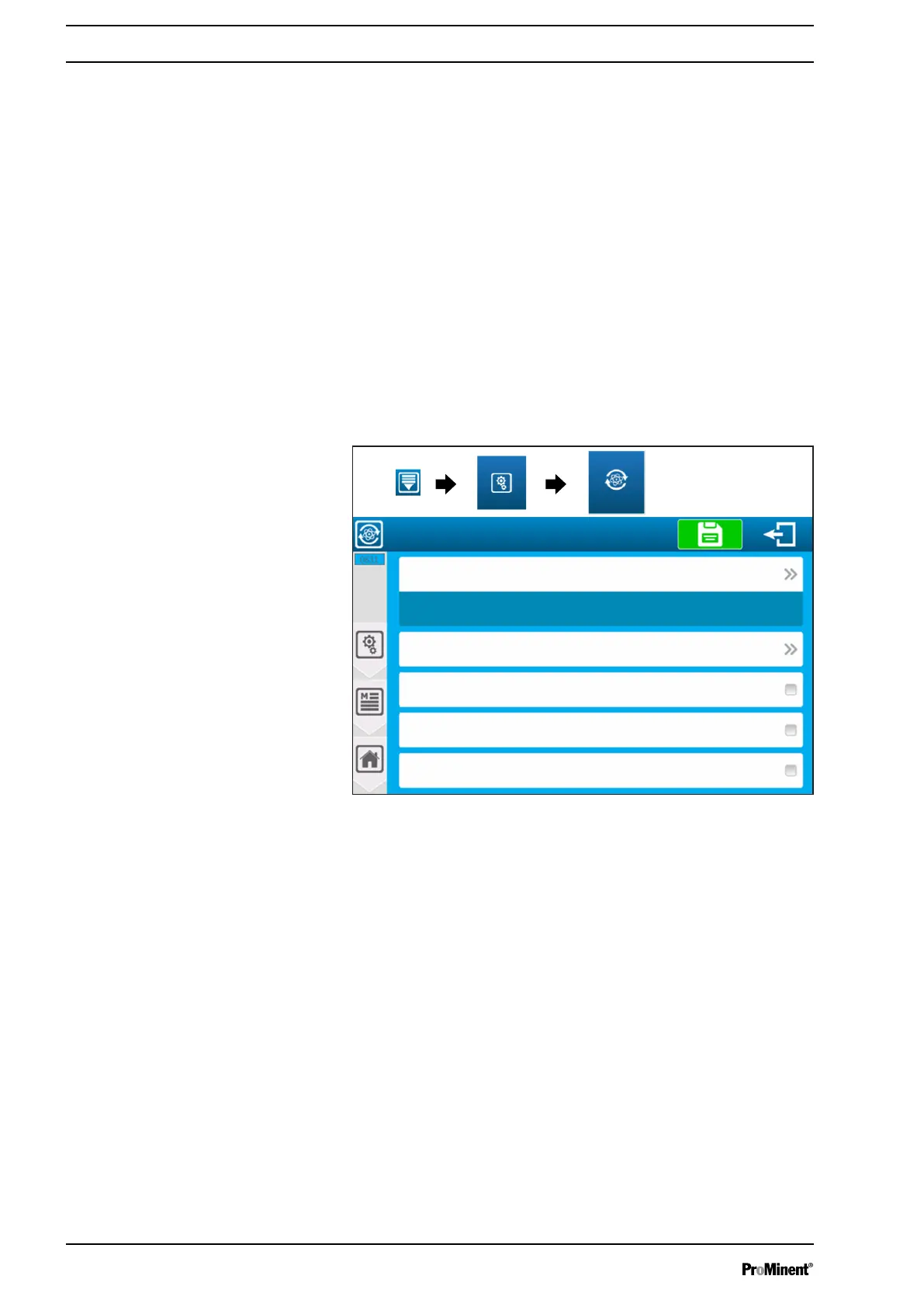
The “Factory Reset” (reset to factory settings) menu lets you reset
the controller configuration to a number of pre-set operating
options.
A3048
Reset to factory setting.
Sensors: pH value (PI1) - Free chlorine (AI1)
Relays: C.R.T (FO1 & FO2) - PWM metering mode
Enable pump output control (PO1/PO2)
“Flow switch” detector for water circulation fitted (DI1)
Temperature sensor (4 ... 20 mA) fitted (AI3) - Measurement (EO5)
Measures: pH value (EO1) - Free chlorine (EO3)
Fig. 90: “Factory Reset” menu
Select the required sensor configuration from a predefined configu‐
ration.
Select the required metering relay configuration from a predefined
configuration:
Enable pump capacity management: when using C.R.T. or elec‐
tronic relays for metering it is possible to use the two self-fed relays
to feed the pumps. To do so, select this option.
‘Flow switch/detector for water circulation fitted (DI1):’
If your
installation has a water circulation sensor in the bypass fitting, you
can check this box to configure the input.
Setting measuring and control parameters
94














 To Next Page