8.7
‘Settings’
-
‘TRANSFERS 4 ... 20 mA menu’
The
‘TRANSFER’
4 ... 20 mA menu lets you set the lower and
upper threshold of the 4 ... 20 mA values.
This menu is only accessible if you have set up a 4 ... 20 mA
sensor in the
‘INSTALLATION’
part. Otherwise, the menu remains
grey.
A3166
4 ... 20 mA
pH value
Free chlorine
Flow rate
Temperature
Band
Parameter 4 ... 20 mA
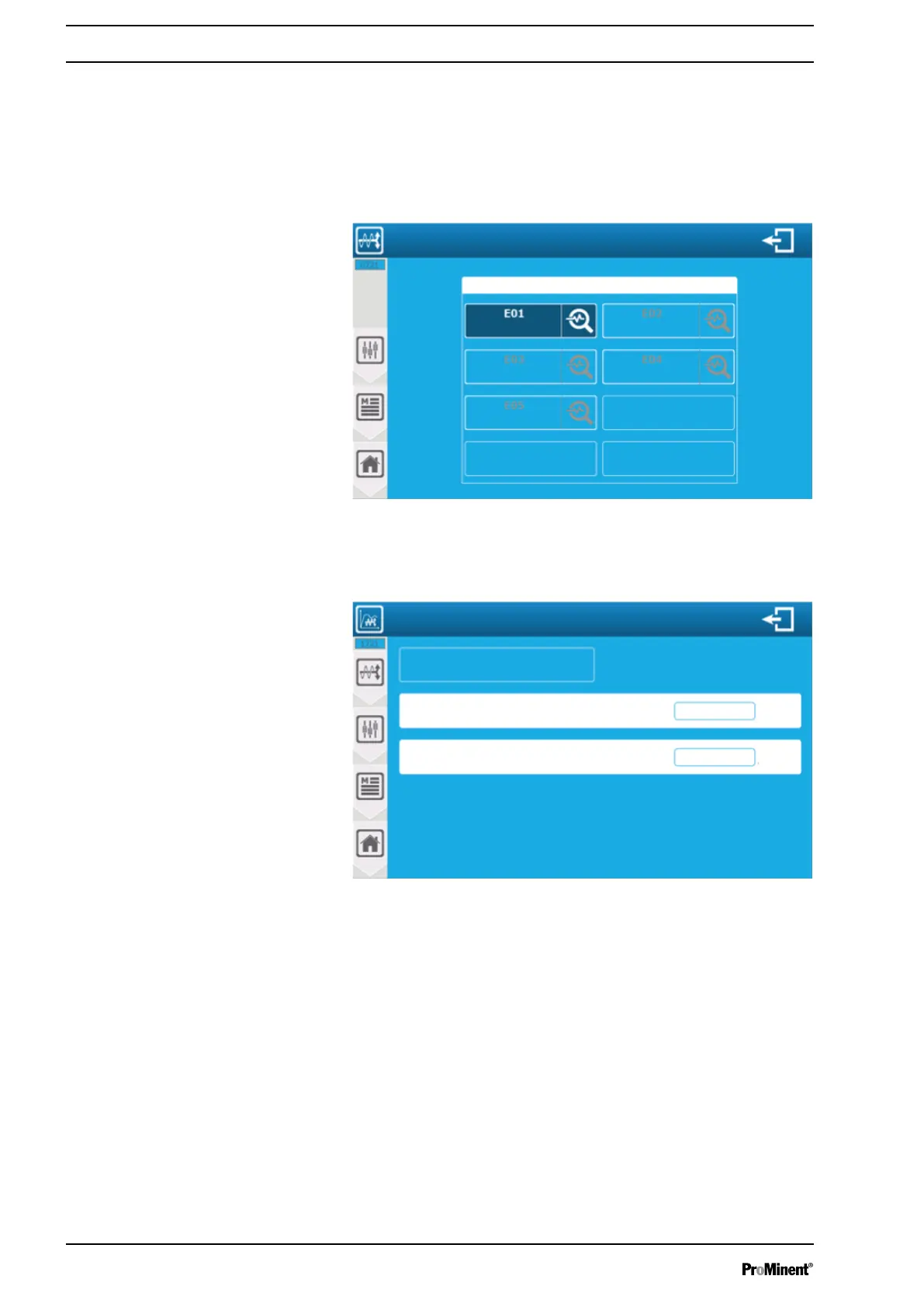
Fig. 112: ‘Settings’ - ‘TRANSFERS 4 ... 20 mA menu’
The screen shows the parameters to which a 4 ... 20mA output is
assigned in transfer mode. You can configure the transfer thresh‐
olds by pressing an active parameter.
A3167
Setting the transfer thresholds 4 ... 20 mA
E01 pH value PI1
14.00 pH
0 pH
Transfer value for 20 mA
Transfer value for 4 mA
Fig. 113: Transfer thresholds
‘E01 pH value PI1’
: This is where to find parameter identification
for information of the parameter number identification (E01), type
(pH) and associated main sensor input (PI1).
‘Transfer value for 4 mA=0 pH’
: Enter the corresponding pH value
for 4 mA at the transfer output. The value here is (0).
‘Transfer value for 20 mA=14 pH’
: Enter the corresponding pH
value for 20 mA at the transfer output. The value here is (14).
Saving: When a change has been made, the
‘SAVE’
key (disk
symbol) appears, which you can press to save your configuration.
8.8
‘Settings’
-
‘Timer’
menu
This menu is not available.
Setting measuring and control parameters
106














 To Next Page