A3060
MODEM
ETHERNET
TCP/IP settings
DHCP enabled:
IP Address
Mask
Gate
Preferred DNS
Auxiliary DNS
Automatic DNS
8.8.4.4
8.8.8.8.8.8
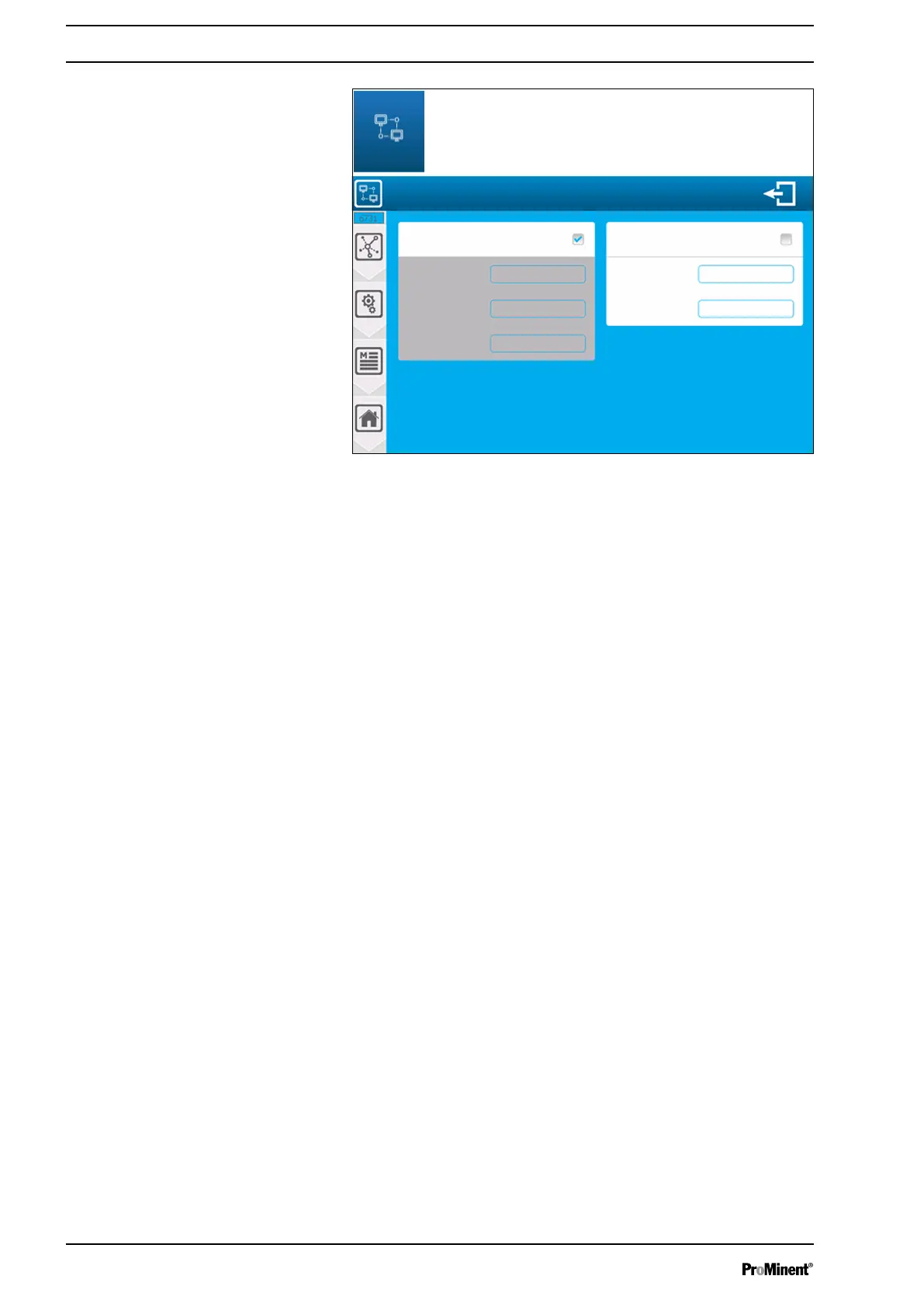
Fig. 64: Ethernet modem configuration [6731]
DHCP enabled
n Selection of the DHCP configuration of your network.
n Press the key to ENABLE/DISABLE DNS.
IP Address
n If you disable DHCP, you need to enter the fixed IP address of
your device. Press the key to open the numeric keyboard and
enter the required value.
Mask
n If you disable DHCP, you need to enter the subnet mask of
your network. Press the mask to open the numeric keyboard
and enter the required value.
Gate
n If you disable DHCP, you need to enter the gateway of your
network. Press Gate to open the numeric keyboard and enter
the required value.
Automatic DNS
n Selection of the DNS configuration. Press the Automatic DNS
key to ENABLE/DISABLE DNS.
Preferred DNS 8.8.8.8.8
n If DNS management is not automatic, you need to enter the IP
address of the primary DNS.
n Press Preferred DNS to open the numeric keyboard and enter
the required value.
Secondary DNS 8.8.4.4
n If DNS management is not automatic, you need to enter the IP
address of the secondary DNS.
n Press Secondary DNS to open the numeric keyboard and enter
the required value.
Saving
n When a change has been made, the "Save" button (disk
symbol) appears, which you need to press to save your config‐
uration.
Communication programming instructions
68














 To Next Page