A3040
Metering
Alarm threshold
Calibration
Calibrate
Setpoint
max. time
lower
upper
Cancel
Clear
History
Disable
the parameter
Information on s ensor
Scale: 0.00 .... 14,00 pH
Raw signal
Metering
Offset
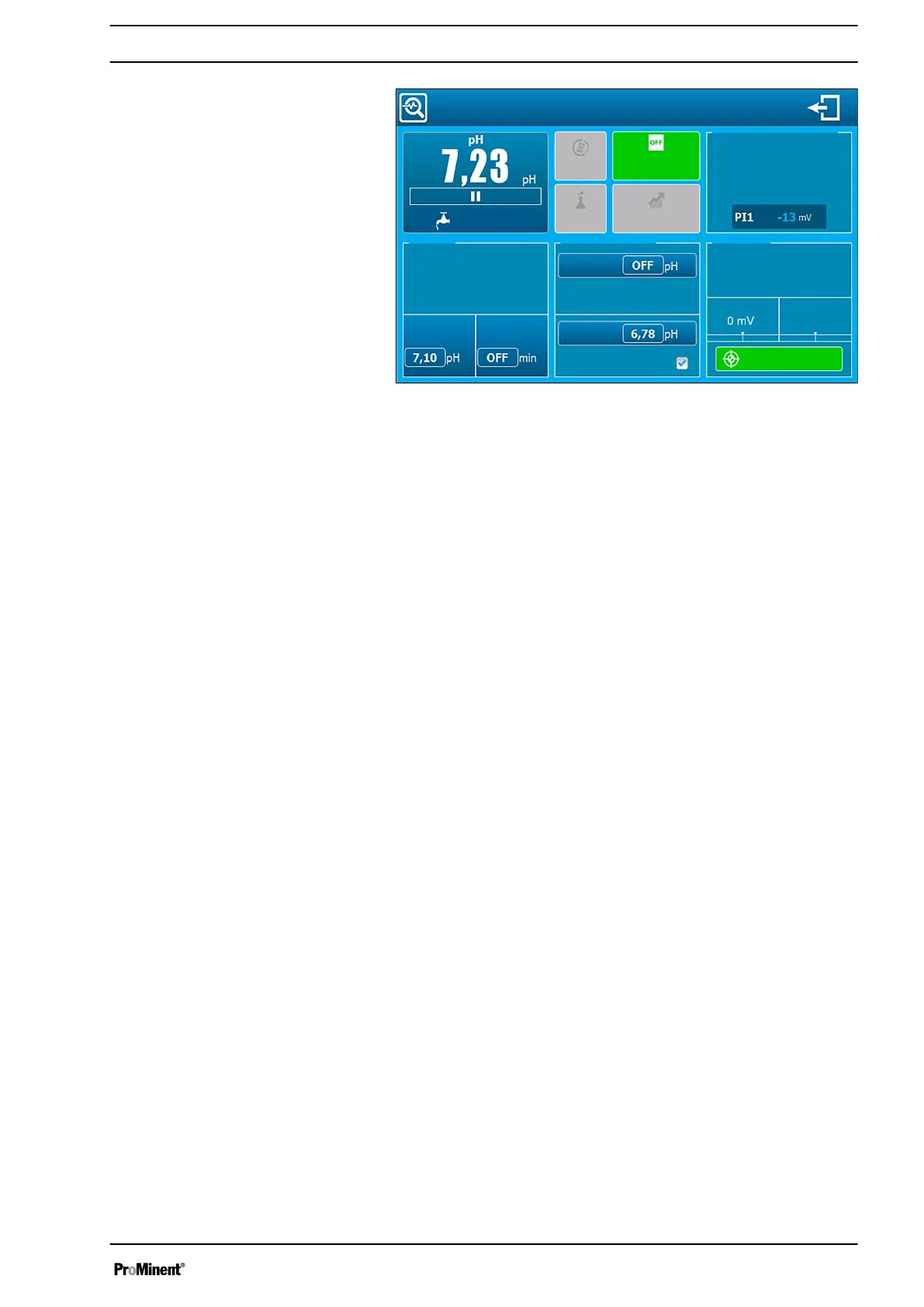
Fig. 46: Detailed view of a channel
The values and information are displayed in small miniature views.
Further information can be found in
Ä Chapter 6.1 ‘Displaying
details on the “Small x6” channels’ on page 36
.
If the user code function is enabled, then a window opens up in
which you are asked to input the user code if you wish to change a
parameter from the detailed view. The code remains enabled until
you exit the detailed view.
Enter the 4-digit code and confirm it when you are asked on the
display to input the user code. You need to confirm the input again
once you have entered new values.
This key cancels the current polarisation delay. The function is
enabled if the hourglass symbol, which displays the time delay, is
flickering.
n Key disabled (grey): the function is not available.
n Key enabled (green): the function is available.
This key clears the overmetering memory and re-enables metering.
The function is enabled when the overmetering symbol is dis‐
played.
n Key disabled (grey): the function is not available.
n Key disabled (green): the function is available.
You can end parameter management with this key. Alarms,
metering, relays and 4 ... 20 mA outputs connected to these
parameters are stopped.
The key is disabled: the function will be available in the next soft‐
ware version.
You can assign which sensor is used and program the sensor’s
parameters.
Key: Cancel
Key: Clear
Key: Disabling parameters + Enabling
parameters
Key: History
Area: Information on the sensor
Operating concept and operation
49














 To Next Page