A3057
WIFI
WIFI settings
WIFI enabled
SSID
Security
Key
DHCP enabled
Automatic DNS
IP address
Mask
Gateway
Preferred DNS
Auxiliary DNS
8.8.8.8.
8.8.4.4.
4.7.1.1.0.8.1.5
255.255.255.255.0
0.0.0.0.0
I.
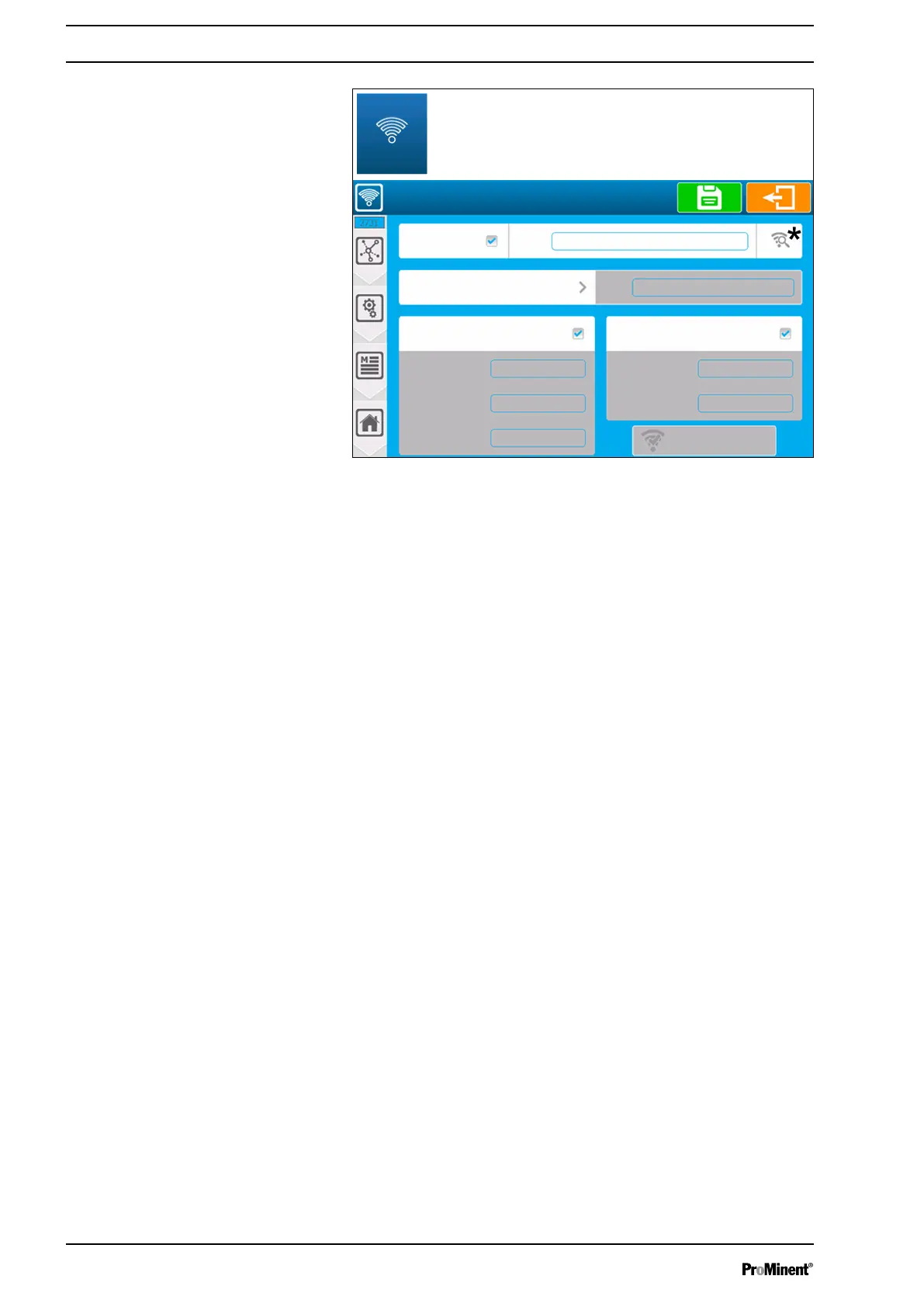
Fig. 61: Wi-Fi configuration [2731]
Wi-Fi enabled
n Enable the Wi-Fi built into your device. The Wi-Fi module is
enabled when the checkbox is highlighted. Press the key to
change the status of the key.
SSID
n Enter the name of the Wi-Fi network to which you wish to con‐
nect. Press the key to open the alphanumeric keyboard and
enter the required value.
Scan the available networks *
n Press this key * to open the list of networks. Pressing this key
starts the search for networks and displays a list of the net‐
works found nearby.
Security
n Selection of the type of security key by your Wi-Fi network: this
selection button provides information on the selected type
(default: disabled). Press this key to change the security. Net‐
work security mode is automatically selected when you select a
network from the available network search window.
Key
n If you have selected a security mode, this option is enabled
and you need to enter the security key of the Wi-Fi network to
which you wish to connect. Press the key to open the alphanu‐
meric keyboard and enter the required value.
DHCP enabled
n The choice of the DHCP configuration of your network. Press
the key to ENABLE/DISABLE DHCP.
IP Address
n If you disable DHCP, you need to enter the fixed IP address of
your controller. Press the key to open the numeric keyboard
and enter the required value.
Communication programming instructions
64














 To Next Page