Appendix A Programming Guide
A-33
$
Bar code ratio
This command selects one of the available ratios between wide and narrow
bars (spaces).
ESC * z P1 O P1 = 2.0 ; 2.5 ; 3.0 ; default is 2.5
Note:
This command is not applicable to all bar codes; refer to table below.
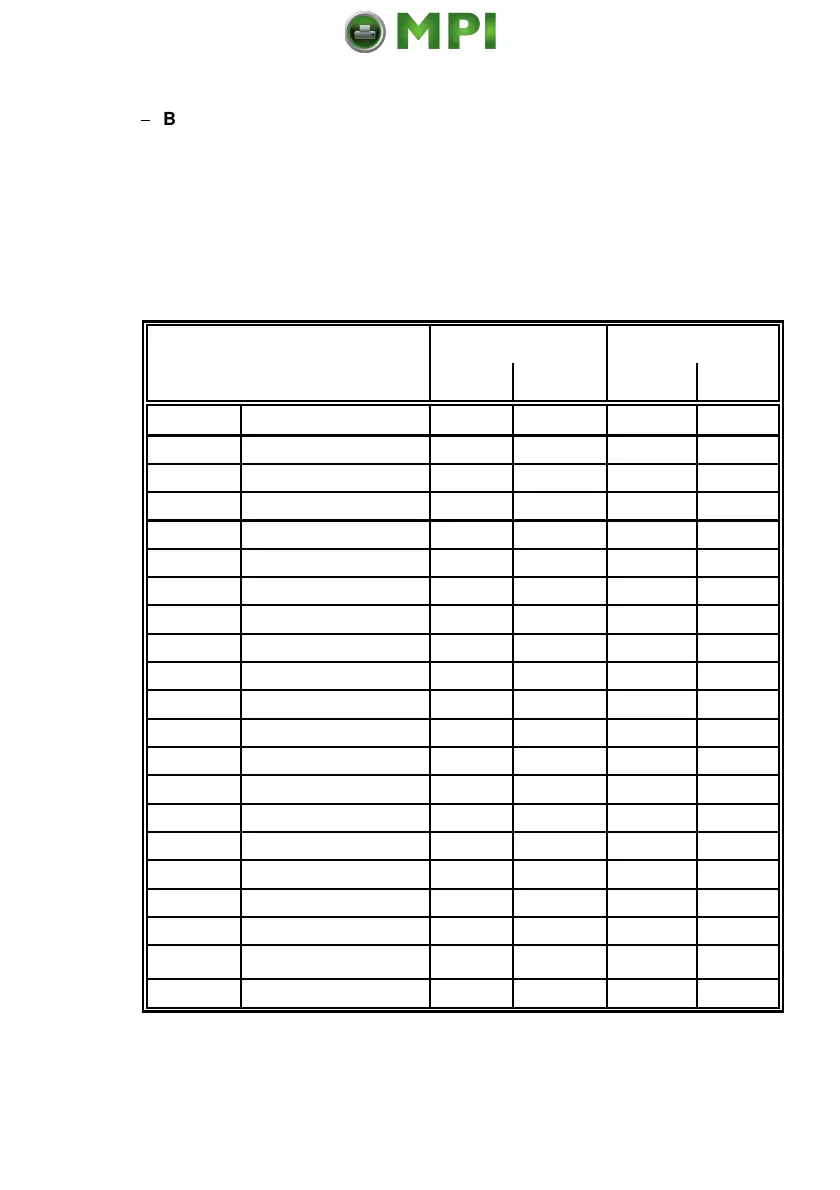
Default values for module width and ratio:
Bar code Module width Ratio
code No. type
default variable default variable
1)
0 Code 39 6 yes 2.5 yes
1 2 of 5 industrial 6 yes 2.5 yes
4 2 of 5 interleaved 6 yes 2.5 yes
102 EAN 8 SC 2 4 yes *) fixed no
106 EAN 8 SC 6 6 yes *) fixed no
109 EAN 8 SC 9 8 yes *) fixed no
122 EAN 13 SC 2 4 yes *) fixed no
126 EAN 13 SC 6 6 yes *) fixed no
129 EAN 13 SC 9 8 yes *) fixed no
142 UPC - A SC 2 4 yes *) fixed no
146 UPC - A SC 6 6 yes *) fixed no
149 UPC - A SC 9 8 yes *) fixed no
162 UPC - E SC 2 4 yes *) fixed no
166 UPC - E SC 6 6 yes *) fixed no
169 UPC - E SC 9 8 yes *) fixed no
180 Codabar 6 yes 2.5 yes
181 MSI 6 yes 2.5 yes
188 Code 93 6 yes fixed no
200 Postnet fixed no fixed no
210 Code 128 6 no fixed no
220 RM4SCC/KIX fixed no fixed no
in / inch
1) 1
300
*) for optimum readability module width should not be changed
Mantenimiento Periféricos Informáticos SL C/Canteras, 15 28860 Paracuellos de Jarama Tel: 00 34 917481604 WEB: https://mpi.com.es



 To Next Page