Installing the Printer and the intelligent Paper Stacker
1-6
$
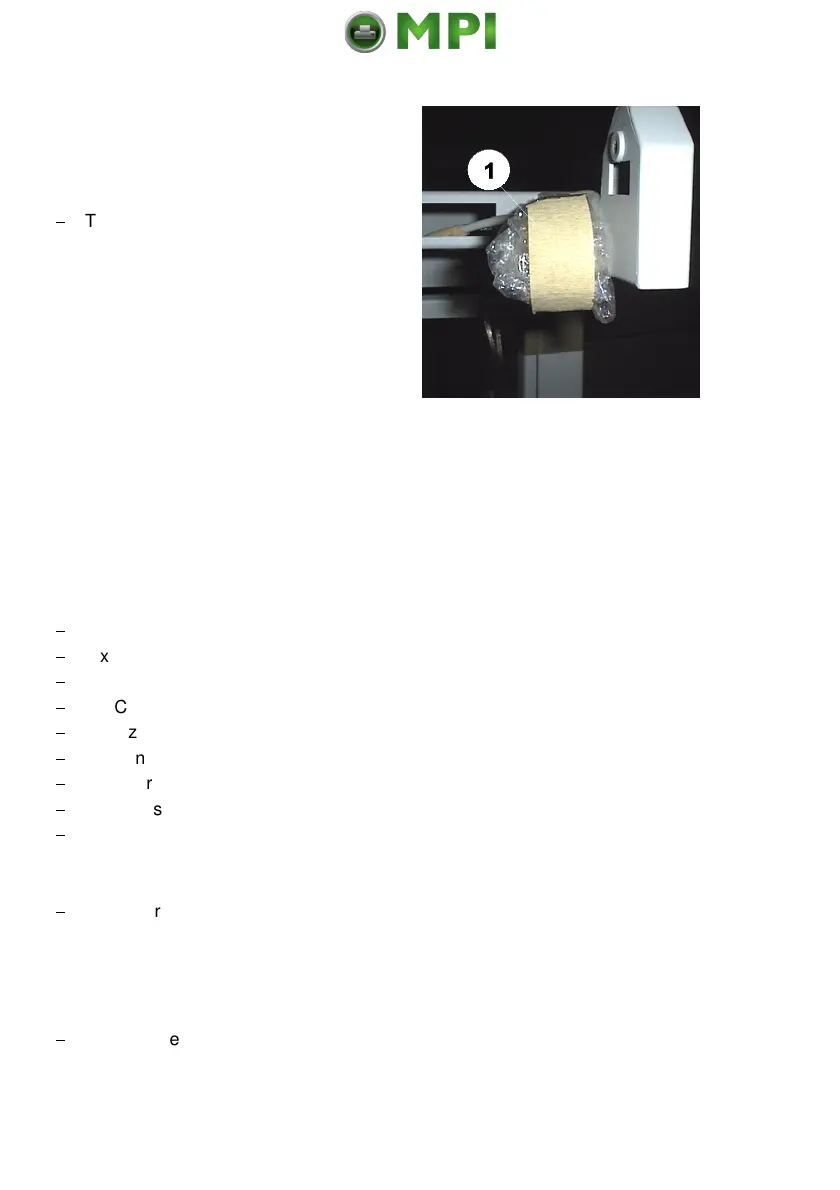
The interface connector and protective
ground cable are packed into a
plastic bag (1).
1.4 Installing the Printer
1.4.1 Check delivery for completeness
When unpacking, check contents of delivery by item against the list detailed
below. Contact your delivery agent immediately if any item is missing or
damaged
The Starter Kit package should contain the following:
$
1 x Developer Unit incl. Toner Cartridge
$
2 x Tractor Cassettes
$
1 x PC-Cartridge
$
1 x Cleaner Felt
$
1 x Ozone Filter
$
1 x Toner Cartridge
$
1 x User´s Manual
$
1 x Mains Cable
$
1 x Waste Toner Bottle
1.4.2 P
ut the Printer onto the inteligent Paper Stacker (iPS 4050)
$
Lift the printer from the pallet using the transport grip points on the left (1)
and the right side (2) of the printer and put it onto the iPS 4050.
Note:
Do not attempt to lift the printer in any other manner!
$
Position the printer properly (3) into the depressions and make sure the side
covers adequately clear the iPS 4050 frame when opened.
Mantenimiento Periféricos Informáticos SL C/Canteras, 15 28860 Paracuellos de Jarama Tel: 00 34 917481604 WEB: https://mpi.com.es



 To Next Page