RADWIN2000CPlusUserManual Release3.5.70 6‐38
ConfigurationwithTelnet Chapter6
CheckforUpdates
IfyouarenotconnectedtotheInternet,disabletheCheckforupdatescheckbox.
MonitoringandTimeoutIntervals
ThemonitoringintervaldeterminesthelowestintervalbetweenrequesttotheODUfor
statusupdates.Thetimeout(default1sec,maximum5sec)mayhavetobeincreasedifyou
areonaslownetwork.
ConfigurationwithTelnet
TelnetAccesstotheMasterODU
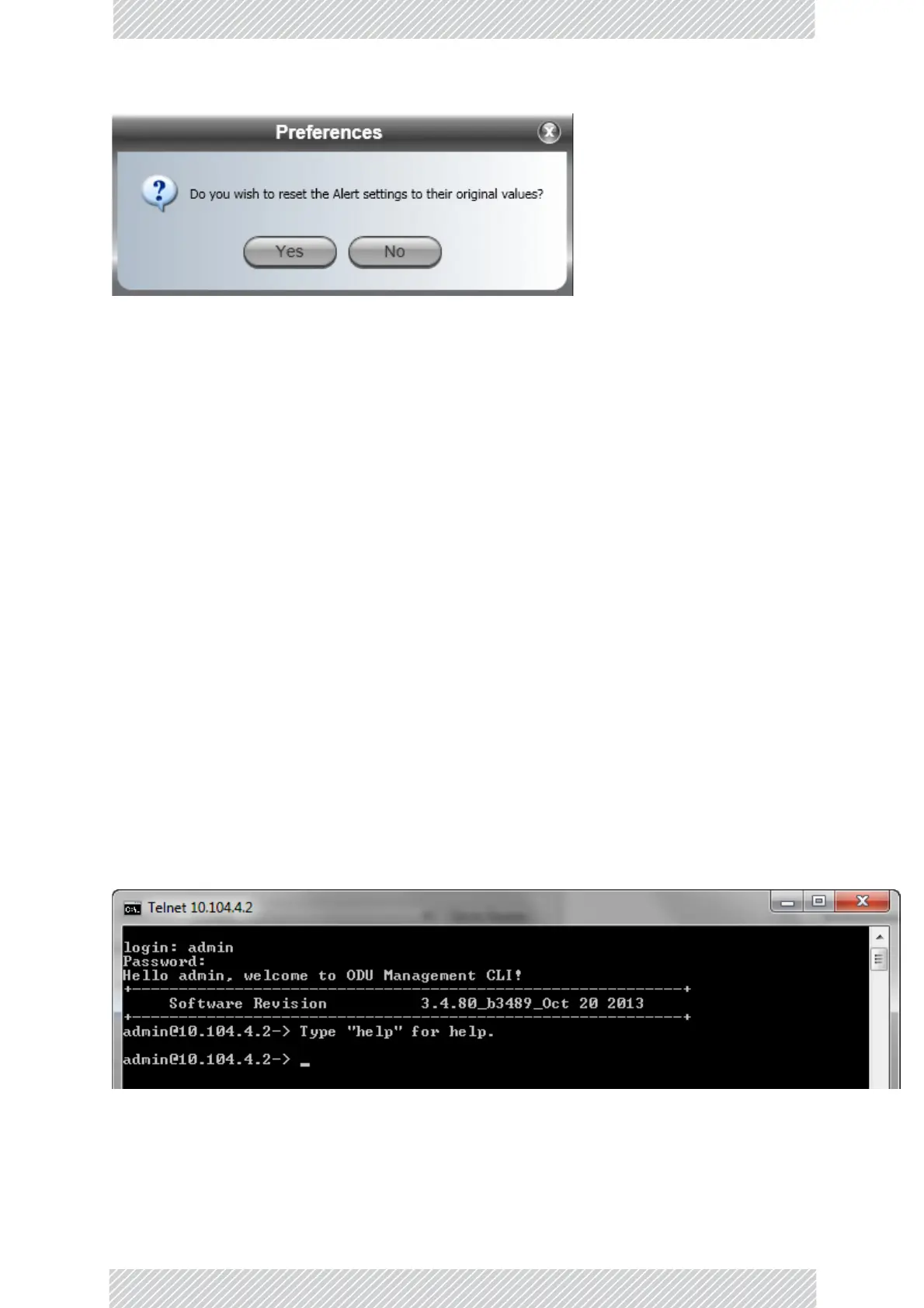
ATelnetterminalcanbeusedtoconfigureandmonitortheRADWIN2000CPlus.
TostartaTelnetsessionontheMasterODU,usetelnet<ODU_IP>.
Forexample,ifyourunTelnetasfollows,
telnet10.104.4.2
youwillbeask edforausernameandpassword.
TheTelnetlogonusernameisthepasswordthatyouusedtoentertheRADWINManager
(forexample,thedefault:admin).TheTelnetpasswordisthecorrespondingCommunity
string(default:netman).
Figure6‐25:TelnetsessionlogontotheMasterODU
ARead‐OnlyCommunitystringallowsyoutousedisplaycommandsonlywhereasaRead‐
WriteCommunitystringallowsyoutousedisplaycommandsandexecutesetcommands.



 To Next Page