RADWIN2000CPlusUserManual Release3.5.70 19‐2
TwoWaystoRunSpectrumView Chapter19
TwoWaystoRunSpectrumView
SpectrumViewmayberunfromtheMasterinwhichcaseyouhaveachoiceofanalyzing
bothsitesinthelinkinonerun,orchoosingjustone.
SpectrumViewmayalsoberunonamanagingcomputerdirectlyconnectedtotheSlave.
RememberthatinsuchacasetheresultswillbequitedifferentiftheSlaveisalreadypartofa
link(registeredornot)orifitiscompletelystand‐alone,forexampleusingadifferentspectral
rangeandoperatingBandfromtheMas ter.Intheformercase,expecta“noisehump”around
thechannelsusedbythelink,duetothedutysignalsfromtheMaster.
Where istheSpectrumViewDatastored
SpectrumViewdataisalwaysstoredintheODUoriginatingtheanalysis.TheMaster
maintainsthelastSpectrumViewanalysisdataforbothmembersofthelink.Ifyourun
SpectrumViewfromadirectlyconnectedODU,itstoresitsowndata,whichmaybequite
differentfromtheanalysisobtainedforthesameSlavefromtheMaster.
SpectrumViewMainWindow
Inthissectionwereviewthemainwindowmanagementcontrols.
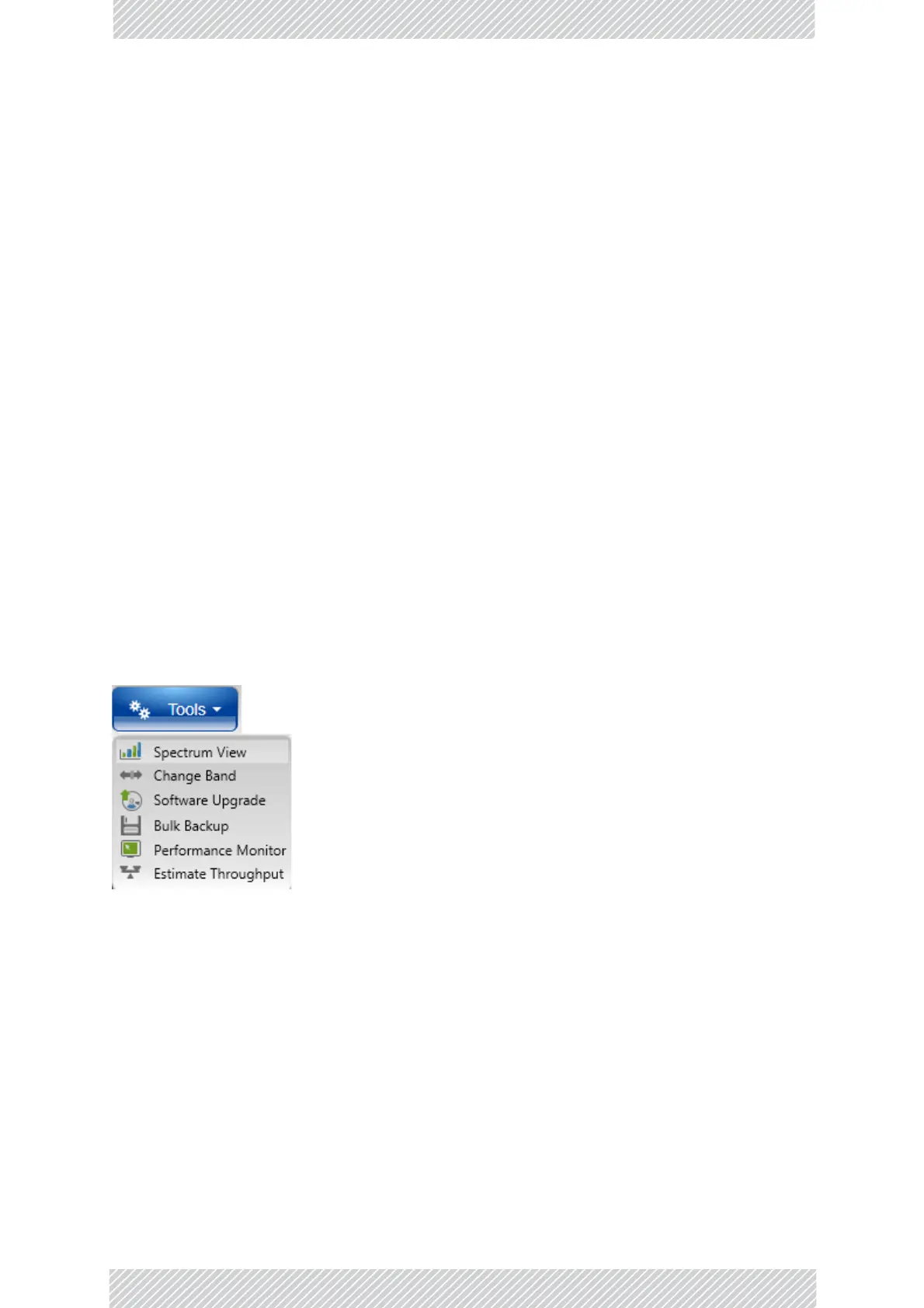
FromtheToolstab,chooseSpectrumView.
TheSpectrumViewmainwindowopensinfullscreenmode:



 To Next Page