RADWIN2000CPlusUserManual Release3.5.70 6‐18
LinkEventsLog Chapter6
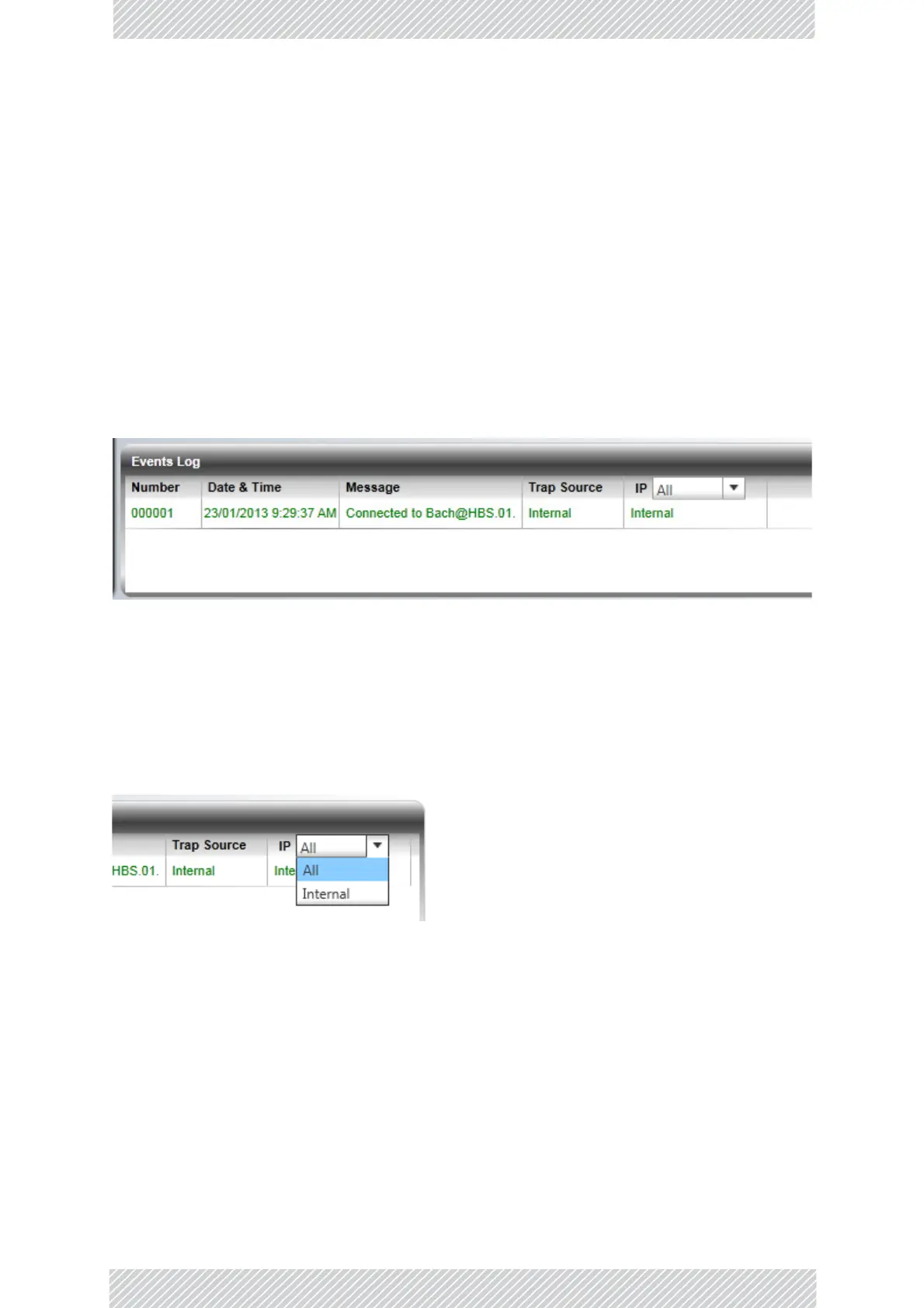
Alarms(traps)aredisplayedintheEventsLoginthelowerpanelofthemainwindow.The
EventsLogmaybesavedasatextfile.
TheEventsLogincludesthefollowingfields:
» Sequentialnumber(ID)
»Dateandtimestamp
» Message
»Trapsource
»IPaddressoftheODUthatinitiatedalarm.
ForcompleteinformationaboutinternaltrapsandalarmsseeChapter9.
TheeventsaredisplayedintheEventsLoginthelowerright‐handpaneloftheRADWIN
Managermainwindow:
Figure6‐9:EventsLogpanel
Theeventslogprovidesacolorcodedeventlist.Blueitems(liketheoneinFigure 6‐9)are
informational.Youcansetthecolorcodingforcritical,cautionaryandinformational
messagesfromthePreferencesbutton.
TheEventsLogishorizontallyscrollableifitistoowideforyourcomputerdisplay.
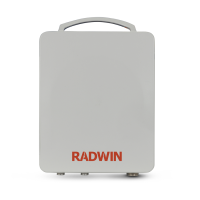
Usethetopleftdrop‐downlisttofilterthemessages:
Figure6‐10:EventsLogfi lterselection



 To Next Page