Instrument Functions
R&S
®
NRP2
135User Manual 1173.9157.02 ─ 03
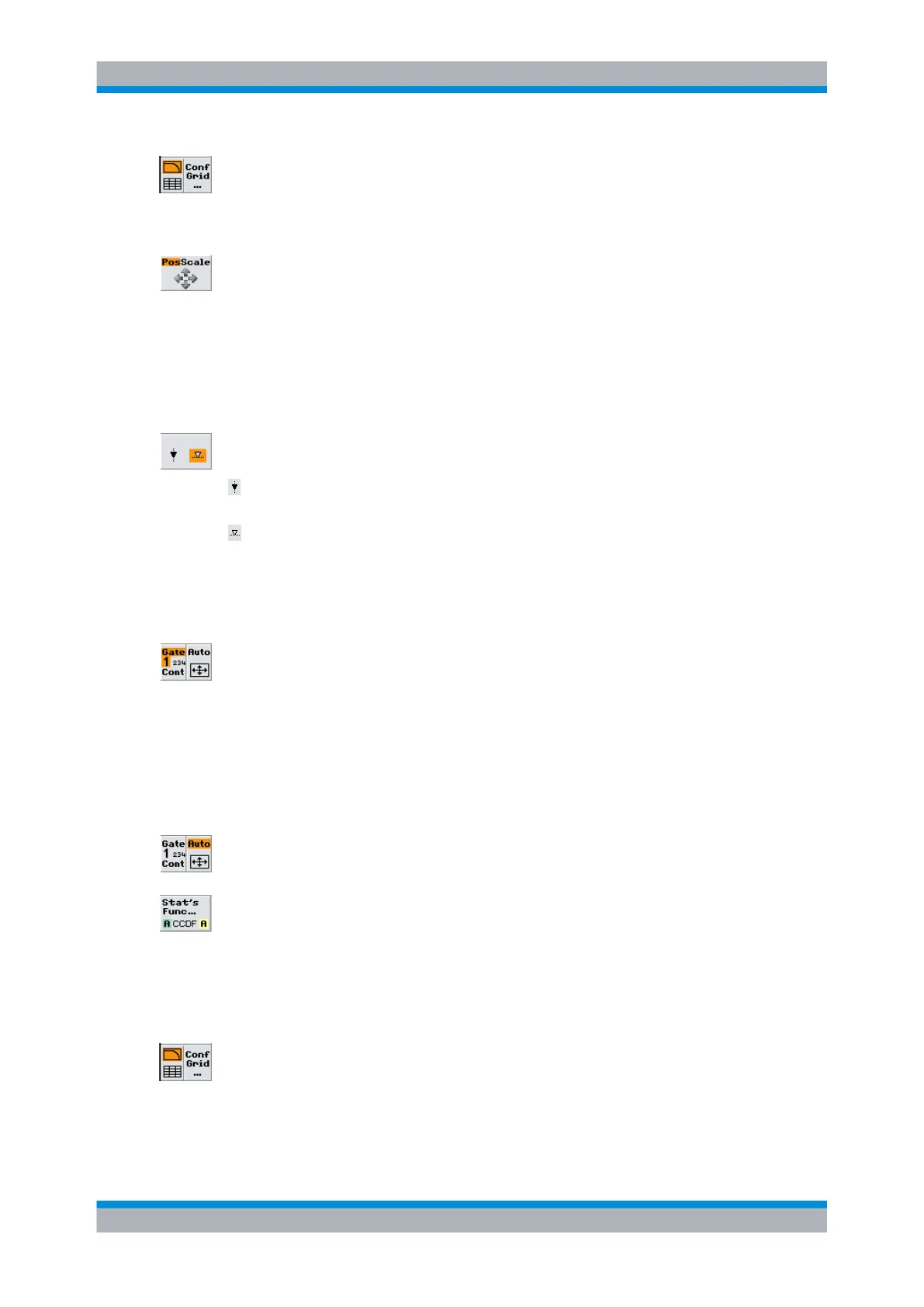
Config Grid...
Activates the additional tabular display of values or opens the subdialog to configure the
diagram and to numerically set the marker positions, see chapter 4.5.8.2, "Statistics dia-
gram settings", on page 135.
Pos Scale
Defines if the the cursor keys position or scale the displayed curve(s).
Note: There are restrictions on the use of these controls. The vertical scale ranges from
0% to 100% maximum for all statistic functions except for PDF. Similar restrictions apply
to the horizontal axis, depending on the power range of the sensors.
"Pos"
The cursor keys shift the curve(s) in horizontal and vertical direction
"Scale"
The cursor keys expand and compress the curve(s).
(
marker)
Selects a marker for positioning by means of the cursor keys.
the power (x) marker is positioned to a power value; the associated
value of the distribution (distribution density) function is measured.
the result (y) marker is positioned to a measured value of the distribution
(distribution density) function; the associated power value is indicated.
If there are several power values that coincide with the set value of the
distribution (distribution density) function, the result marker can be posi-
tioned to the wanted value using the left/right cursor keys.
Gate / Cont
Defines the acquisition interval. Four gates and an unsynchronized time interval "Cont"
can be selected. The selected acquisition interval is highlighted in the softkey display.
Moreover, if a gate is selected, its number is enlarged.
"[1] [2] 3 [4]"
Select one of four provided gates.
"Cont"
Select the unsynchronized time interval.
Note: The length of the time interval can be set in the Aperture dialog
box of the "Stat's function" dialog.
Auto
Scales the result and the power axis in such a way that the trace is optimally displayed.
Statistic Functions
Opens the "Statistics Functions" subdialog for selection of a distribution function and one
or two traces for display. A statistical evaluation of combined results from different chan-
nels, e.g. power ratios, is not supported.
4.5.8.2 Statistics diagram settings
Activate indication of additional values or open menu for configuration of the statistics
display in the "Stat's Config" dialog box, including markers.
Displaying traces



 To Next Page