Mechanical Counter (NA Only)
SM 2-71 D023/D025
Installation
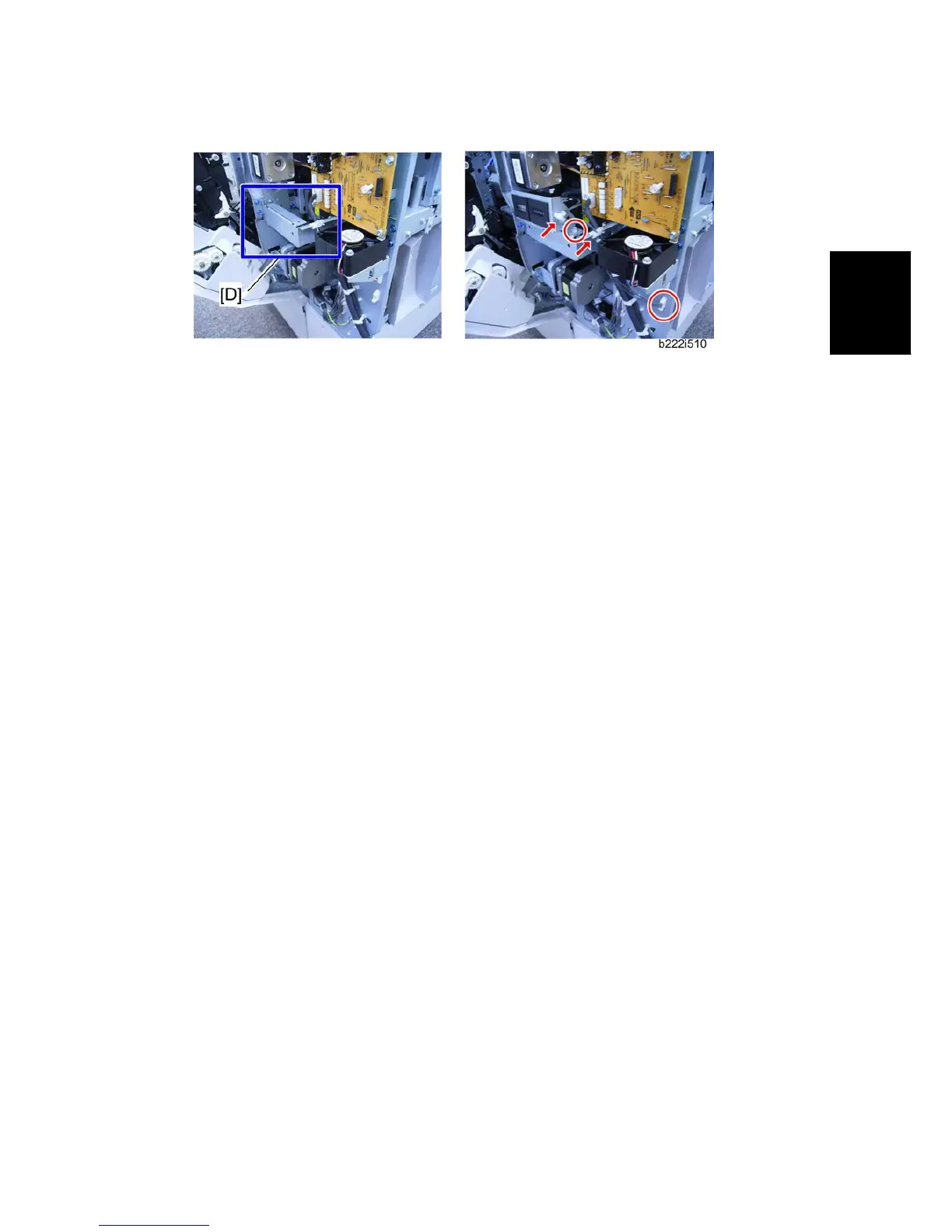
5. Attach the mechanical counter bracket to the frame [D] ( x 1, = x 2, x 1).
6. Reassemble the machine.
7. Plug in the machine and turn on the main power switch.
8. Enter the SP mode.
9. Set SP5987-001 to "1: ON".
10. Exit the SP mode, and then turn the machine off and on.


 To Next Page