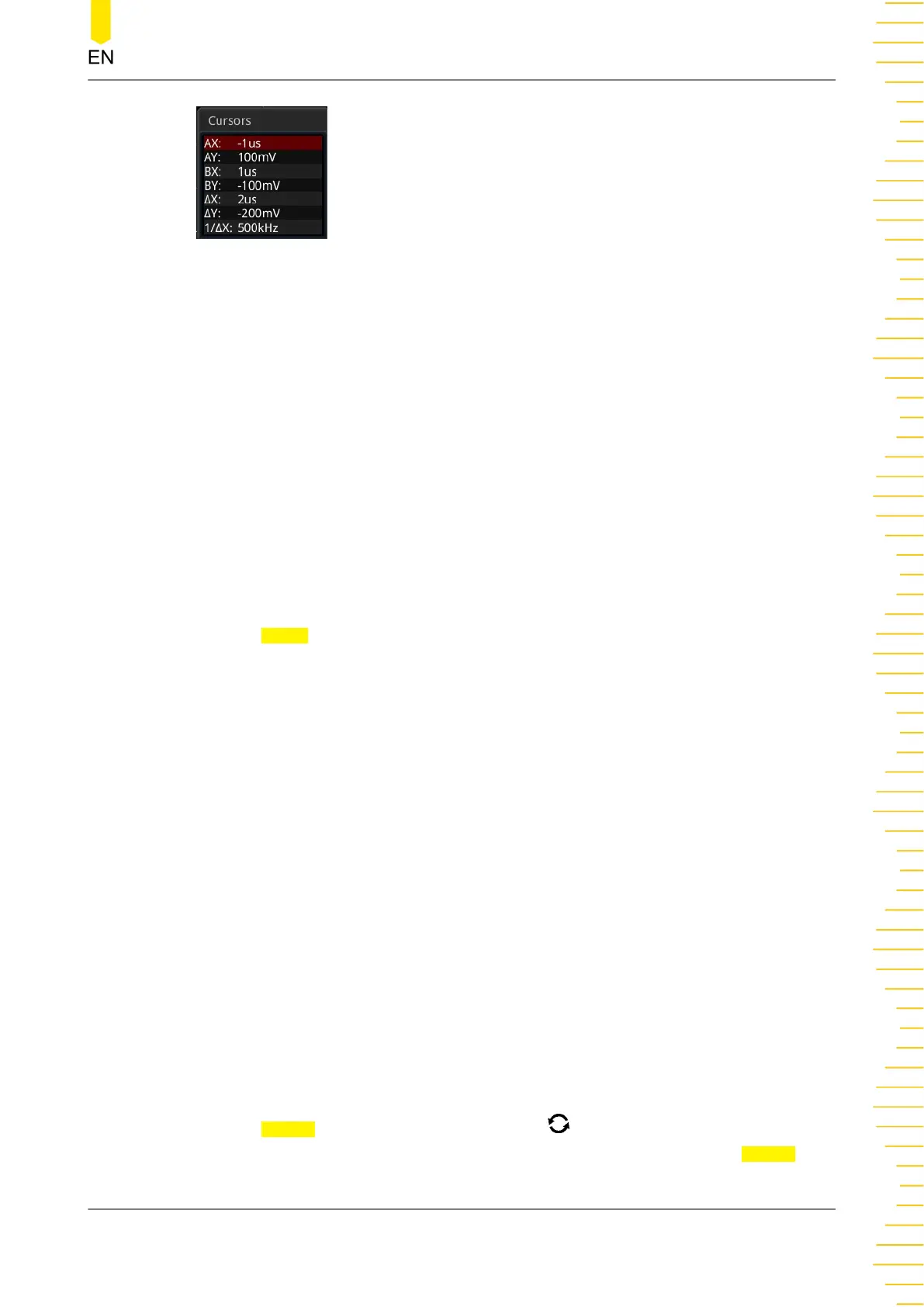
• AX: indicates the X value at Cursor A.
• AY: indicates the Y value at Cursor A.
• BX: indicates the X value at Cursor B.
• BY: indicates the Y value at Cursor B.
• ∆X: indicates the horizontal spacing between Cursor A and Cursor B.
• ∆Y: indicates the vertical spacing between Cursor A and Cursor B.
• 1/∆X: indicates the reciprocal of the horizontal spacing between Cursor A and
Cursor B.
1. Select the Cursor Type
Press Select continuously to select the cursor type.
- X-X: It is a pair of vertical solid (Cursor A)/dotted (Cursor B) lines, used for
measuring time parameters. The measurement results include AX, BX, ∆X, and
1/ΔX (displayed only when "s" or "Hz" is selected under Hori. Unit).
- Y-Y: It is a pair of horizontal solid (Cursor A)/dotted (Cursor B) lines, used for
measuring voltage parameters. The measurement results include AY, BY, and ∆Y.
- XY-X: when this mode is selected, X cursors and Y cursors are both displayed.
However, you can only set the AX and BX values by pressing the specified menu
on the front panel.
- XY-Y: when this mode is selected, X cursors and Y cursors are both displayed.
However, you can only set the AY and BY values by pressing the specified menu
on the front panel.
2.
Select the Measurement Source
Press Source, rotate the multifunction knob to select the measurement
channel, and then press down the knob to select it. You can also press Source
Operations and Measurements
Copyright ©RIGOL TECHNOLOGIES CO., LTD. All rights reserved.
189



 To Next Page