3-7
Overview of Scan Operations
3
ComColor Series User’s Guide 09
The administrator can register e-mail destinations.
You may not be able to enter e-mail addresses
directly, depending on how the administrator has
configured the settings.
3
Press [OK].
The scanner mode screen is displayed.
■ Save Scanned Data in Folders
You can save scanned data to a folder.
You can retrieve the data and print it when needed.
For information on saving data to a folder, see "Save
to folder" (p. 2-24) in "Copy".
● 5 Configuring the Functions
Specify the detailed settings for scanning.
For information on the functions that can be
configured, see "List of Settings" (p. 3-8).
● 6 Press the [START] key
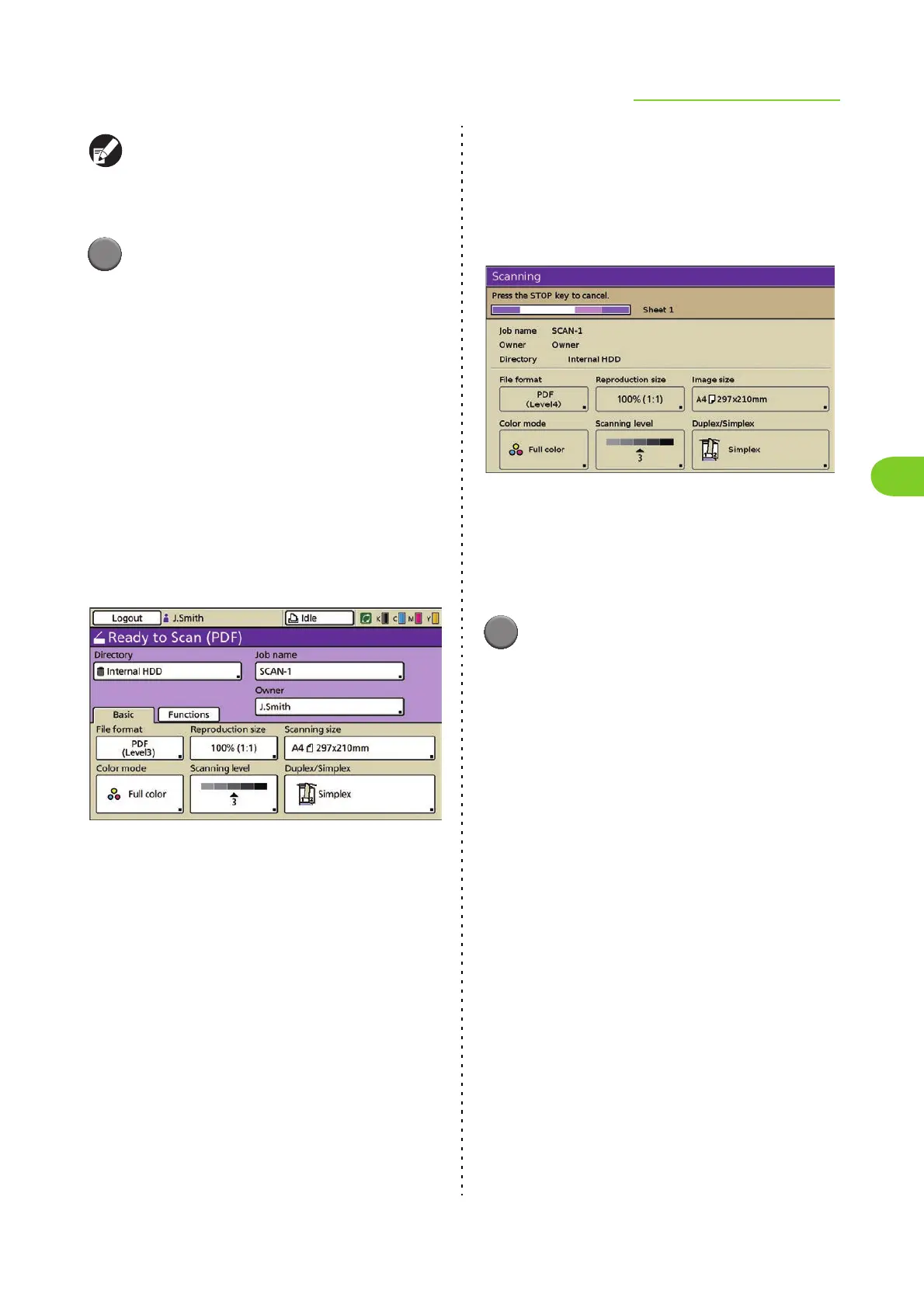
The [Scanning] screen is displayed, and scanning
of the original starts.
The current status, including the number of
scanned pages, is displayed on the screen.
When scanning and saving have finished, the
scanner mode screen is displayed.
■ To cancel scanning:
1
Press the [STOP] key, or press
[Cancel].
Scanning is stopped and the scanner mode
screen is displayed.













 To Next Page