4-4
4 Printer
ComColor Series User’s Guide 09
Operation Buttons
A button is not available when it is grayed
out.
[Select all]
Select all jobs (except jobs with PIN codes)
displayed in the list.
[Delete]
Delete the selected job from the list.
[Details]
Display the details of the selected job.
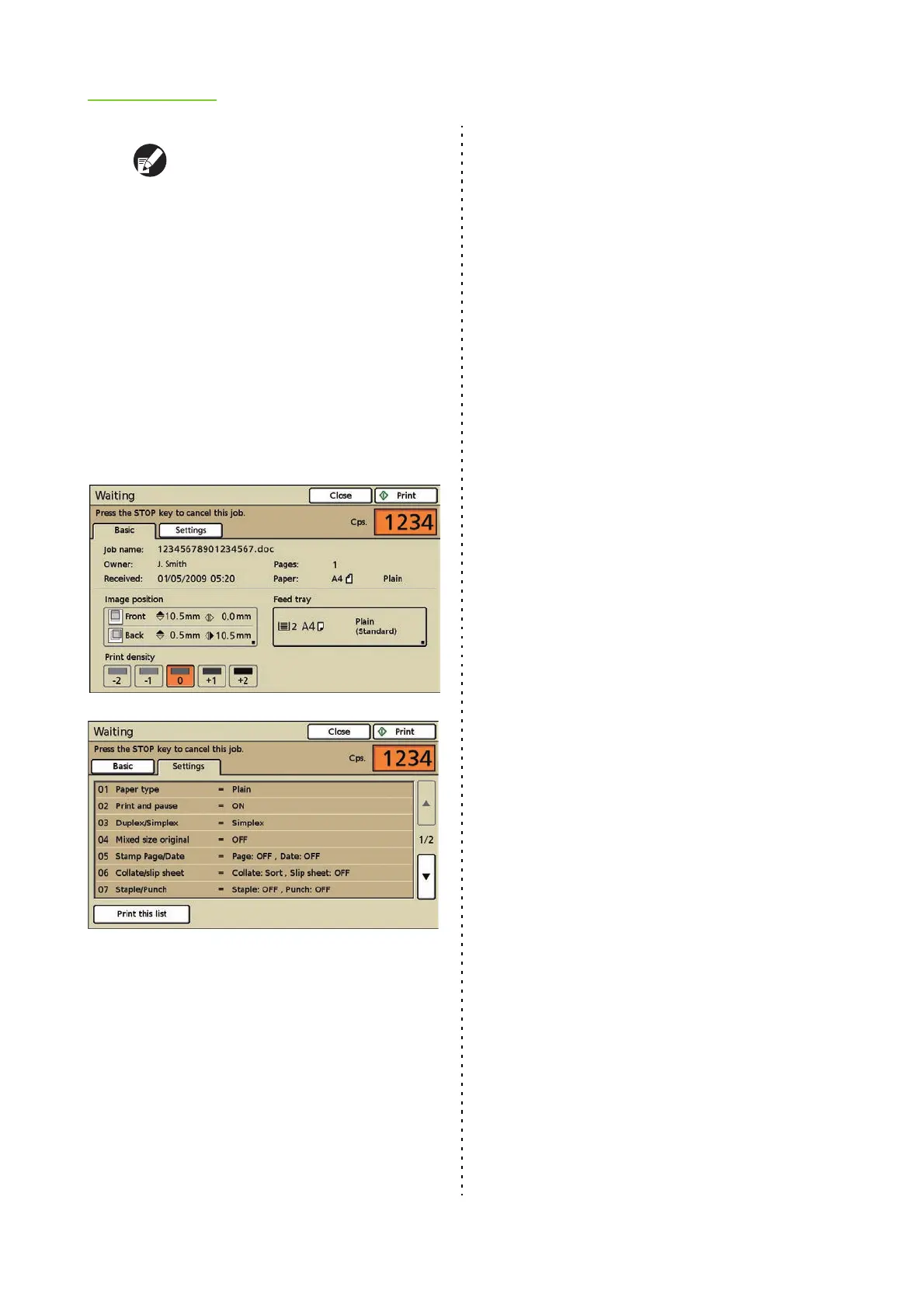
There are two [Details] screens. The buttons
that are available on the [Active], [Waiting],
[Finished], and [Folder] screens vary.
When a button is grayed out, you can confirm
the current setting but cannot change it.
Pressing [Print this list] prints a list of the
settings (on A4/Letter paper).
● 4 Printing a job
Press [Print]. The selected job is printed.
Depending on the job, the screen asking you to
enter the PIN code may appear. Follow the
displayed instructions.













 To Next Page