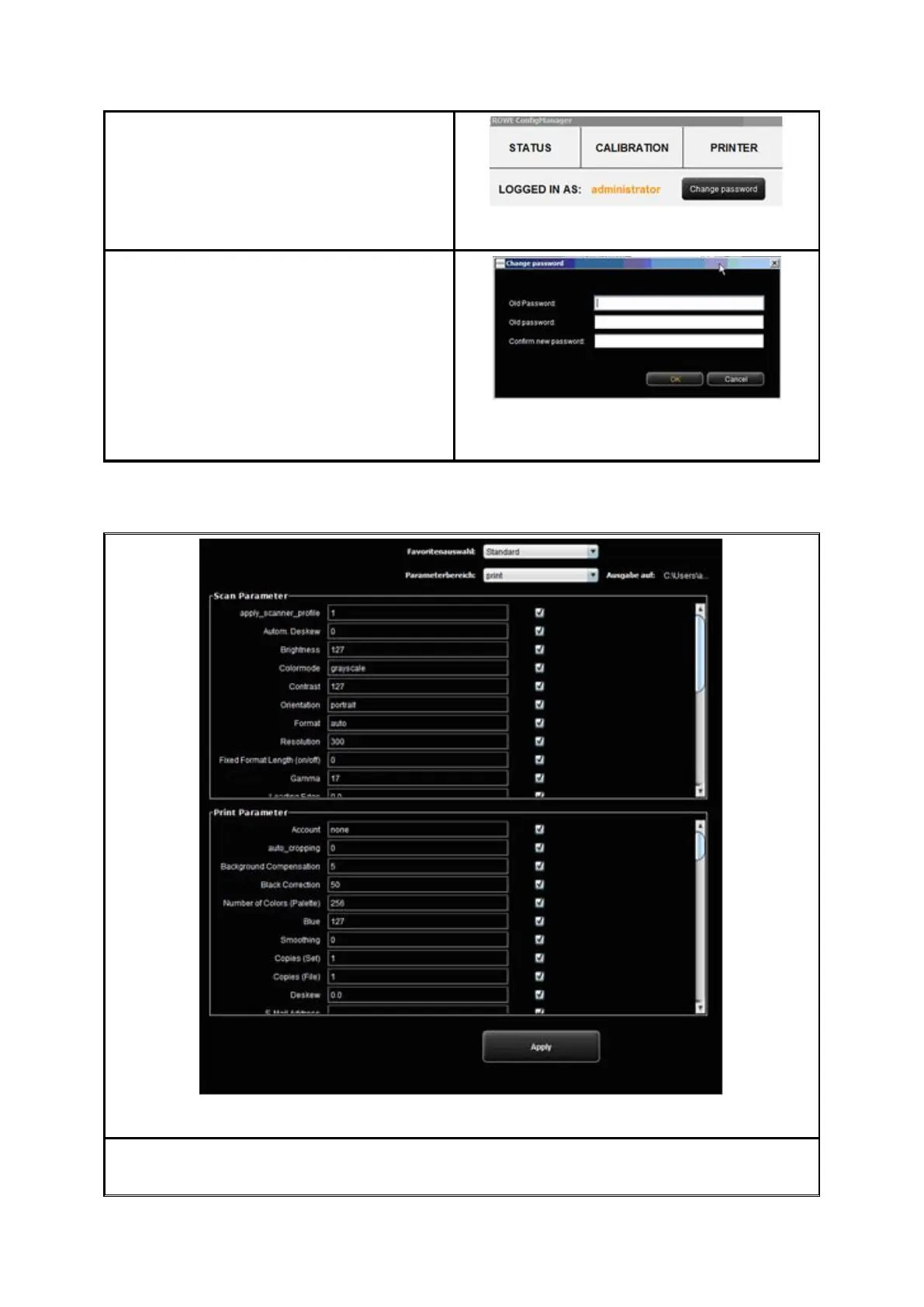
After successful login you can see at the
top on the left under the functions that you
are logged in as administrator.
Figure 8.31: ConfigManager - Login
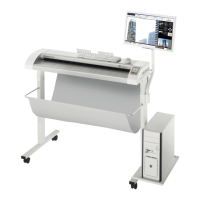
If requested, you can now change the
password (only when logged in) by clicking
Change password.
You are then prompted to enter the old
password first and then to enter the new
password (two times).
Figure 8.32: ConfigManager - Change
password
8.12 Favorites
Figure 8.33: ConfigManager - Favorites
In addition to the numerous ROWE SCAN/COPY/PRINT APP options regarding handling of
favorites (see 7.11), in the function Favorites you can define for each individual



 To Next Page