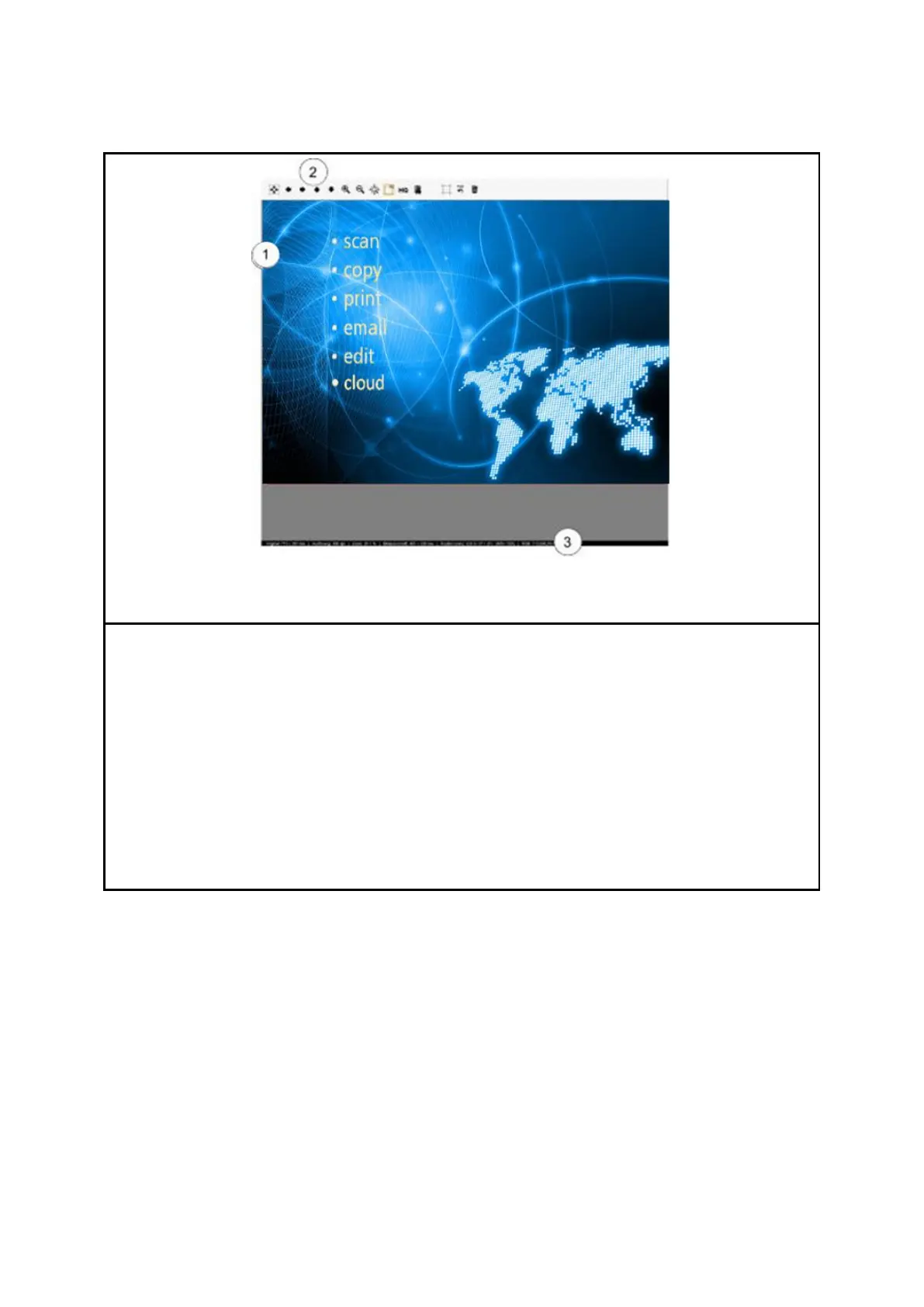
The main viewer serves to display the document scanned last and/or a loaded image file.
Numerous zoom functions allow zooming of individual areas. For this purpose, you can
highlight an area within the displayed image by pressing and holding the left mouse key
down. This area will then be enlarged. The viewer includes the following components:
1. Image display area: Preview / detailed view
2. Toolbar of viewer (see Chapter 7.8, Page 42)
3. Status bar: Display of useful information on the depicted image (resolution,
dimensions, color mode, etc.)
As soon as you make changes in the Settings (Page 44) affecting the appearance of the
image (e.g. brightness, color mode, etc.), the view is updated automatically in the viewer
so as to see the effects of the settings immediately.



 To Next Page