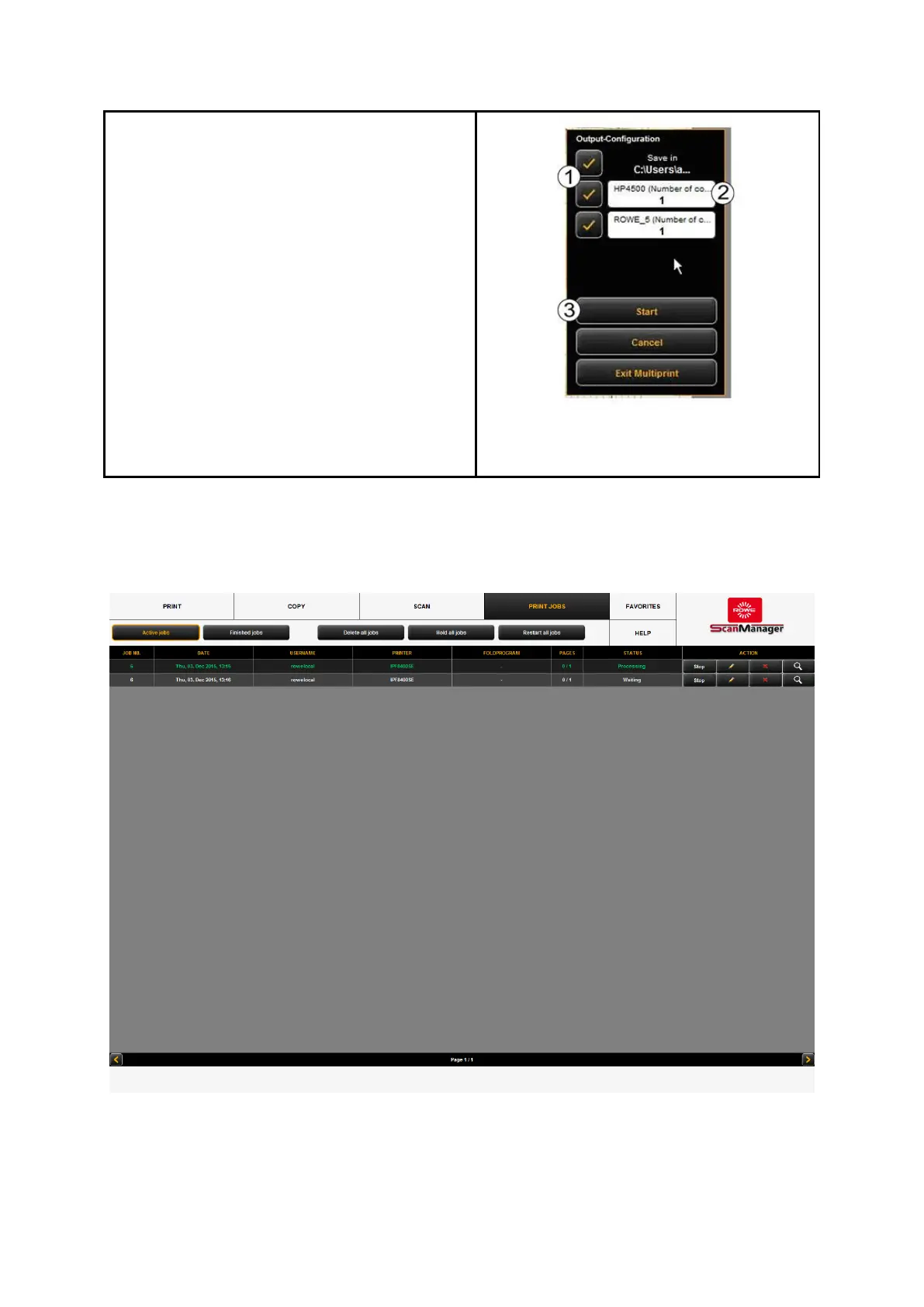
If you start an output with a Multiprint
favorite being activated, a dialog box pops up
after pressing the start key where you can
check/set on which output devices to output:
1. Activate/deactivate output on device:
Enable the field if you want to output
on the indicated device otherwise
remove the check mark by clicking.
2. Number of copies: For output on a
printer you can enter the number of
copies in this text box before starting
if more than one copy is needed.
Here, the name of the printer is also
shown. For Scan to File the target
folder appears.
3. Start: By pressing the Start button,
the operation is started.
Figure 7.42: Job list



 To Next Page