Suspended: For the time being, the drawing is not printed but the job has
to be started manually on the printer.
2. Tolerance: Define the tolerance by which the dimensions of the document may
be exceeded (in %) for the document being printed on the next smaller roll
nonetheless.
3. Label: Selection of the label defined on the printer and to be printed on the
document.
4. Banner: Here you can select the banner file and set whether this banner shall be
output at the beginning and/or end.
5. Stamps: Selection of a stamp defined on the printer and to be printed on the
document.
6. Fallbacks: Here, you can define the printer's response if the required material
and/or format of the print medium is not available. Options are:
Fit: Printer does not print and instead requires the respective roll format
giving a message.
Larger: Printer uses the larger format available next (e.g. ISO A0 instead of
A1).
Larger (roll empty: fit): If a fitting medium format is inserted but empty, the
printer does not print, but requires the respecting roll format. Otherwise
the printer prints to a larger format available next.
Larger (medium defined: fit): If a fitting medium is defined but not inserted,
the printer does not print, but requires the respecting roll format.
Otherwise the printer prints to a larger format available next.
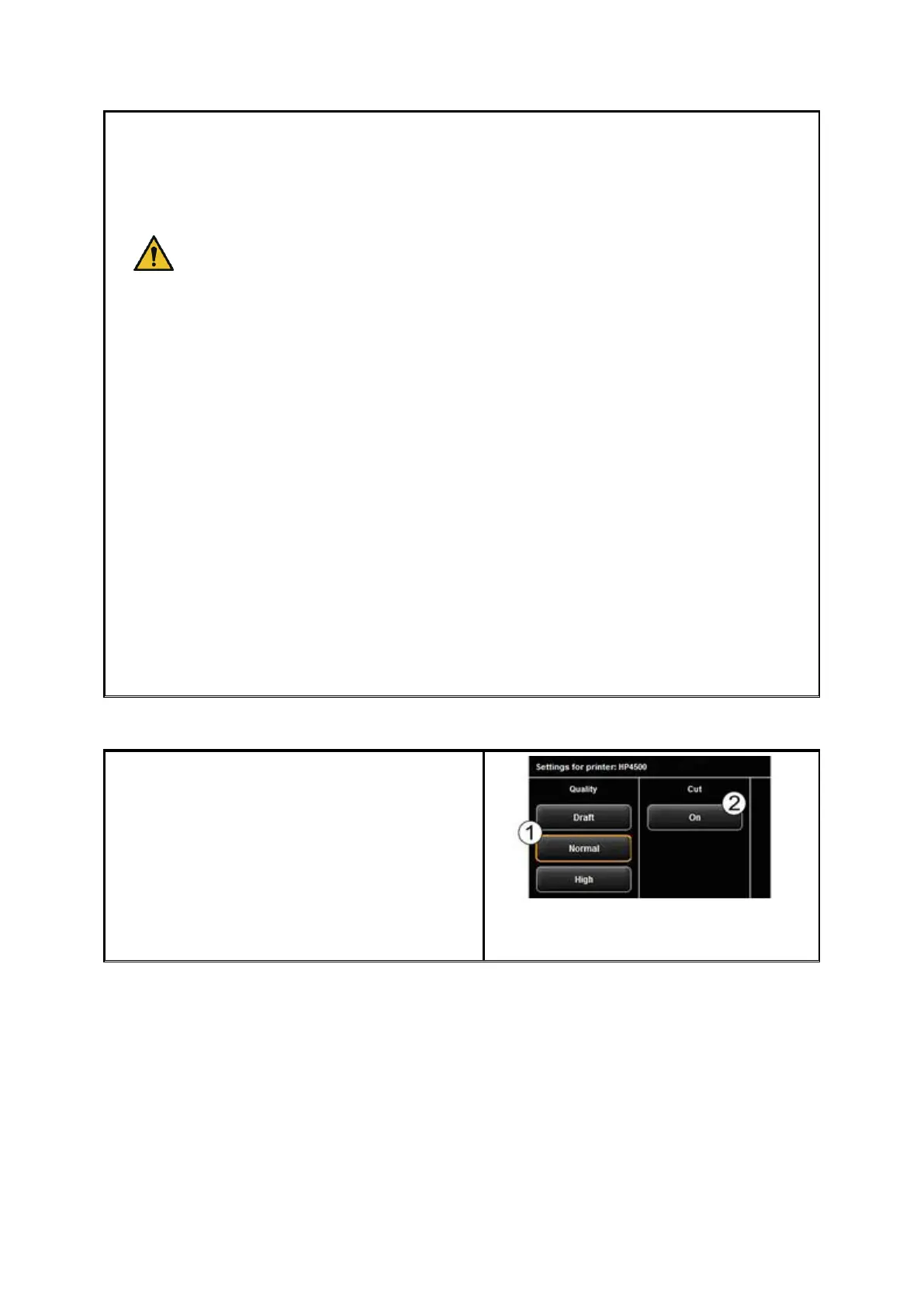
In the advanced settings, you see the
following options if you selected an inkjet
printer:
1. Quality: Draft, normal, or high
2. Cut On/Off: Set whether the paper is
to be cut off after output of a
document.



 To Next Page