8.8 Licenses
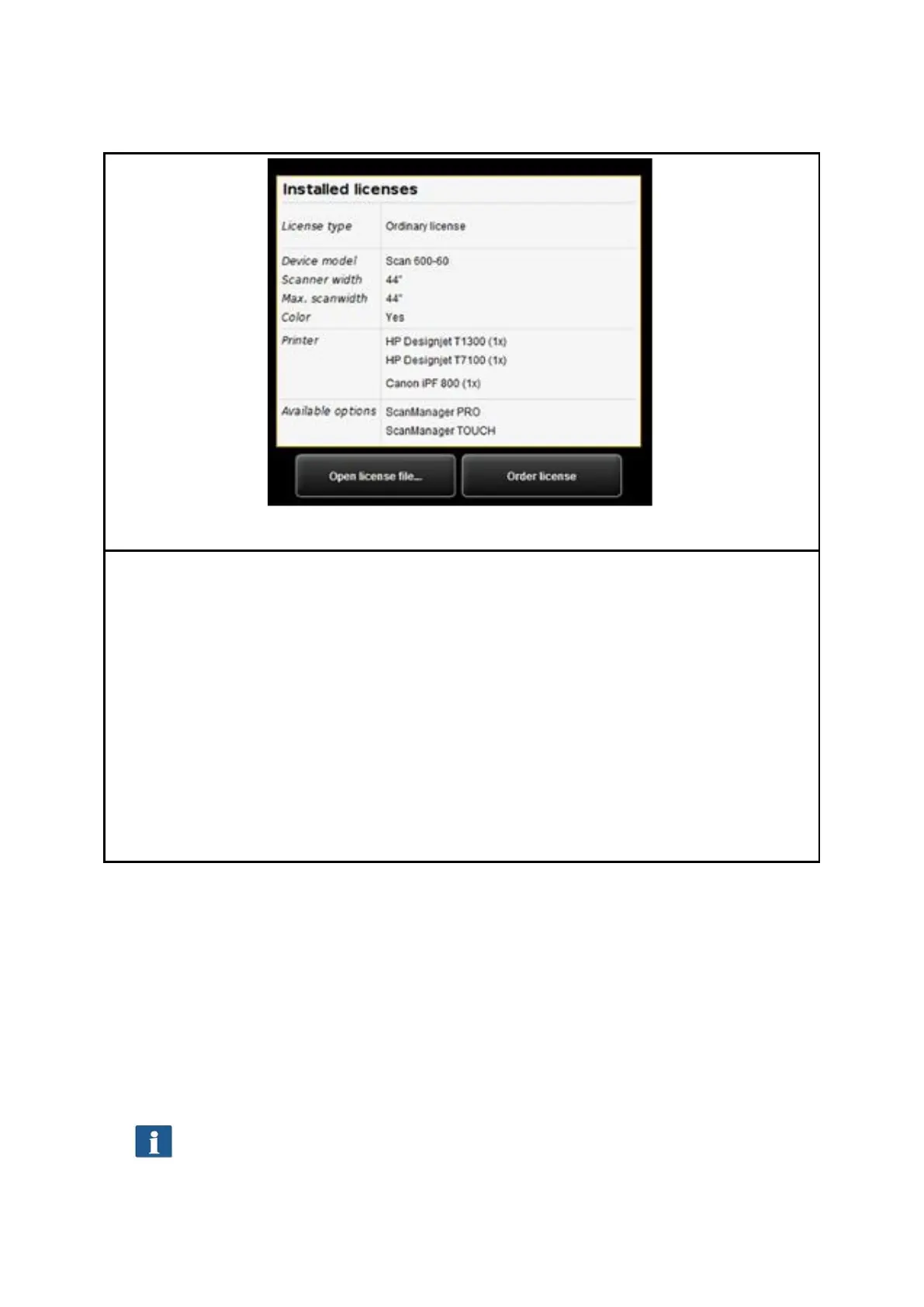
Figure 8.28: License options during and after trial phase
If you purchased a new scanner, it is provided with a license which allows you to use all
options for trial purposes first. This trial license either expires after 30 days or after 2000
scans – depending on which limit is reached first. The free features of the trial license can
be seen under Licenses. There, you also see how long the trial phase will run.
After expiry of the trial phase only those options are left that you bought when
purchasing the device and installed during installation of the software (see 4.10). These
options can also be seen in the display.
By means of the button "Open license file..." you can install a (new) license file if you
purchased a license upgrade subsequently and obtained a new license file.
If you want to purchase a license upgrade, click "Order license“. ConfigManager then
automatically opens the ROWE website using your Internet browser where you can order
the requested upgrades. But you can also contact the ROWE Support (e.g. if you do not
have an Internet connection on your computer). For the contact details please see Page
9.
8.9 Update
As ROWE intends to continuously enhance its software products, they undergo permanent
further development. This is why new versions are made available occasionally including
an extended scope of functionality and/or error corrections.
Accordingly, it may be worthwhile to check under "Update" once in a while whether a
more recent version of ROWE Scan 850i software is available. As in case of the license
upgrade order, ConfigManager opens the ROWE website automatically using your Internet
browser where you can see whether an update is available. Should this be the case, you
can directly download the new version from there. The installation can be effected similar
to the initial installation (see Chapter 4.2).
You can call the function Update only after logging in as an administrator (see
8.11).



 To Next Page