The parameters shown in Fehler! Verweisquelle konnte nicht gefunden werden.
are available for setting a local scan box:
Scanbox Name: A freely selectable name (without special characters).
Afterwards, the scan box is accessible under this name as Windows access
permission, e.g. \\192.168.1.2\MyLocalScanbox.
Username/Password (optional): Access protection for the scan box when
collecting the scans via the Windows access permission.
Public access: Defines whether any user is allowed to use the scan box as scan
target directory in the ROWE SCAN APP or whether access is protected by a user
name/password.
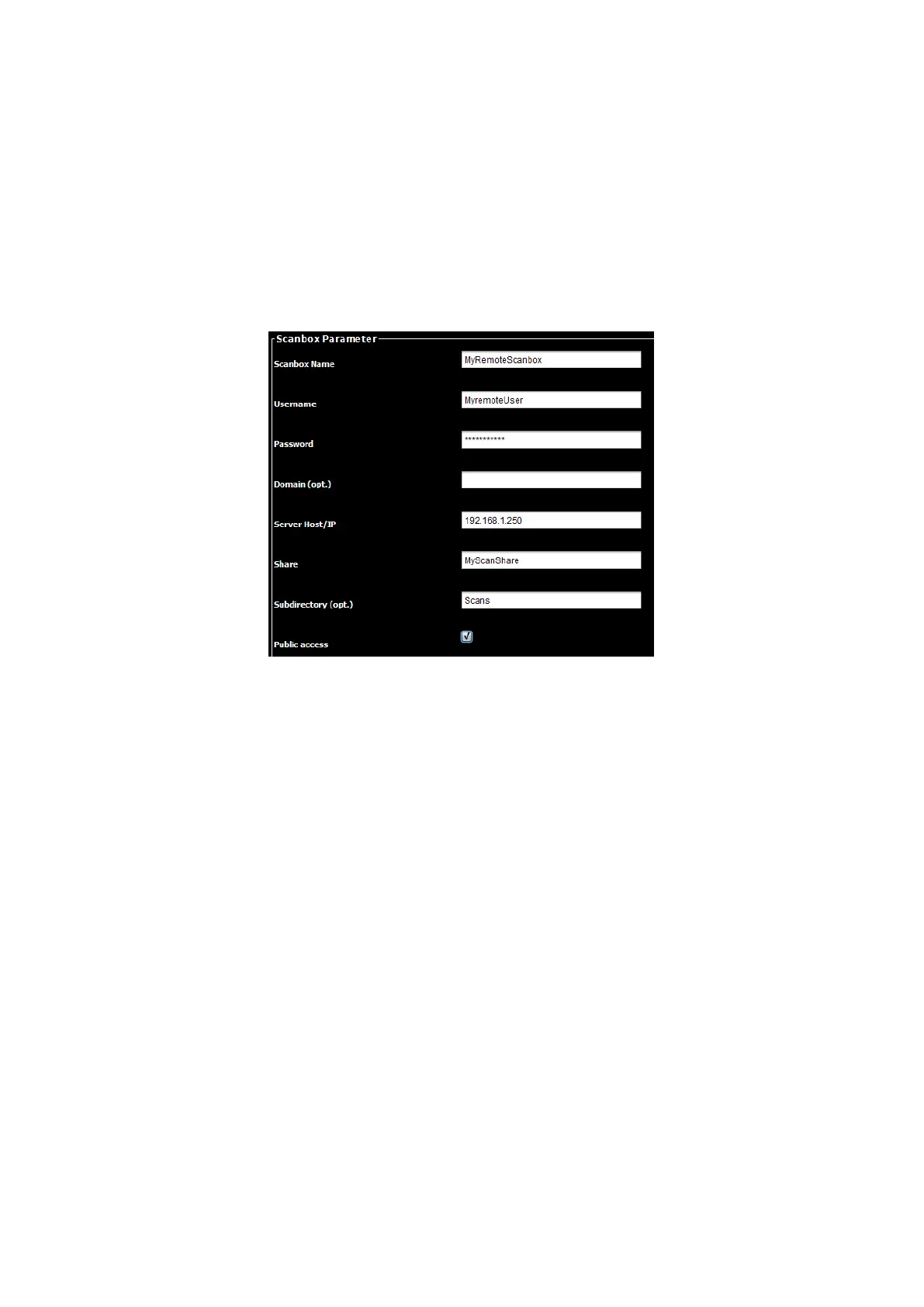
Figure 8.27: Creating a remote scanbox
When creating a remote scanbox you are requested to select a protocol as a first step.
The choice is SMB, FTP and Webdav. Press „Next“ to continue to the scanbox settings
shown in Fehler! Verweisquelle konnte nicht gefunden werden.. The following
parameters are available:
Scanbox Name: A freely selectable name (without special characters).
Afterwards, the scan box can be identified by this name in the scan box
configuration and the ROWE SCAN APP .
Username/Password: Here, you have to enter the access data to access the
shared directory in the network (Attention: Write protection required!).
Domain: If the computer on which the shared directory can be found is a member
of a domain, enter this domain here.
Server Host/IP: The IP address (or host name) of the computer where the shared
directory can be found.
Share: The name of the shared directory
Subdirectory: If the directory to be monitored is located in a directory under the
shared directory, enter the path here (in case of several subdirectories separated
by "/").
Public access: Defines whether any user is allowed to use the scan box as scan
target directory in the ROWE SCAN APP or whether access is protected by a user
name/password.



 To Next Page