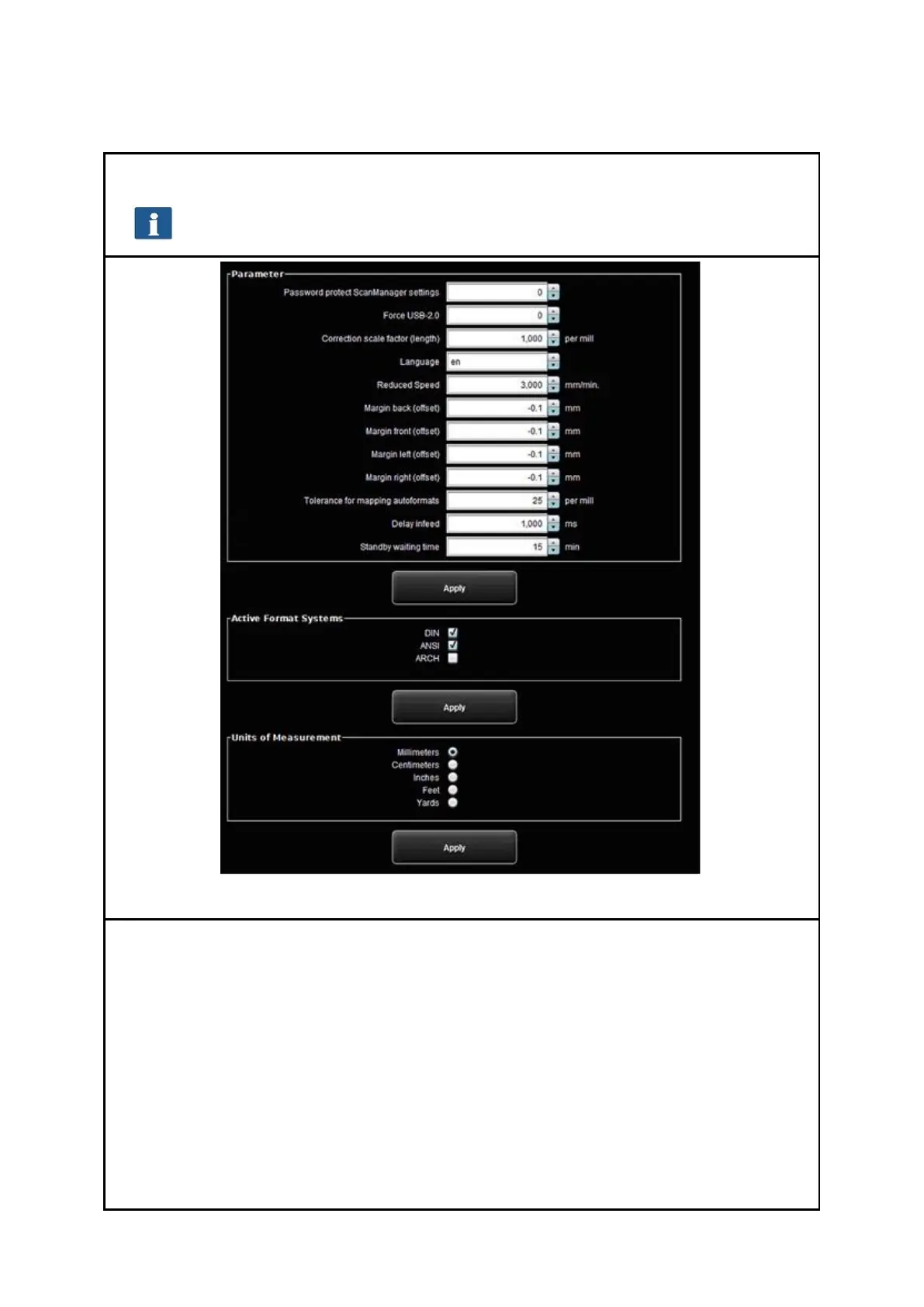
The following parameters are available:
Password protect ScanManager settings: You can protect the ROWE SCAN/COPY
APP settings with a password (see 7.13.5) to prevent unauthorized persons from
changing them.
Force USB-2.0: Activate the USB 2.0 mode of the scanner.
Correction scale factor (length): If you want to scan special originals which are
particularly light or heavy and find out that the scale in feed direction is not
exact, you can define a correction factor here. But normally you should not make
any modifications. Enter a value of more than 1.0 if the scanned documents are
too short.
Language: Here you can change the system language.
Reduced speed: If you scan very sensitive originals presenting a risk of being



 To Next Page