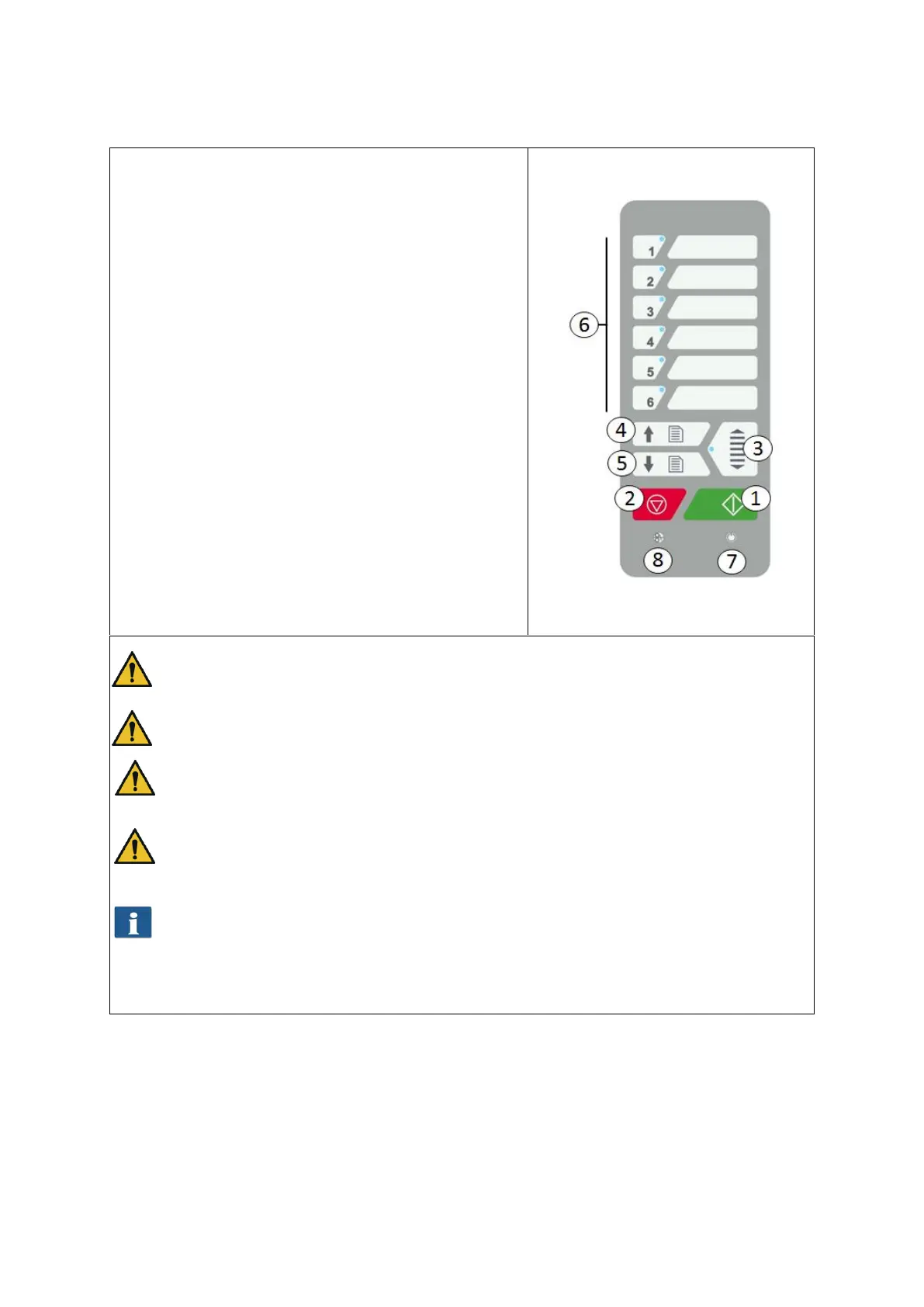
6.1.1 Scanning with Height Adjustment
If you purchased a ROWE Scan 850i with optional
height adjustment, you can scan documents with a
thickness of up to 30 mm. If you want to scan an
original with a thickness of more than 1.5mm,
proceed as follows:
Actuate the Height Adjustment (3) key. The
scanner top moves upwards.
Now, place the original under the scanner
top. Make sure that the original is positioned
properly. Now, the scanner top moves down
automatically and transports the original
back to start position.
Start the scan as described in 6.1.
The height adjustment feature can transport documents with a height of up to 30
mm and a weight of up to 5 kg, only.
The originals must not be bend.
Only even originals can be transported.
In general, the scanner top has to be moved into its bottom position before
switching OFF the scanner. Should the position not be reached, press the Height
adjustment (3) key once.
Should the top edge of an original not be recognized automatically due to its
condition, the scanner top moves into its top final position automatically and tries
to recognize the original again.
Figure 6.4 Control Panel
Figure 6.4



 To Next Page