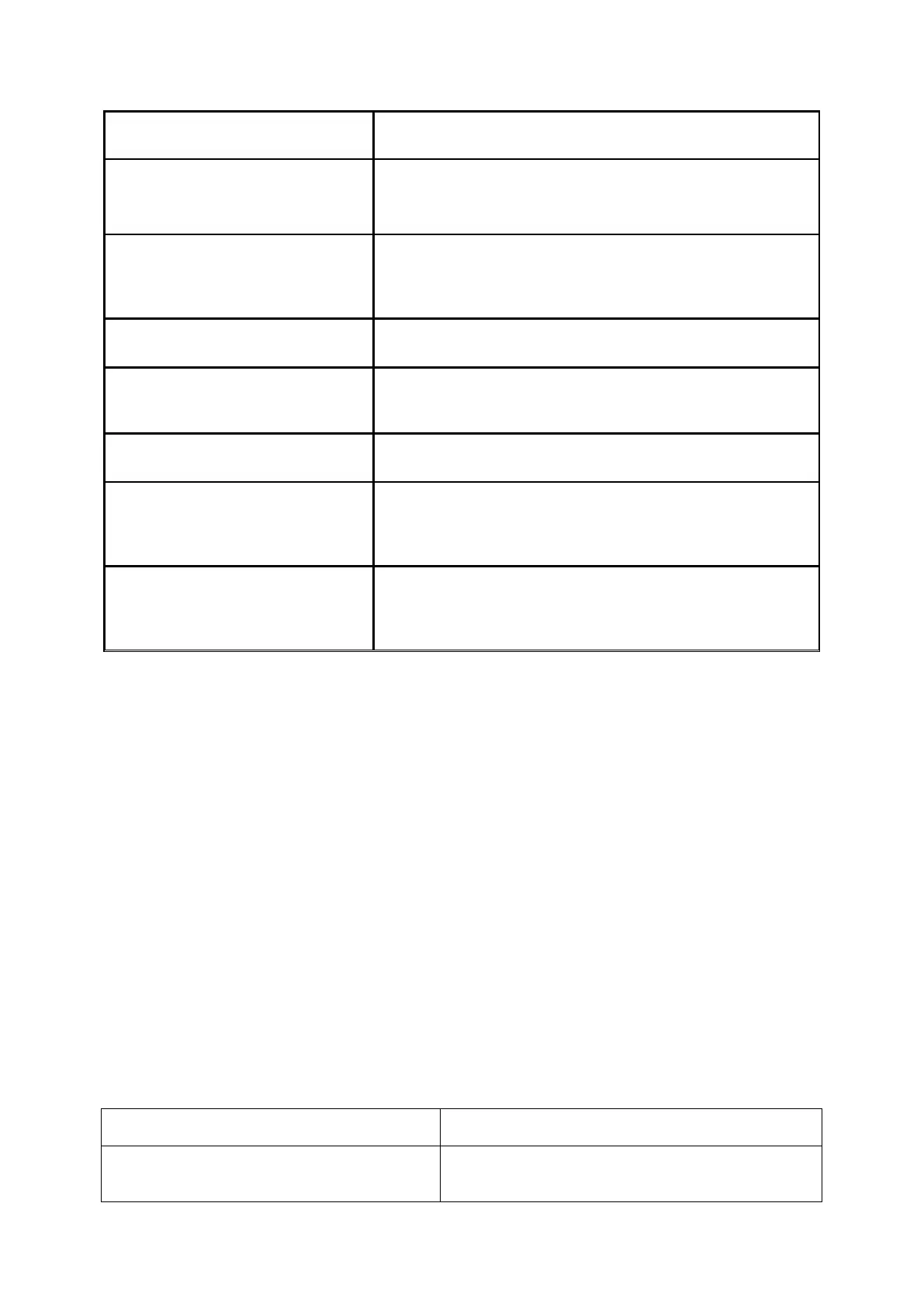
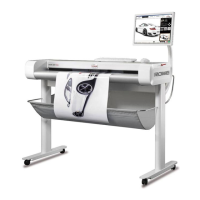
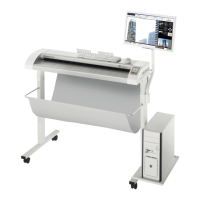
with preview and editing, additional output queues
(PRINT QUEUES). List of supported printers available in
ROWE APP CENTER.
ROWE EDIT PROFESSIONAL APP
2-point-deskew, measuring of areas and lengths direct
in scanned sheets, Insertion of text and geometric
objects, gerneration of color pallettes, extendes cutting
Editing of stamps and banners.
Automatic recognition of header and rotation due to
online folding.
Logging of every scan- print- and copy jobs
Extended cost center management including evalution-
, quota limitting/prepaid and filter funtions, user- and
group management.
Direct printing of PostScript level 2 and 3, PDF, PDF-A,
Multipage PDF/PDF-A files on a ROWE ecoPrint and/or
Inkjet.
Table 3.2: ROWE APP CENTER
By default, the ROWE Scan 850i is delivered including ROWE TWAIN APP as well as a 30-
day trial version of ROWE SCAN/COPY APP. Optionally, models with extended features can
be activated on the spot by means of a software upgrade. An overview of the available
APPS is given in Table 3.2.
Supplied accessories
ROWE installation CD-ROM including:
o Driver for ROWE Scan 850i
o Installation process for ROWE Scan Manager
o Operating Manual as PDF file
Calibration Chart for ROWE Scan 850i
Power unit 24 V
Power cord (1xCE / 1xUL / 1xGB / 1xCN)
USB 3.0 type A to type B for connection between PC and scanner
Hardcopy of short manual
Optional accessories
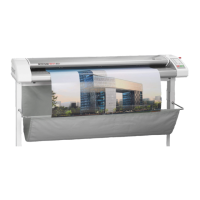
ROWE Scan Series floor stand 44“
Floor stand 44“: Height of feed table for
originals: 960 mm


 To Next Page