8.5 Printer
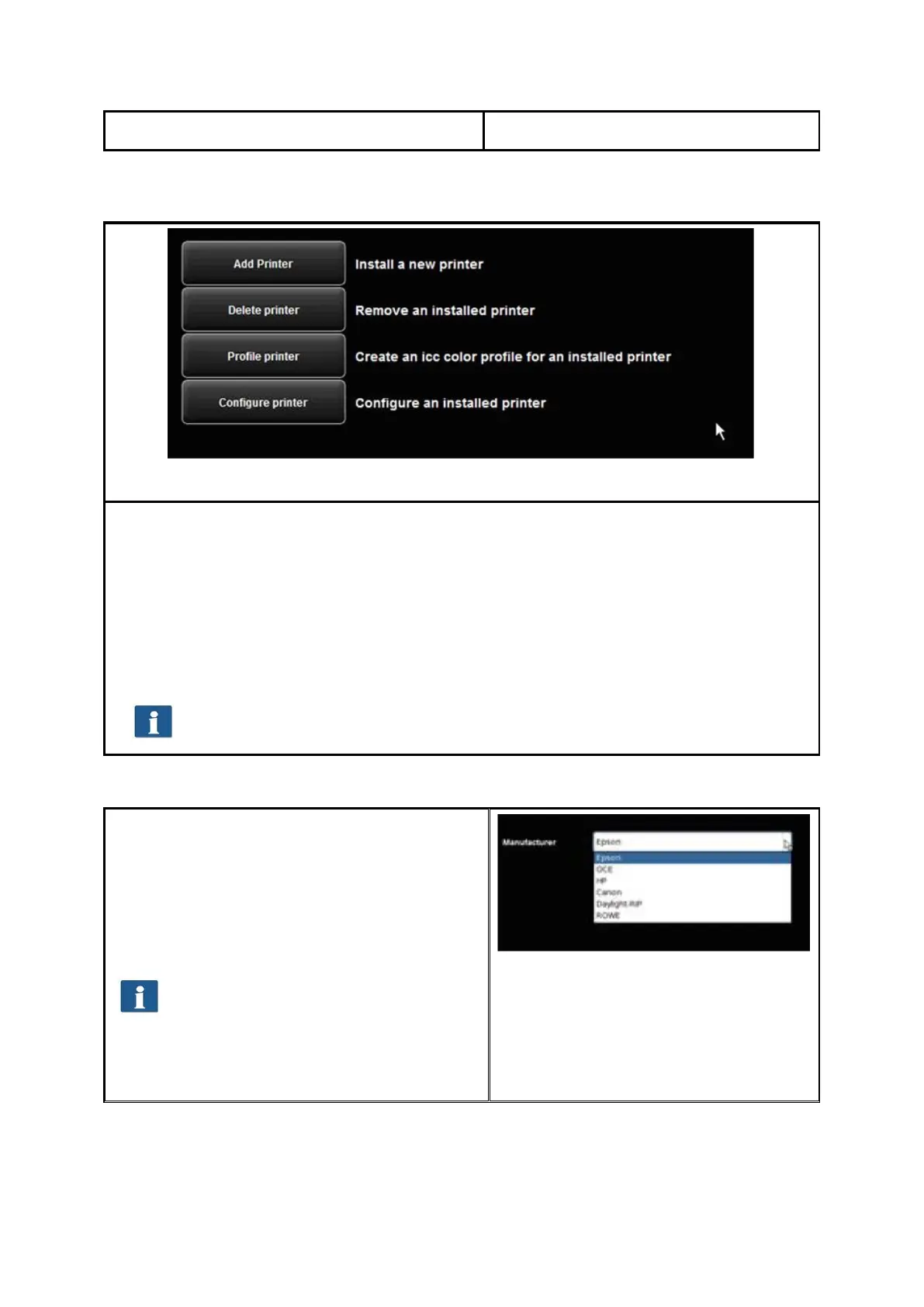
Figure 8.5: Selection of printer actions
In order to set up your printer, ConfigManager provides numerous options:
Add printer (see 8.5.1)
Delete printer (see 8.5.2)
Profile printer: Create a color profile for an inkjet printer to optimize the color
reproduction quality (see 8.5.3)
Configure printer: Depending on the printer model, numerous other settings are
available (see 8.5.4).
If you are not logged in as administrator, you are requested to do so as soon
as you press one of the buttons (see 8.11).
8.5.1 Adding Printer
If you want to add a printer, press the button
"Add printer" (Fehler! Verweisquelle konnte
nicht gefunden werden.).
Afterwards, you are prompted to enter the
printer manufacturer. For this purpose, select
the appropriate manufacturer from the list and
click "Next".
The available manufacturers are
dependent upon the installed license
options. Should the required
manufacturer name not be provided,
you may need a license upgrade. (see
Chapter 4.10).
Figure 8.6: Selection of printer
manufacturers



 To Next Page