10.1 Cleaning of Scanner
Dirt and dust particles on the glass plate of the scanner may result in a deterioration of
the scan result.
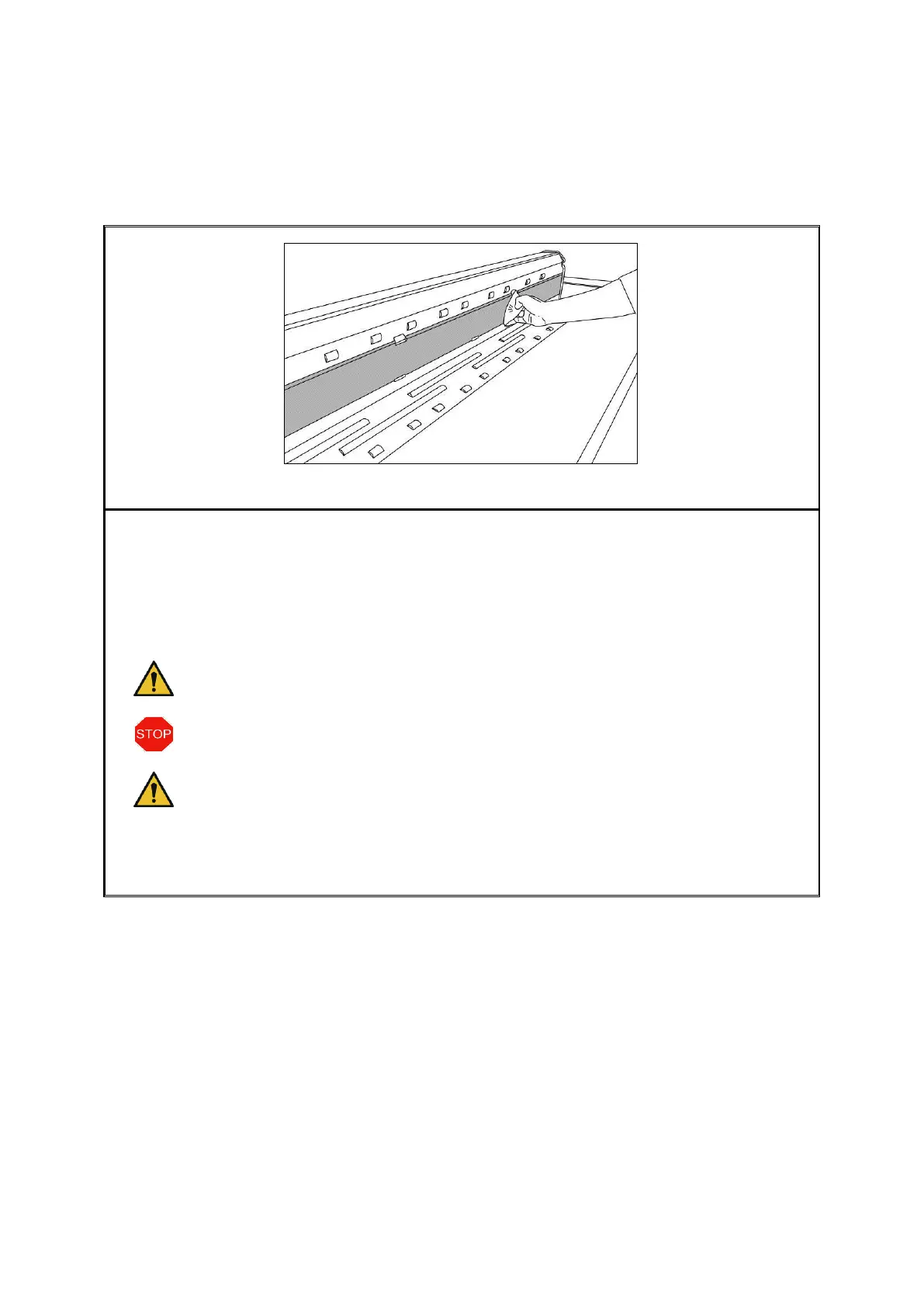
This can be avoided by regular cleaning of glass plate, reflector rollers, and feed table.
Figure 10.1: Cleaning of glass plate
In order to clean glass plate, reflector rollers, and feed table, first open the scanner top.
For this purpose, grab the left and right side of the scanner top and release it from its
locking (see Fehler! Verweisquelle konnte nicht gefunden werden., Page 14).
Afterwards, you can tilt the top by about 95°.
Put a small quantity of mild glass cleaner on a clean, fuzz-free cloth and wipe the glass
plate. Now, take a second clean and fuzz-free cloth to rub the glass plate dry.
Make sure that the liquid does not penetrate under the glass plate and allow
the area to dry completely.
It is absolutely necessary to switch the scanner OFF and to pull the mains plug
before cleaning operations.
We recommend not to clean the glass plate in the device but to remove it
before cleaning (see 10.2). Make sure that all components are completely dry
before switching the device ON again.
In order to clean the reflector rollers, wipe them with a clean, fuzz-free cloth. The roller
cleaner LIXTON W1-H is recommended as cleaning agent.
10.2 Replacing Glass Plate
If the scanner is used often, the glass plate may wear out and the scan result may
deteriorate as a consequence. If cleaning of the glass plate does no longer improve the
scan result, replace the glass plate.



 To Next Page