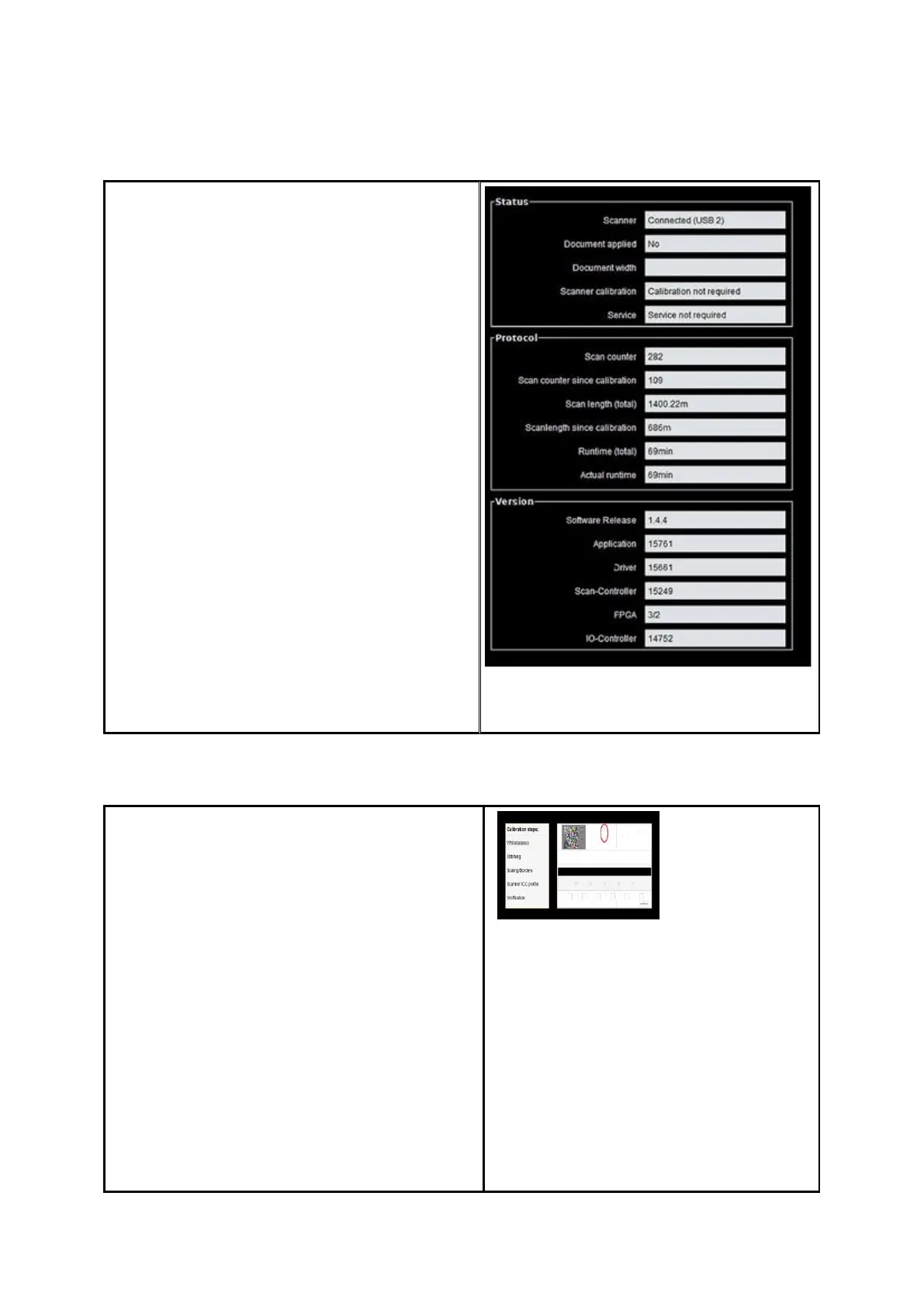
The following information is given under
Status:
Status of connection between
scanner and PC
Whether an original was placed and if
yes its approximate width
Whether calibration is required
Whether maintenance by the ROWE
Service is required
Under Protocol you can see the scanner's
intensity of utilization. There you can see the
number of scans already effected, the overall
scan length, as well as the operating hours of
the scanner.
Under Version you can see detailed
information on the software version as well as
firmware of the scanner. Usually, only the
entry "Software Release" (here 1.3.0) is
important.
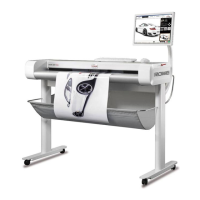
Under Calibration you can calibrate the
scanner again. A new calibration is always
recommended if the scan quality seems to
have deteriorated. Moreover, calibration is to
be effected at regular intervals – depending on
the degree of utilization.
In order to perform a calibration you simply
have to follow the instructions given on the
screen. In this respect, also refer to Chapter
2.11).


 To Next Page