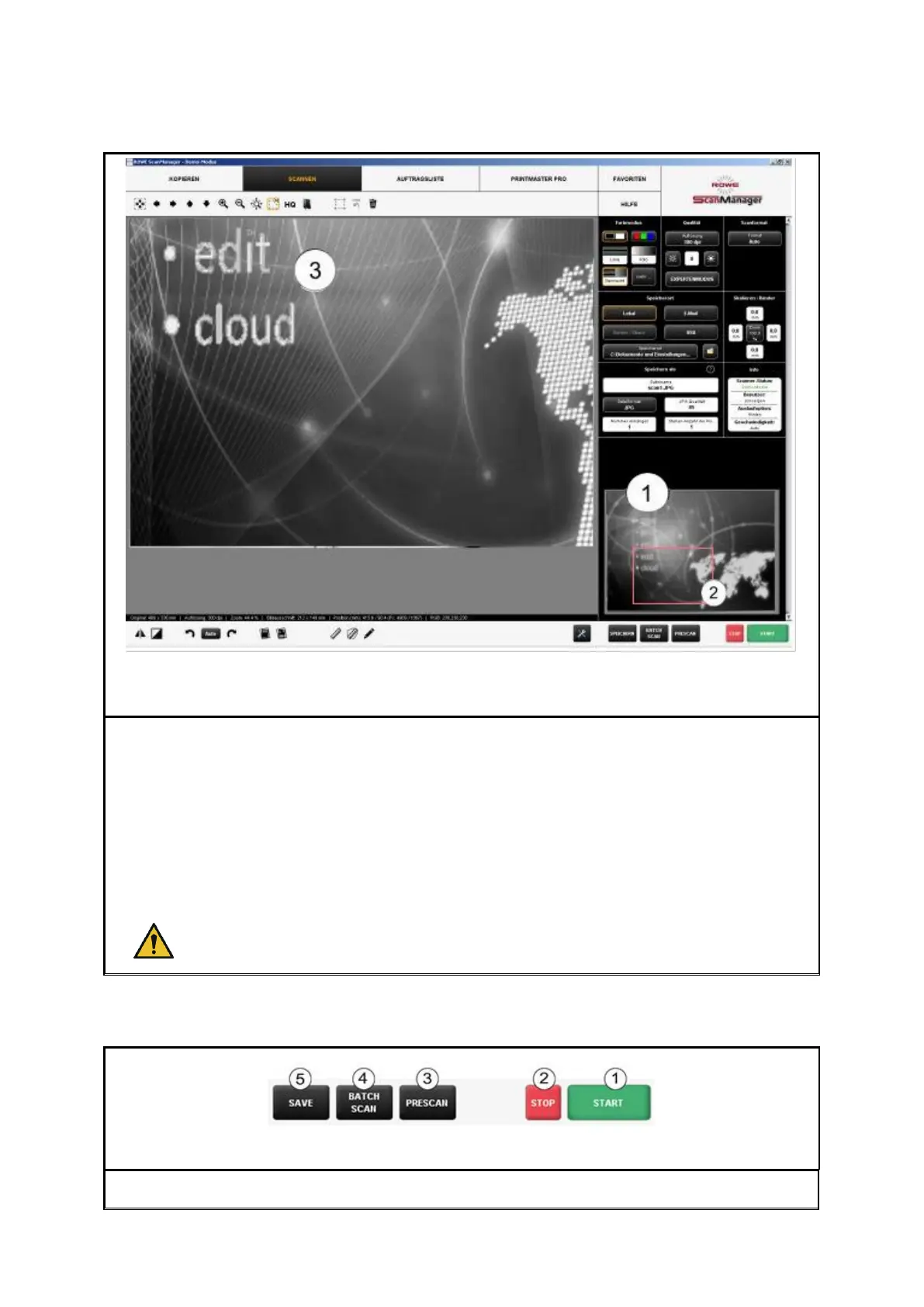
The small viewer (1) embedded at the bottom on the right serves to keep track of the
position in the complete image when using the zoom functions of the main viewer (3)
The General Viewer is linked with the main viewer in a way that the section shown in the
main viewer is always highlighted by a red frame (2) in the overview viewer.
Now, you can "grab" this frame by means of the mouse and move it to another position to
show another area in the main viewer.
If you want to display a smaller or bigger section in the main viewer, you can also "grab"
the four edges of the viewer and shift them.



 To Next Page