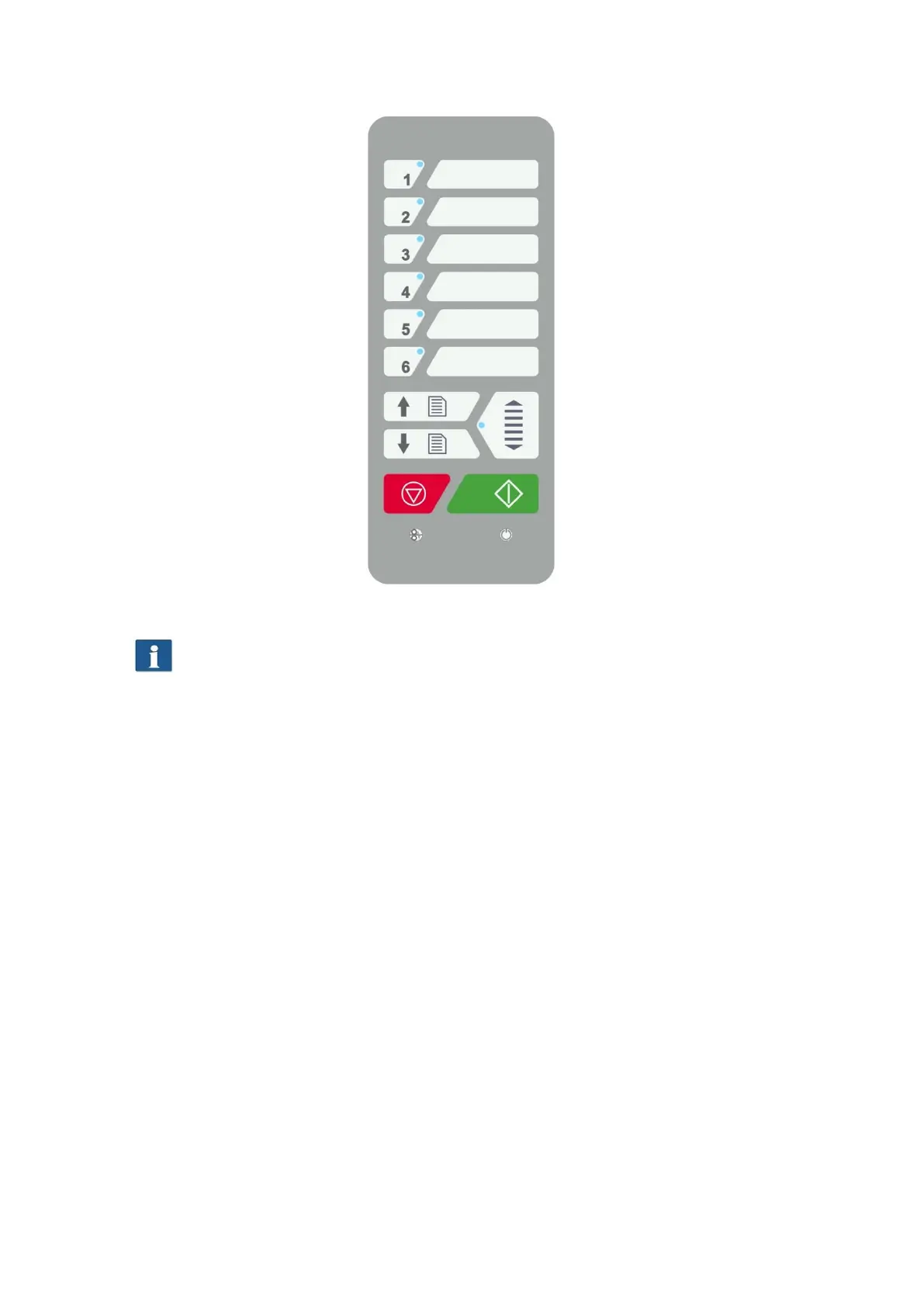
Figure 3.2: Control panel ROWE Scan 850i
If you want to mark the favorite keys of the control panel, use a conventional
permanent marker. Please use household cleaning agents to remove or clean
it.
Fehler! Verweisquelle konnte nicht gefunden werden. shows the back of the ROWE
Scan 850i with the left side box. There, you see the following connections:
1. Connection for 24 V power unit
2. USB-A slot (USB 3.0) to connect side box USB-slot to PC
3. USB-B slot (USB 3.0 for ROWE Scan 850i)to connect the scanner to PC



 To Next Page