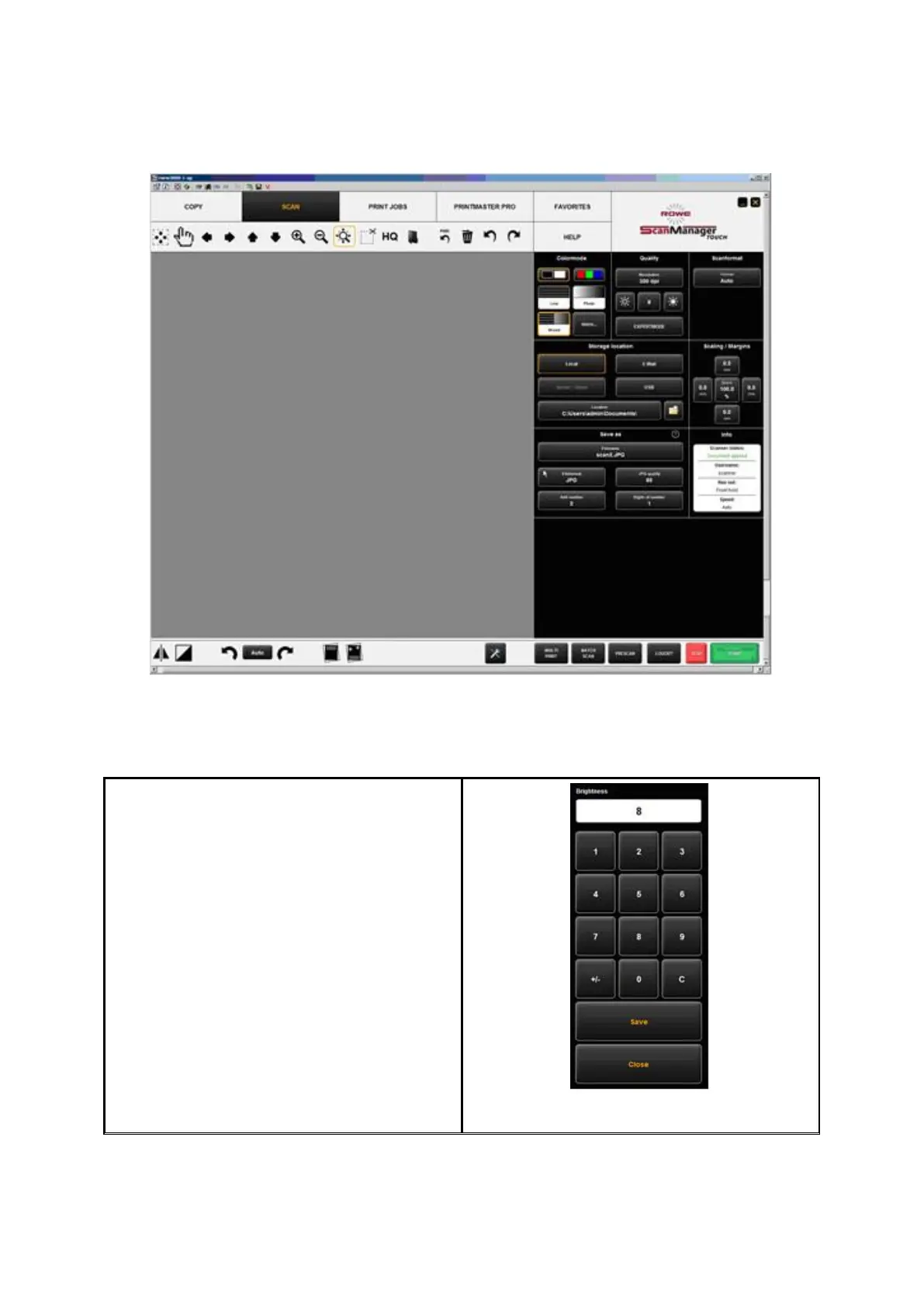
bigger buttons require much more space, the General Viewer is not provided (see
Chapter 7.6). Fehler! Verweisquelle konnte nicht gefunden werden. shows the
layout.
Figure 7.53: ROWE SCAN/COPY APP TOUCH
As a conventional keyboard is usually not available when using a touch screen, a virtual
keyboard is shown when an entry is required. By means of the buttons you can enter the
desired text and/or figures by finger.
Every time a number needs to be entered, a
virtual numeric keypad is shown
automatically.
Figure 7.54: Numeric keypad



 To Next Page