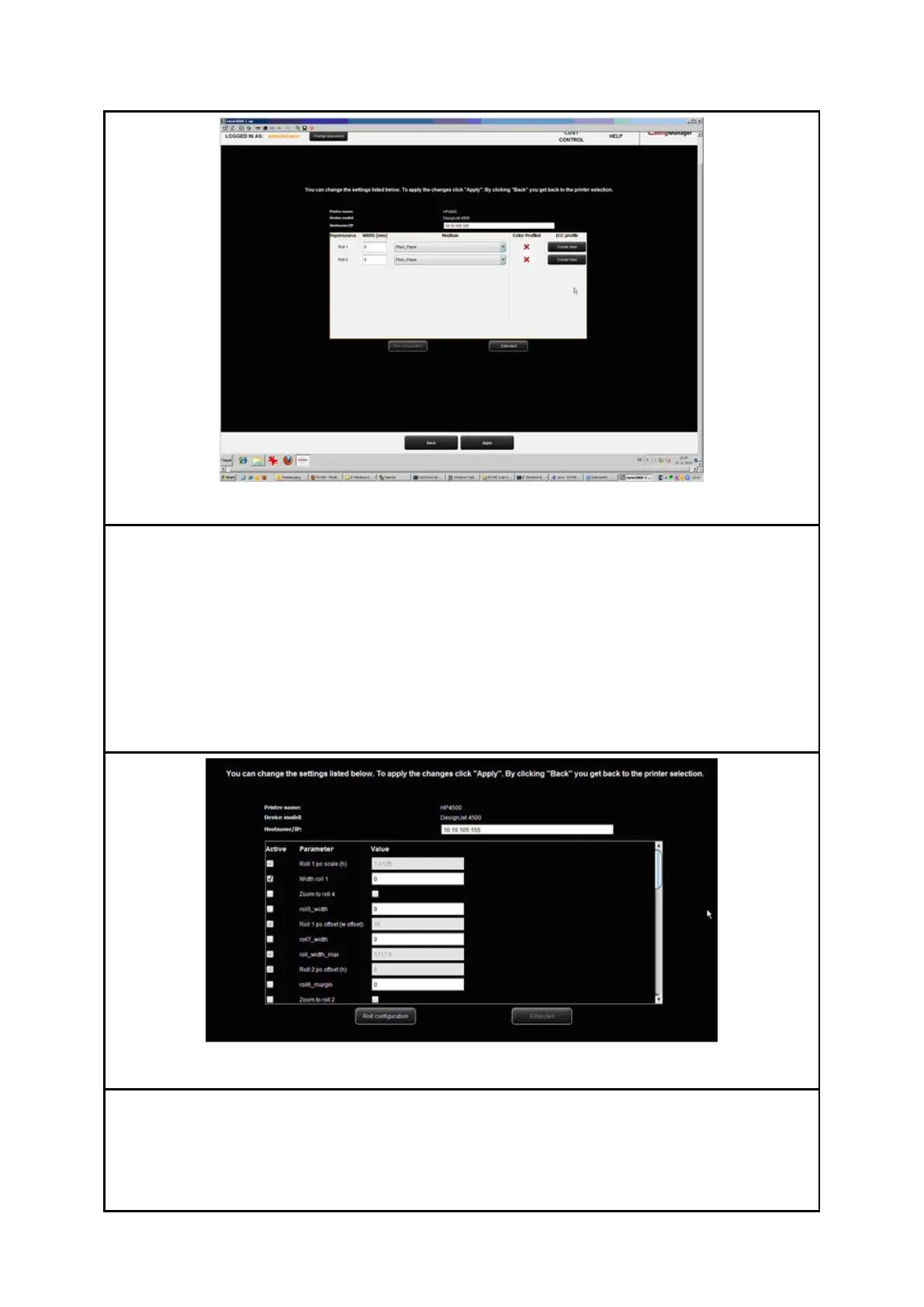
Now you access the configuration area of the printer. There you can
Change IP address and/or host name of the printer,
See whether a color profile is already available for a medium (only for color
printers),
Create a (new) color profile for a medium (see 8.5.3) (only for color printers),
Change the medium type and the width of a roll (only for color printers),
Call extended settings (see Fehler! Verweisquelle konnte nicht gefunden
werden.).
In the extended settings you can make some complex settings affecting the behavior of
the printer quite individually. The most important settings refer to the printable area of
inkjet printers and margins. You should not make any modifications in this section unless
problems occurred in this connection. The most important parameters are:
Min. linewidth PS/PDF (Px): Specifies the minimum line width in pixels used for



 To Next Page