12.3 Insole Composition
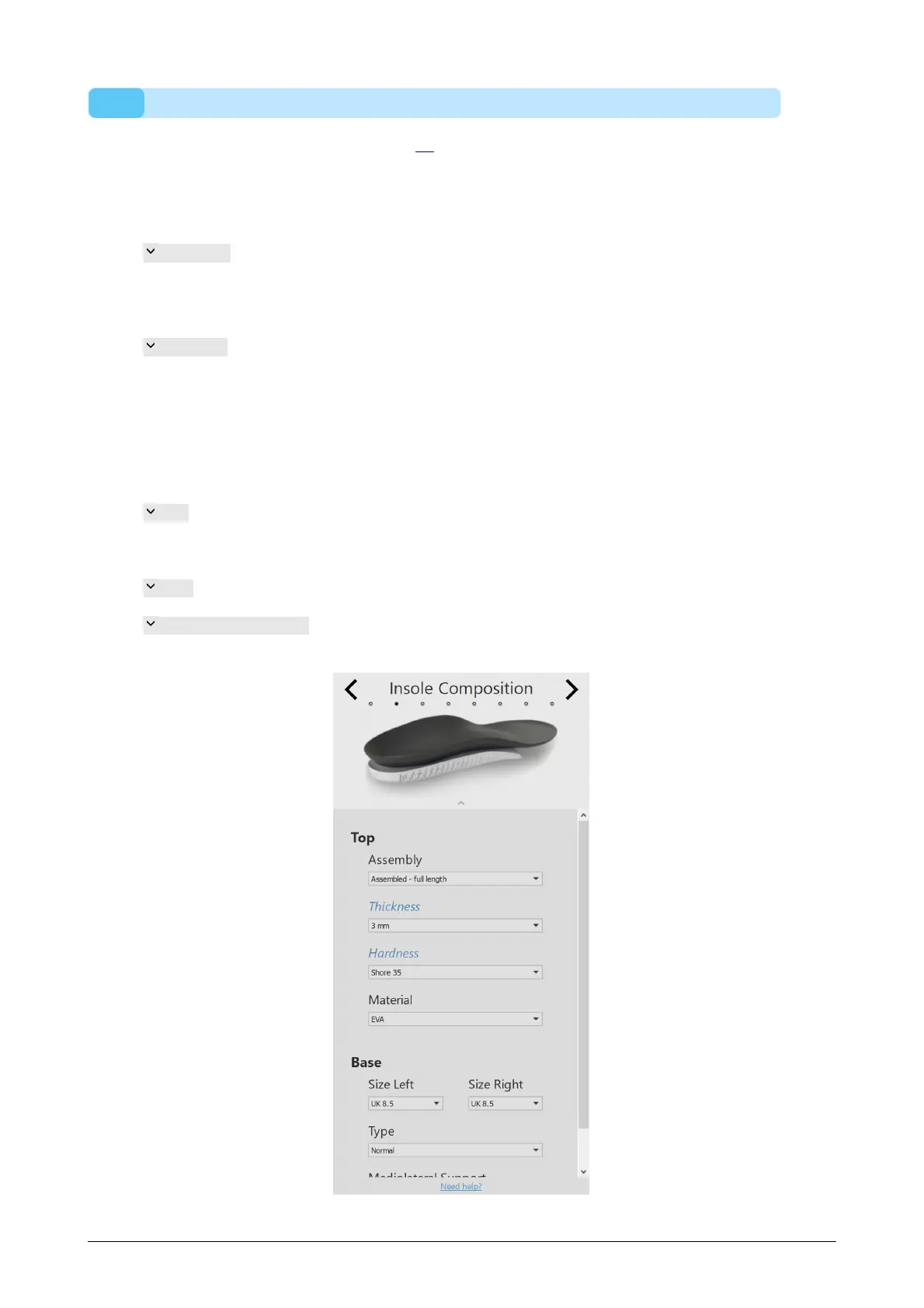
The insole composition panel (Figure 72) allows setting the properties of the top layer
and the printed base layer.
Top layer
Thickness controls the thickness of the top layer. The default
thickness is dependent on the previously chosen Usage in
the general info panel. For non-cycling insoles, the options
are 4 and 6 mm. For cycling insoles, only 2 mm is available.
Hardness controls the shore value of the top layer (20 shore PU soft,
30 shore EVA, 35 shore EVA or 40 shore EVA). The default
hardness is dependent on the bodyweight of the subject
and will always be EVA (PU soft must be chosen manually).
For cycling insoles, only 25 shore EVA is available.
Base layer
Size controls the size of the printed base layer, in steps of 0.5
UK size. By default, the value corresponds to the shoe size
minus one.
Type controls the type of the insole (Normal or Ortho).
Mediolateral Support controls the degree of mediolateral support (Normal or
High).
Figure 72: Insole Composition.



 To Next Page