12.9 Personalization
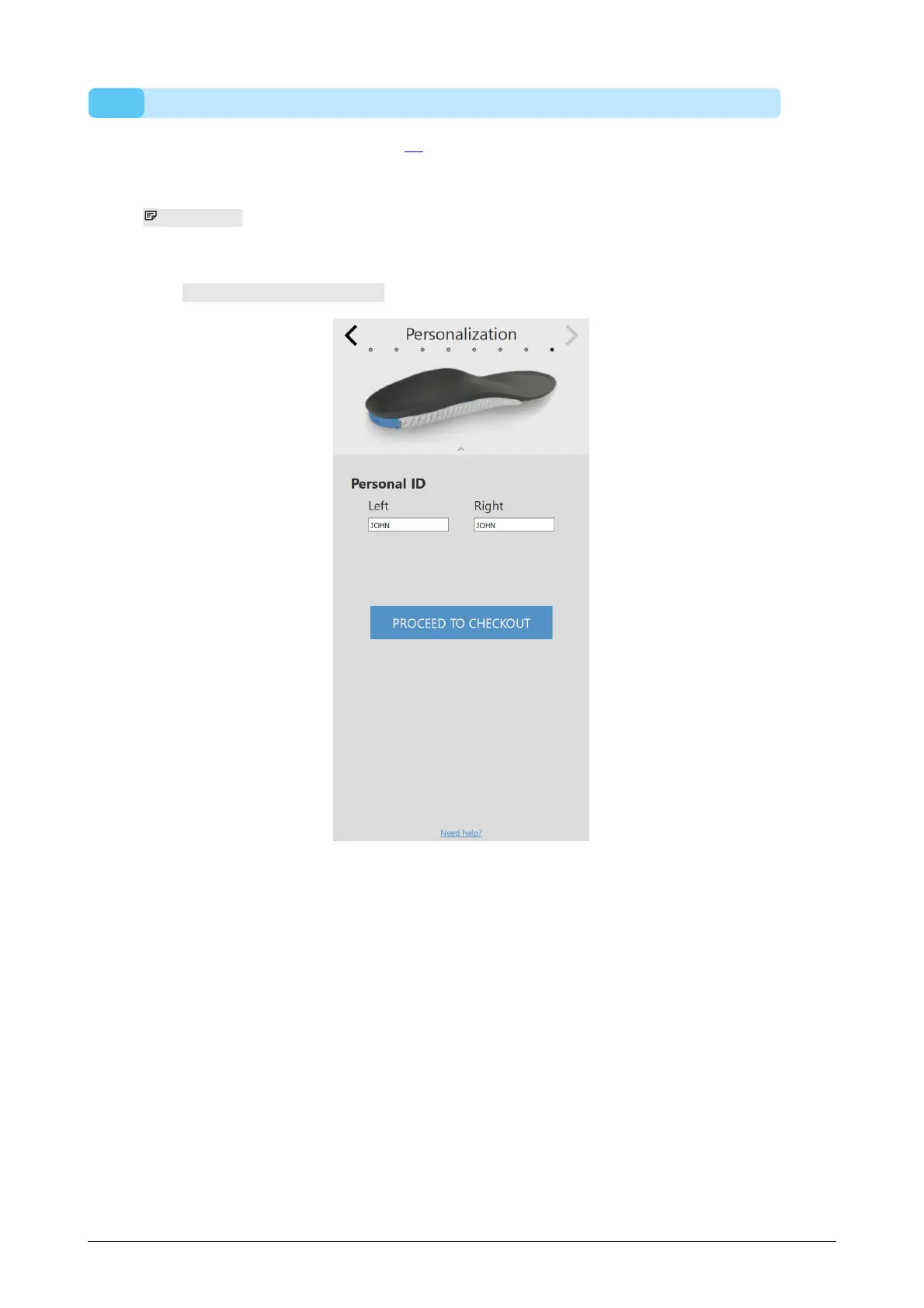
In the personalization panel (Figure 78), a customized personalization can be added to
the insole.
Personal ID controls the personal ID that is added to the rear of the
insoles. By default, the personal ID is set to the subject’s
first name (limited to 8 alphanumerical characters).
Click PROCEED TO CHECKOUT to advance to the checkout overview.
Figure 78: Personalization.



 To Next Page