12.5 Local Stiffness
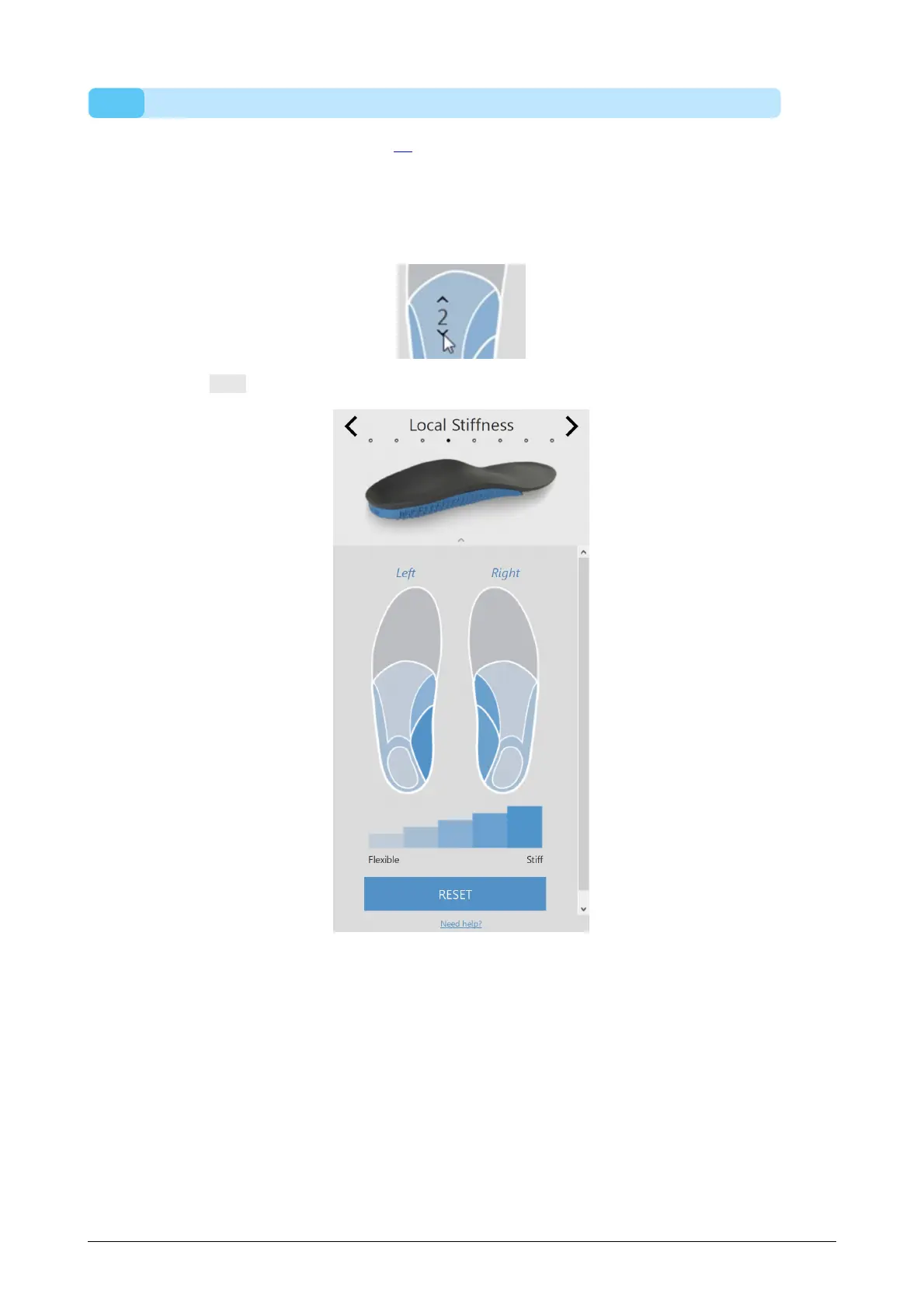
In the local stiffness panel (Figure 74), the local stiffness of the base layer of the insole
can be adjusted.
The base layer is divided in five predefined zones. The stiffness ranges from 1 (i.e. more
flexible = light blue) to 5 (i.e. more stiff = dark blue). Hovering over a zone activates the
local stiffness controller, which allows the user to set the local stiffness for each zone.
Click the reset button to reset the local stiffness values to the defaults.
Figure 74: Local Stiffness.



 To Next Page