Chapter 3
Your First Measurement
This chapter outlines the minimum number of steps from a fresh installation of the
footscan system to the first measurement.
Start the software using either the shortcut on your desktop, or the entry in the start
menu.
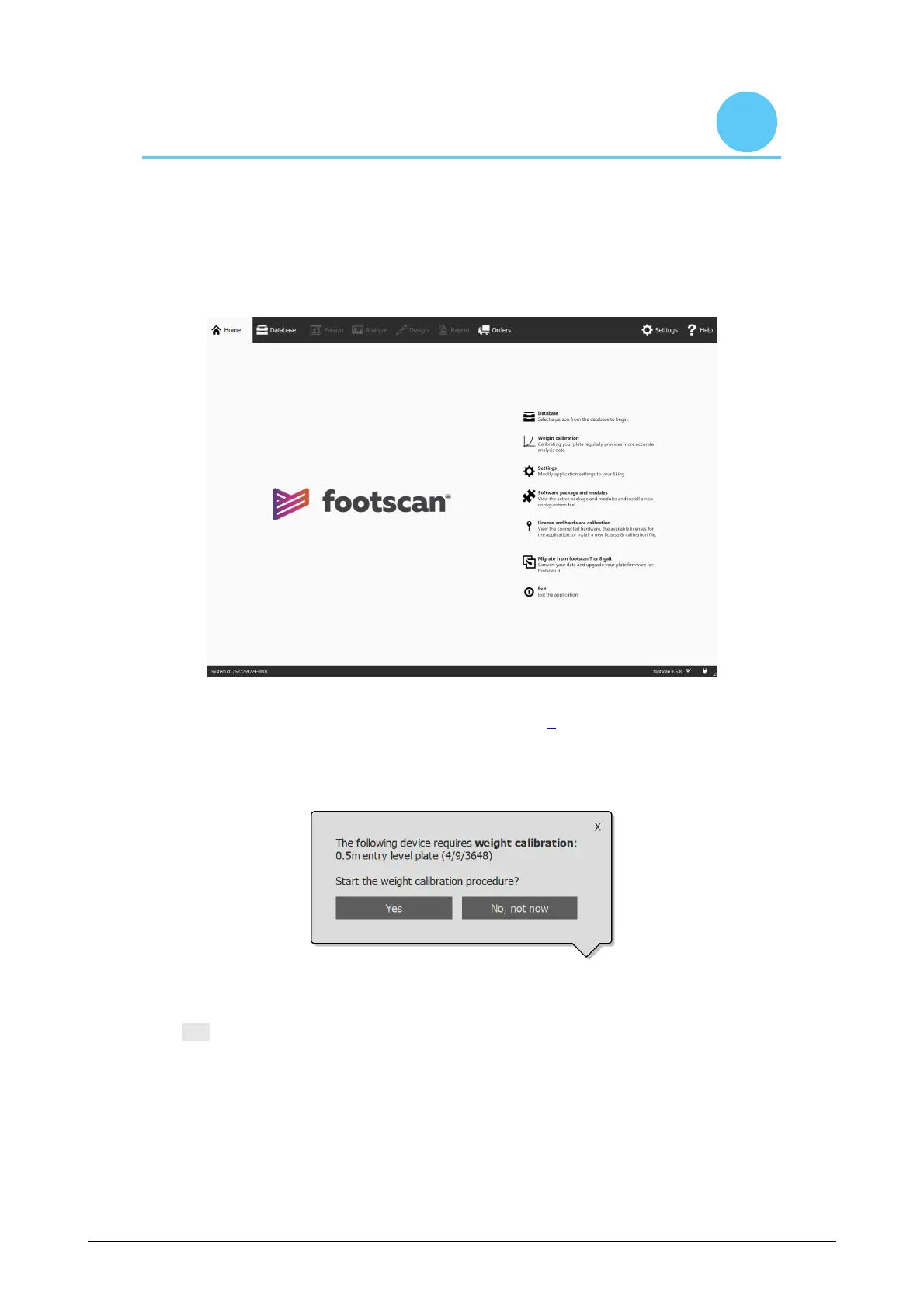
Figure 1: The Home screen is the main access point of footscan 9.
At startup, footscan 9 shows the Home screen (Figure 1).
If you have not already plugged in the footscan system, plug it in now. A notification
balloon will pop up, informing you that the footscan device needs weight calibration.
Figure 2: The notification balloon warning you that a footscan device requires weight
calibration.
Click Yes to start the weight calibration.
®
®
®
®
®
®



 To Next Page