Chapter 14
Orders Screen
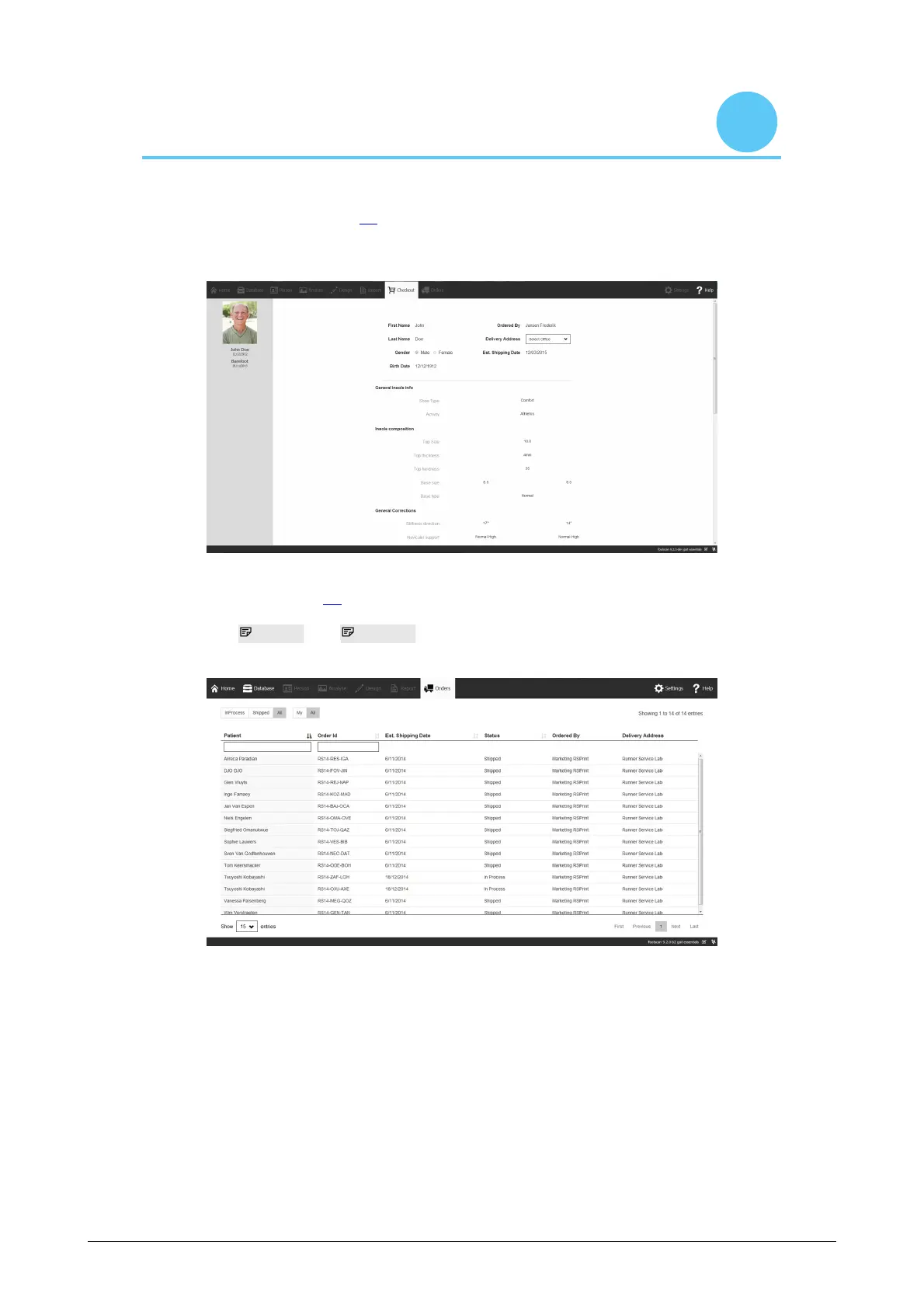
In the order summary (Figure 80), an overview of the essential information of the order
is displayed, such as the subject information, unique order ID (e.g. RS15-ENA-MUS),
the order status, expected shipping date and delivery address.
Figure 80: Order summary.
In the orders tab (Figure 81) the status of your submitted orders can be consulted.
By using the Patient and Order Id text fields specific orders can be consulted in the
database. The orders can also be tracked online via https://portal.rsprint.com.
Figure 81: Order management.



 To Next Page