3.2 Create a New Subject
If there was no footscan database present during the installation of
footscan 9, the installer has copied a demo database.
To record a new measurement the application needs information of the subject being
measured. footscan 9 provides the Database screen to manage information about
measurement subjects.
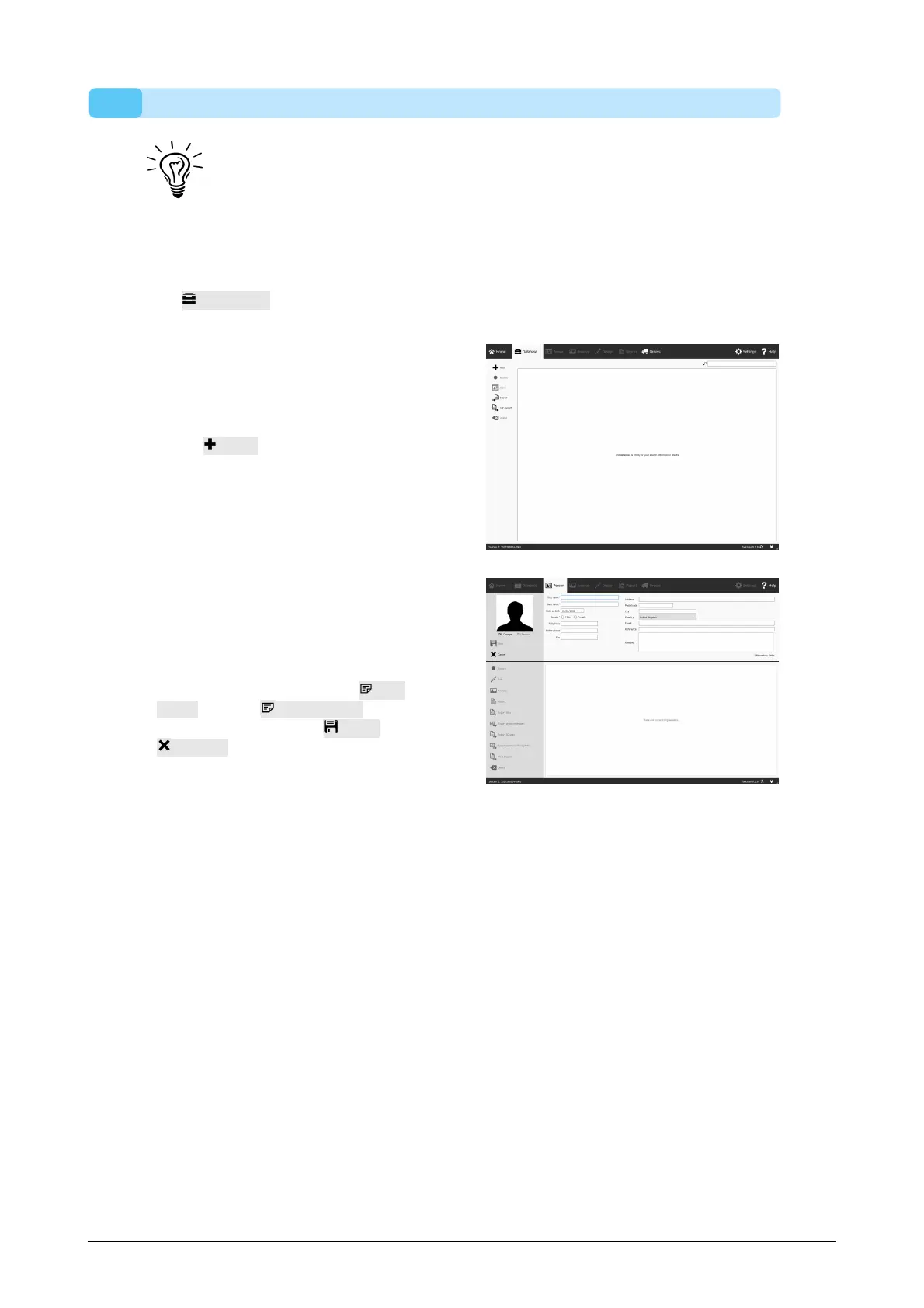
Click Database in the Home screen to navigate to the Database screen.
Currently there are no
measurement subjects in the list.
Cl ick Add to add one. The
application navigates to the Client
Screen.
The Client screen provides an
interface to edit personal
information about a subject. It
also lists all measurement
sessions of that subject. Fill in the
personal information for your
newly created subject. First
name and Last name are
mandatory fields. Use Save or
Cancel to proceed after editing
the subject's personal
information.
®
®
®



 To Next Page