17.2 Select Import File Page
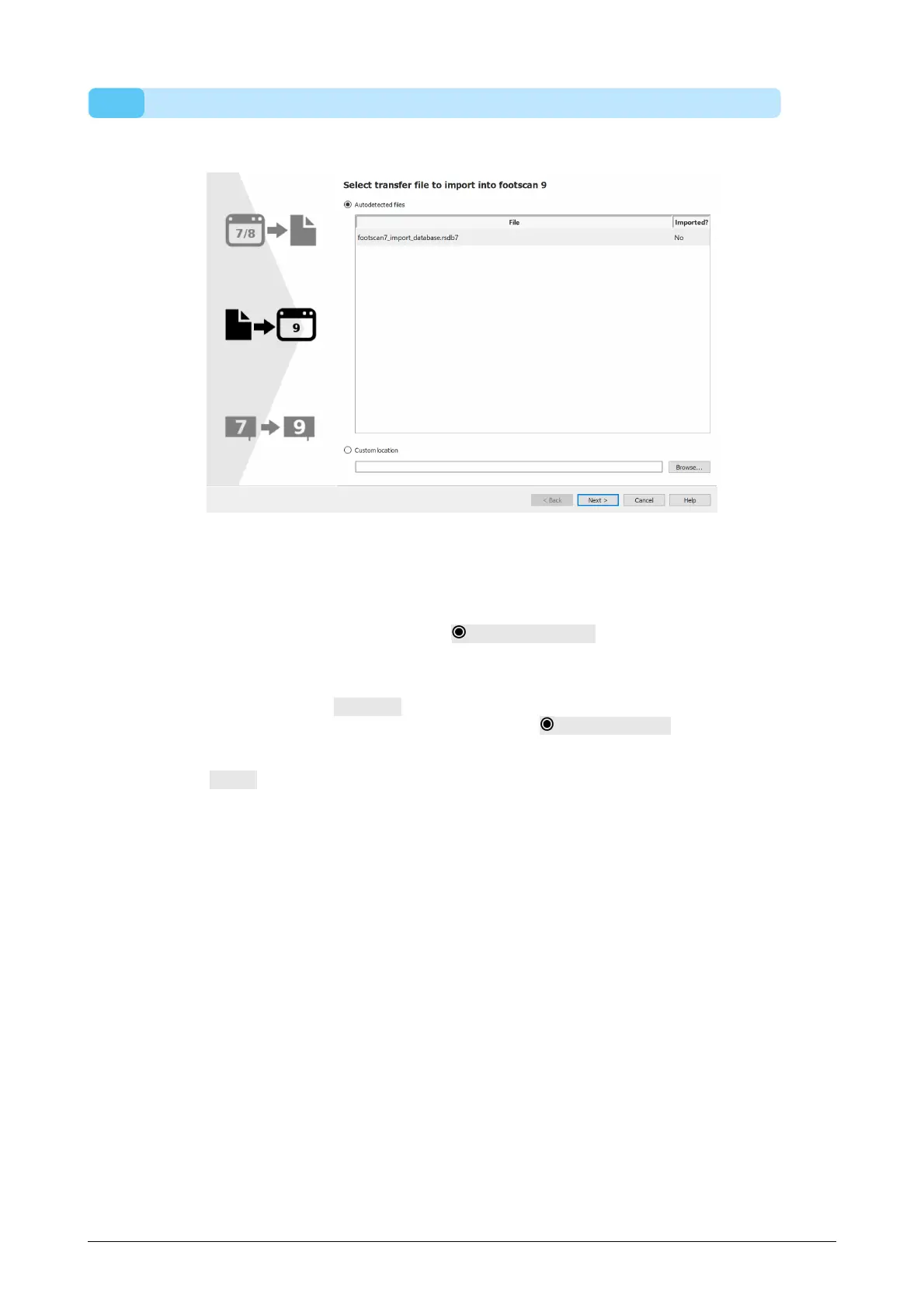
Choose which intermediate database file you want to import.
Figure 87: Migration select import file page.
All the intermediate database files located in the import folder of the footscan 9
software will be listed in the autodetected files section of this page. It will show which
intermediate database file is found and if it was already imported or not, you can select
which database file you would like to import. If there are no intermediate database files
found in the footscan 9 import folder, the Autodetected files radio button will be
unchecked
If the intermediate database file is not located in the import folder of the footscan 9
software, you can use the Browse... button to select the intermediate database file.
When a valid intermediate database file is chosen, the Custom location radio button
will be checked.
Click the Next > button to continue.
®
®
®



 To Next Page